GPT Image 2 vs 1.5: Every Upgrade Explained
A side-by-side breakdown of everything that changed between OpenAI's two image generations — and why GPT Image 2 wins across the board.
The previous generation was already the strongest text-rendering image model on the market. GPT Image 2, released April 21, 2026, does not just iterate on that lead — it introduces capabilities that did not exist in the previous generation.
This comparison covers every dimension that matters: output quality, text accuracy, speed, subject fidelity, editing, and prompt adherence. We tested both on PonPon with identical prompts.
Output quality: sharper detail, better composition
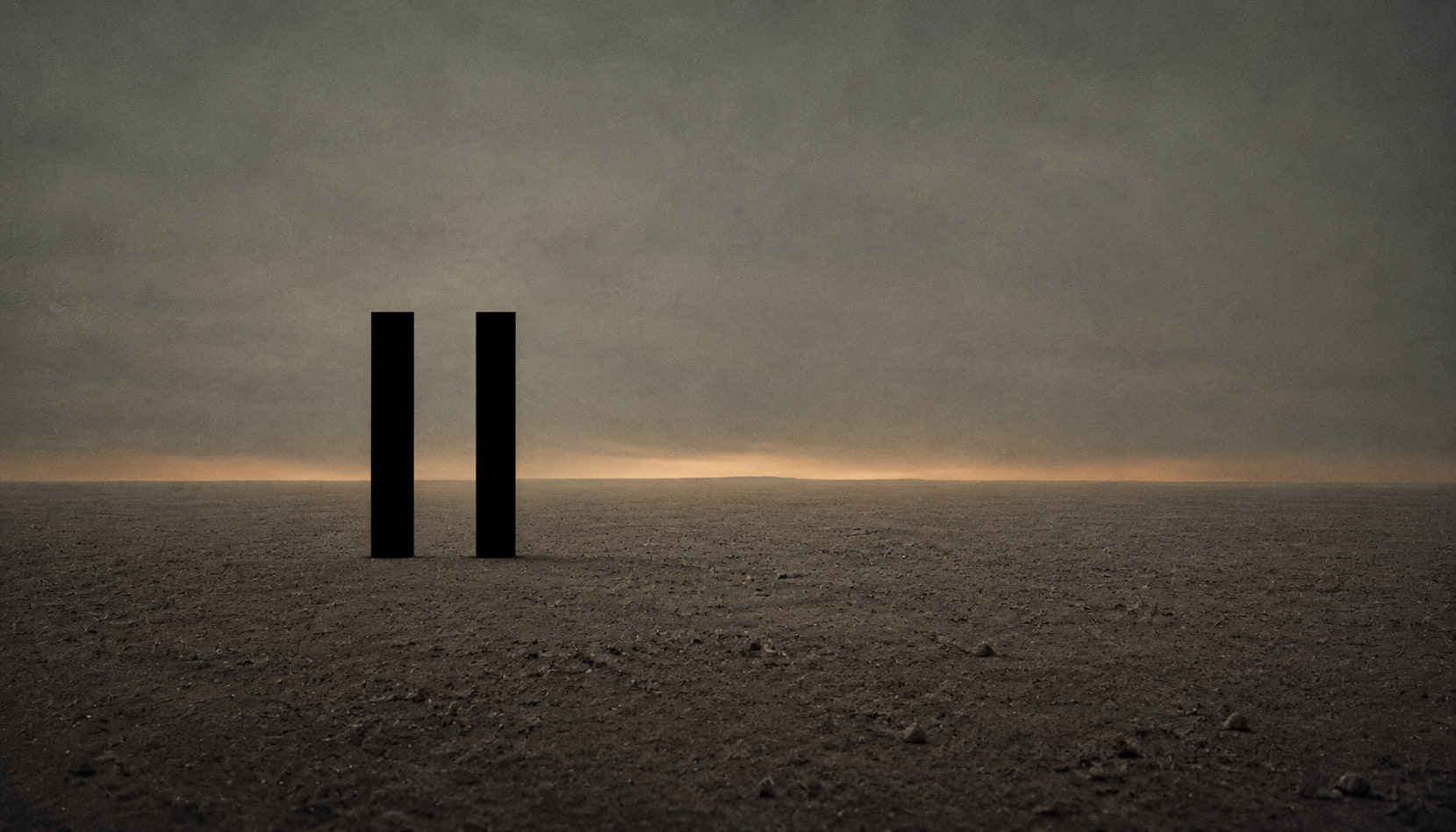
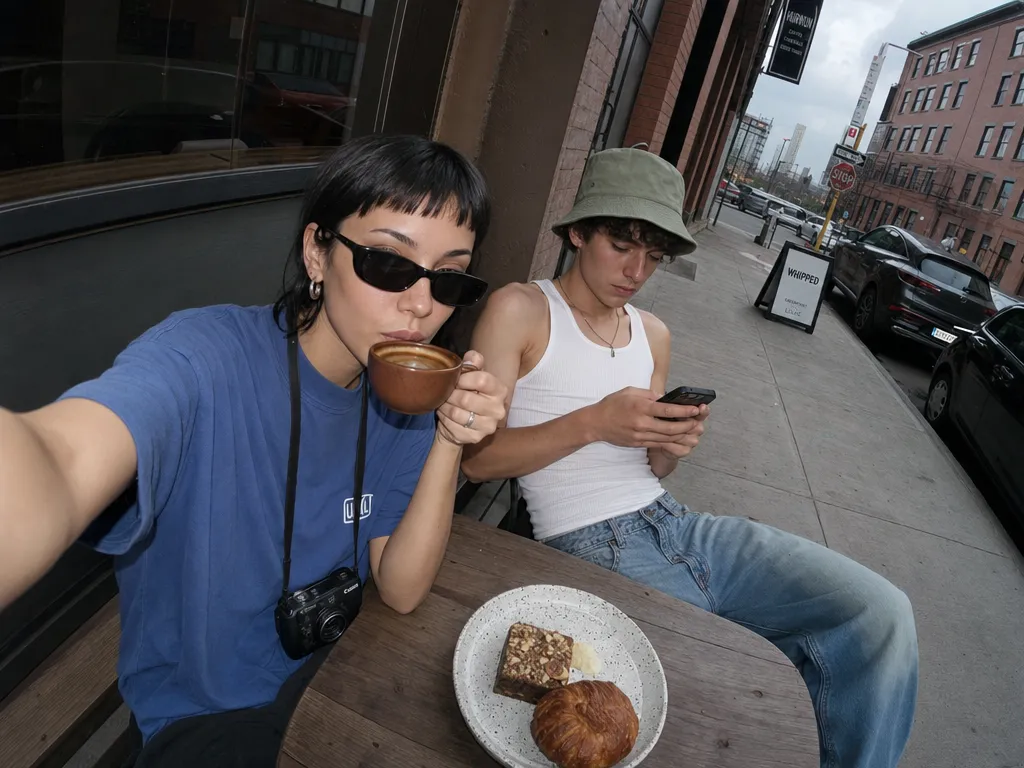
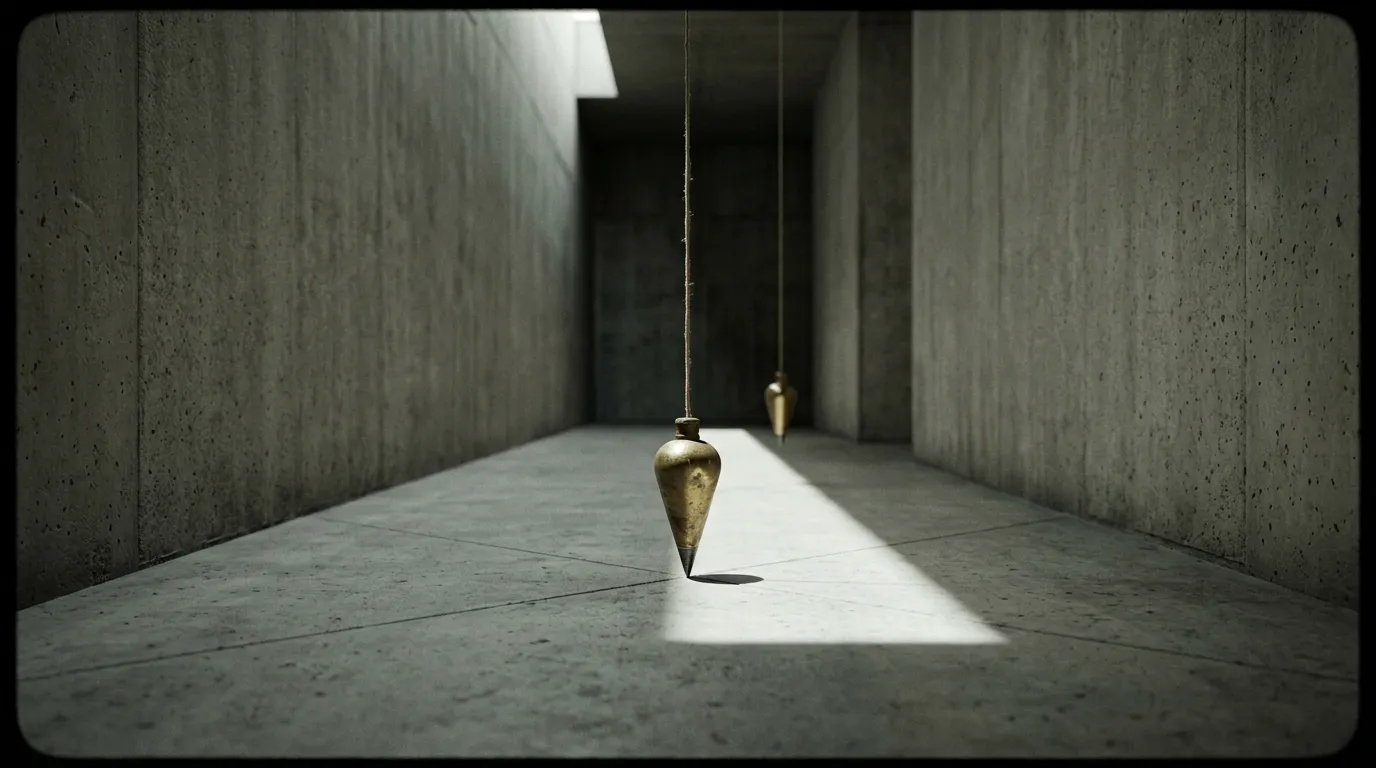
GPT Image 1.5 outputs were clean and production-ready. GPT Image 2 produces visibly sharper results — finer texture, more deliberate lighting, and compositions that read as art-directed rather than generated.
The difference shows when you zoom in. A GPT Image 2 product shot holds its detail at full resolution where a GPT Image 1.5 output softens. On PonPon, GPT Image 2 always runs at the highest quality setting automatically — every generation gets the best the model can produce.
Text rendering: from good to near-perfect
GPT Image 1.5 set the bar for text in images. Logos, signage, and labels rendered legibly where competitors produced garbled characters. GPT Image 2 pushes this from good to near-perfect — 99% measured accuracy.
The practical difference shows in edge cases. Long strings of text (full paragraphs, ingredient lists, multi-line code snippets) that occasionally tripped GPT Image 1.5 render cleanly in GPT Image 2. Small text at the edges of a composition — where accuracy typically degrades — stays legible.
The bigger upgrade is multilingual text. GPT Image 1.5 handled English and common Latin-script languages well but struggled with CJK characters, Hindi, and Bengali. GPT Image 2 renders these at the same 99% accuracy as English. For international marketing, multilingual packaging, or any content targeting non-English audiences, this is the unlock.
Speed: noticeably faster
GPT Image 2 is noticeably faster than its predecessor. The speed improvement matters most for iterative workflows — refining a concept through 20 variations takes meaningfully less time with GPT Image 2 than with 1.5. Over a production session, the gap adds up.
The faster generation also closes the gap with speed-optimized alternatives that previously had a clear edge for rapid brainstorming.
Subject fidelity: entirely new
This is not an upgrade — it is a new capability. GPT Image 1.5 would subtly drift when you iterated on an image — the face shifts, the product color changes, the brand element morphs. GPT Image 2 keeps the subject locked across rounds of editing.
Upload a reference image and iterate. The face, product, or brand element stays stable with no manual intervention. This changes the editing workflow fundamentally:
- Product photography — refine a shot across multiple rounds without the product drifting
- Brand assets — keep logos and mascots consistent through iterations
- Campaign variations — create ad variants where the core subject stays identical
- A/B testing — tweak the background or copy while the hero element holds
Editing: reference-image approach
GPT Image 1.5 supported basic editing — upload an image, describe a change, get a modified version. The edits were approximate. GPT Image 2 runs text-to-image and editing through the same model. Upload up to 16 reference images, describe the edit, and the model applies it while preserving subject identity.
The difference is fidelity. Need to swap a product label without the product itself changing? Describe the new label, done — the product stays locked. Need to adjust the background while keeping the foreground subject? The model knows what to preserve.
This brings GPT Image 2 closer to Nano Banana Pro's precision editing, though with a different approach — Nano Banana Pro uses surgical prompt-based localized editing while GPT Image 2 uses reference-image-driven editing with strong subject preservation.
Prompt adherence: the deeper change
The individual improvements above — quality, text, speed, fidelity — are all consequences of how GPT Image 2 handles complex briefs. Multi-subject scenes, specified poses, exact color palettes, legible in-image text — GPT Image 2 resolves the whole prompt instead of picking the easy half.
This shows in complex prompts. Describe a scene with six specific objects in specific positions with specific lighting, and GPT Image 2 places each one correctly. GPT Image 1.5 would typically get 4 of 6 right and approximate the rest.
What stayed the same
- Same provider — both are OpenAI models
- Same access on PonPon — select from the model picker, use your PonPon credits
- Same credit system — no separate subscription required
- Same pipeline integration — images from either model feed into Canvas, image-to-video, Flow, and the rest of PonPon's tools
- Same prompting language — natural language descriptions, no special syntax
Your existing GPT Image 1.5 prompts work with GPT Image 2 and will generally produce better results.
Should you switch?
Yes. There is no use case where GPT Image 1.5 outperforms GPT Image 2. The upgrade is across the board: sharper output, better text, faster generation, and entirely new capabilities (subject fidelity, reference-image editing, stronger prompt adherence). Even if you only use basic single-image generation, the quality and speed improvements alone justify the switch.
Both models remain available on PonPon's image studio. You can compare outputs side by side in Canvas to see the difference on your specific prompts. But the comparison is one-directional — GPT Image 2 matches or exceeds GPT Image 1.5 on every metric we tested.
Quick comparison
- Output quality — GPT Image 1.5: clean | GPT Image 2: art-directed detail and sharpness
- Text rendering — GPT Image 1.5: good | GPT Image 2: near-perfect, multilingual
- Speed — GPT Image 2 is noticeably faster across the board
- Subject fidelity — GPT Image 1.5: drifts across edits | GPT Image 2: stays locked
- Editing — GPT Image 1.5: basic | GPT Image 2: reference-image editing with up to 16 inputs
- Prompt adherence — GPT Image 1.5: partial | GPT Image 2: resolves the whole brief