Sora 2: The Complete Guide
How OpenAI's world-simulation engine works, what it does best, and how to get cinematic results on every generation.
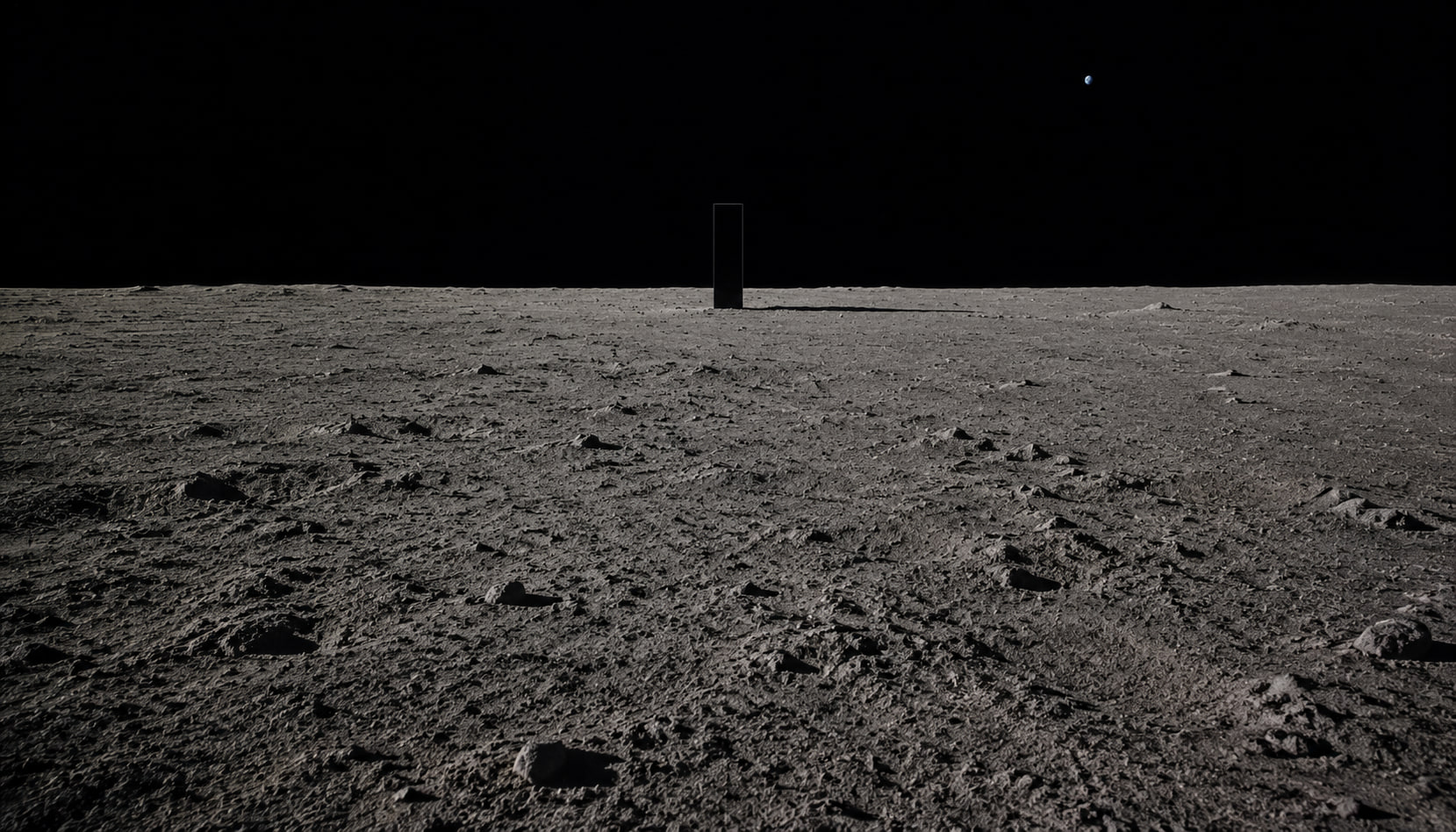
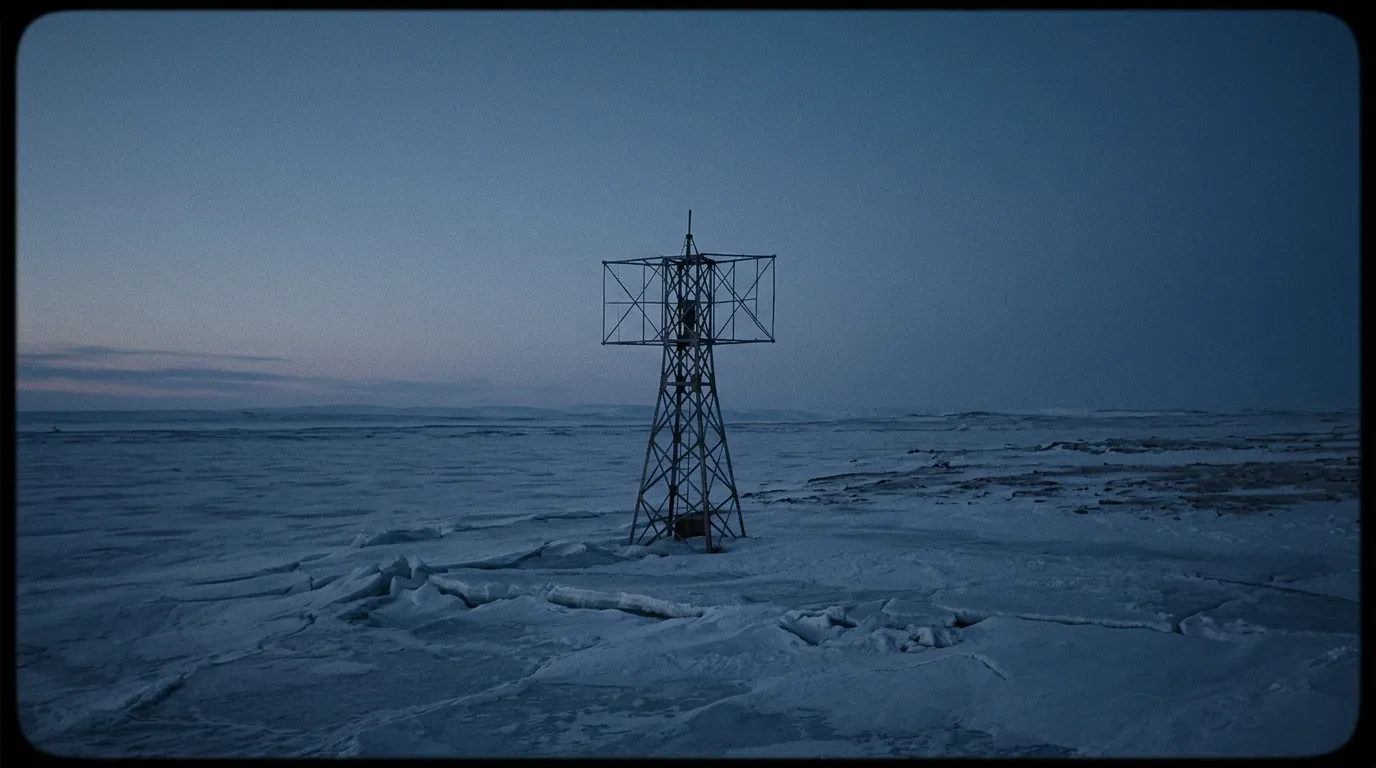
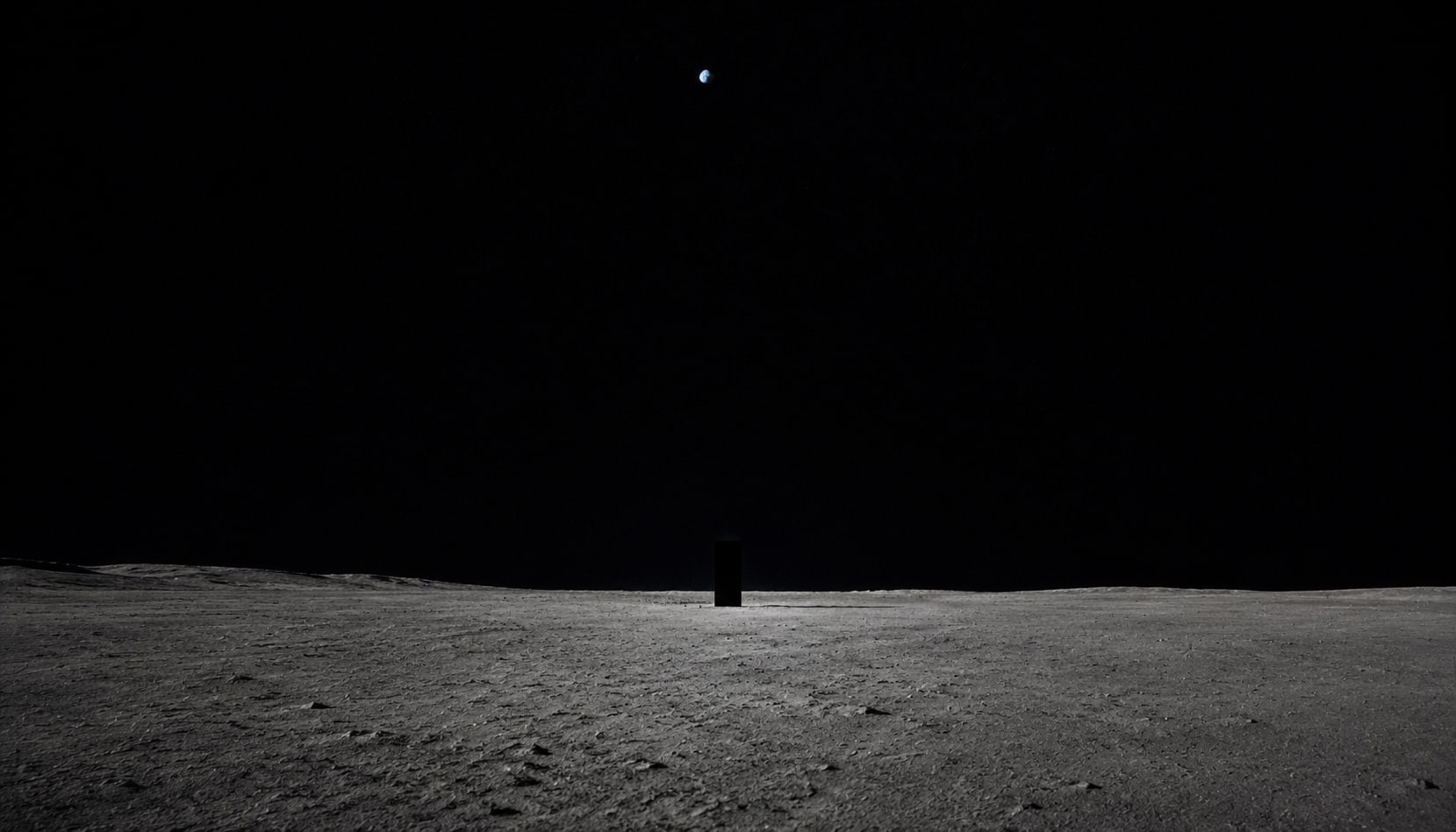
Sora 2 is OpenAI's second-generation video model, and it represents a fundamentally different approach to AI video. Rather than generating pixels that look like video, Sora 2 simulates a 3D world and renders the result. The difference is subtle but important — it's why water behaves like water, fabric drapes like fabric, and light bounces correctly off every surface.
This guide covers everything you need to know to get professional-quality output from Sora 2 on PonPon.
How Sora 2 actually works
Most AI video models are diffusion models trained on video data. They learn statistical patterns — what fire looks like, how hair moves — and reproduce those patterns. Sora 2 does something more ambitious: it builds an internal 3D representation of the scene and simulates physics forward through time.
This is why Sora 2 handles certain scenarios that break other models. Pour water into a glass and it fills from the bottom. Drop a ball and it bounces with the right amount of energy loss. A character walks behind a pillar and emerges on the other side looking the same. These aren't cherry-picked examples — they're consistent behaviors.
The tradeoff is speed. Building and simulating a world model takes more compute than running a diffusion pass. Sora 2 generations typically take 2 to 5 minutes, compared to under 60 seconds for lighter models like Seedance 2.0.
Photorealism: where Sora 2 leads
Sora 2 produces the most photorealistic AI video available today. This matters most in three scenarios:
Intercut with live footage. If you're editing AI-generated clips alongside real camera footage — for a commercial, a music video, or a film — the AI shots need to match the look and feel of the live footage. Sora 2 is the only model where this works reliably. The color science, depth of field behavior, and motion blur are all calibrated to look like they came from a physical camera.
Product visualization. Showing a physical product in realistic lighting with accurate material rendering. Metal looks metallic. Glass has the right refraction. Leather has surface texture that responds to light direction.
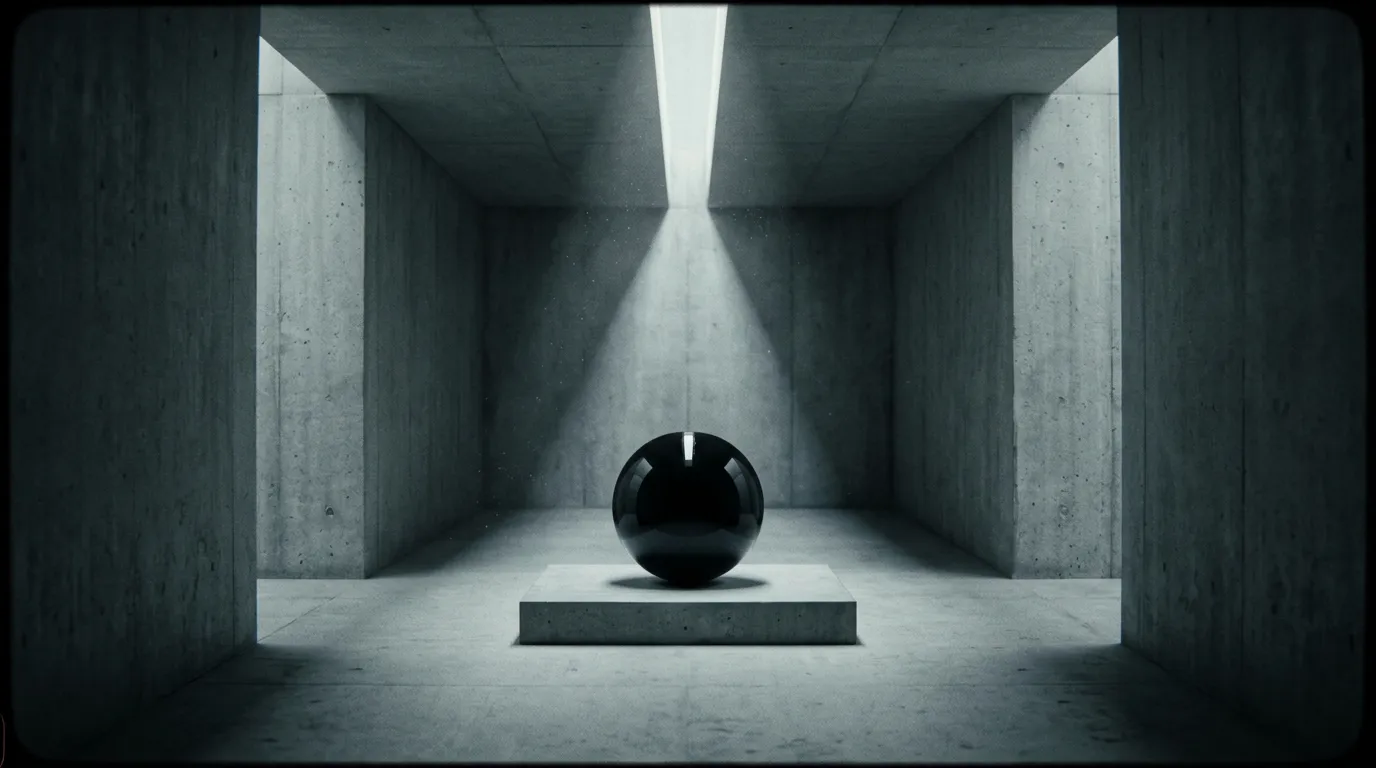
Architectural and interior shots. Sora 2 handles complex lighting setups — sunlight through windows, bounce light off walls, mixed artificial and natural light — better than any competitor. The global illumination in its renderer produces results that look like high-end 3D rendering.
Native audio generation
Sora 2 generates synchronized audio alongside video. This includes dialogue with accurate lip sync, environmental sound effects, ambient atmosphere, and background music when prompted.
The environmental audio is where Sora 2 particularly shines. Room tone changes based on the space — a kitchen sounds different from a warehouse. Footsteps vary with surface material. Wind intensity matches visible motion in trees and clothing. These details are subtle but they're what makes the output feel real rather than like silent footage with stock audio layered on.
For dialogue, Sora 2's lip sync is accurate but the voice quality is somewhat generic. If you need specific voice characteristics, you'll get better results generating video without dialogue and adding voice-over in post.
Resolution and output specs
- Maximum resolution: 1080p (1920x1080)
- Aspect ratios: 16:9, 9:16, 1:1
- Maximum clip length: 12 seconds
- Frame rate: 24fps
- Audio: Stereo, 48kHz
The 12-second clip limit is Sora 2's biggest practical constraint. For longer sequences you'll need to generate multiple clips and edit them together — or use Kling 3.0 which supports up to 15 seconds and multi-shot generation.
Prompting strategies that work
Sora 2 responds best to prompts that describe a scene the way a cinematographer would. It understands camera terminology, lighting language, and film grammar.
Be specific about the camera. Instead of "a woman walking through a city," try "medium tracking shot, Steadicam, following a woman walking through a rain-soaked Tokyo street at night, 35mm lens, shallow depth of field." Sora 2 actually responds to focal length cues — a 35mm looks different from an 85mm.
Describe the lighting. "Golden hour sidelight," "overcast diffused light," "practical lighting from a desk lamp" — these all produce distinctly different looks. The model has a strong understanding of how different light sources behave.
Include physical details. Because Sora 2 simulates physics, giving it physical information helps. "Heavy wool coat" moves differently from "light silk dress" in the output. "Ceramic mug" reflects light differently from "stainless steel cup."
Keep the action grounded. Sora 2 excels at realistic scenarios. It handles a person pouring coffee and setting down the pot with perfect object interaction. It's less reliable with fantasy physics or surreal scenarios — for those, Kling 3.0 or Veo 3.1 may give more creative results.
What Sora 2 does not do well
No model is best at everything. Here's where Sora 2 falls short:
Multi-shot sequences. Sora 2 generates a single continuous shot per generation. If you need multiple camera angles of the same scene with consistent characters, Kling 3.0's multi-shot mode is purpose-built for this.
Character consistency across generations. Each Sora 2 generation is independent. The same prompt will produce different-looking characters each time. There's no seed locking or character reference system. For recurring characters across multiple clips, Kling 3.0's character consistency is significantly better.
Speed-critical workflows. If you're iterating quickly on social content and need 20 variations in an hour, Sora 2's 2-5 minute generation time becomes a bottleneck. Seedance 2.0 produces good results in under 60 seconds.
Stylized or abstract content. Sora 2 is optimized for photorealism. If you want anime, watercolor, or heavily stylized looks, other models offer more flexibility.
Sora 2 vs the competition
| Capability | Sora 2 | Kling 3.0 | Veo 3.1 | Seedance 2.0 |
|---|---|---|---|---|
| Photorealism | Best | Great | Great | Good |
| Physics accuracy | Best | Good | Good | Average |
| Character consistency | Average | Best | Good | Average |
| Multi-shot | No | Yes (6 cuts) | No | No |
| Camera control | Good | Good | Best | Basic |
| Max clip length | 12s | 15s | 8s | 8s |
| Speed | 2-5 min | 1-3 min | 1-2 min | Under 60s |
| Native audio | Yes | Yes | Yes | No |
Best use cases for Sora 2
- Hero shots for commercials. The opening beauty shot that needs to look indistinguishable from real footage.
- Product demos. Close-up shots of products with accurate material rendering and lighting.
- Film and narrative projects. Single shots where physics accuracy and photorealism matter more than speed.
- Architectural visualization. Interior and exterior shots with complex lighting.
- Music videos. Artistic shots that need to intercut with real performance footage.
Getting started on PonPon
Sora 2 is available on PonPon with free daily credits. Open the video generator, select Sora 2 from the model dropdown, and start with a detailed prompt. Use Canvas to compare Sora 2 output against other models on the same prompt — this is the fastest way to learn what each model does best.
For multi-shot projects, generate your hero shots with Sora 2 and use Flow to sequence them with clips from other models. Many professional creators on PonPon use Sora 2 for their most important shots and Kling 3.0 or Seedance 2.0 for everything else.