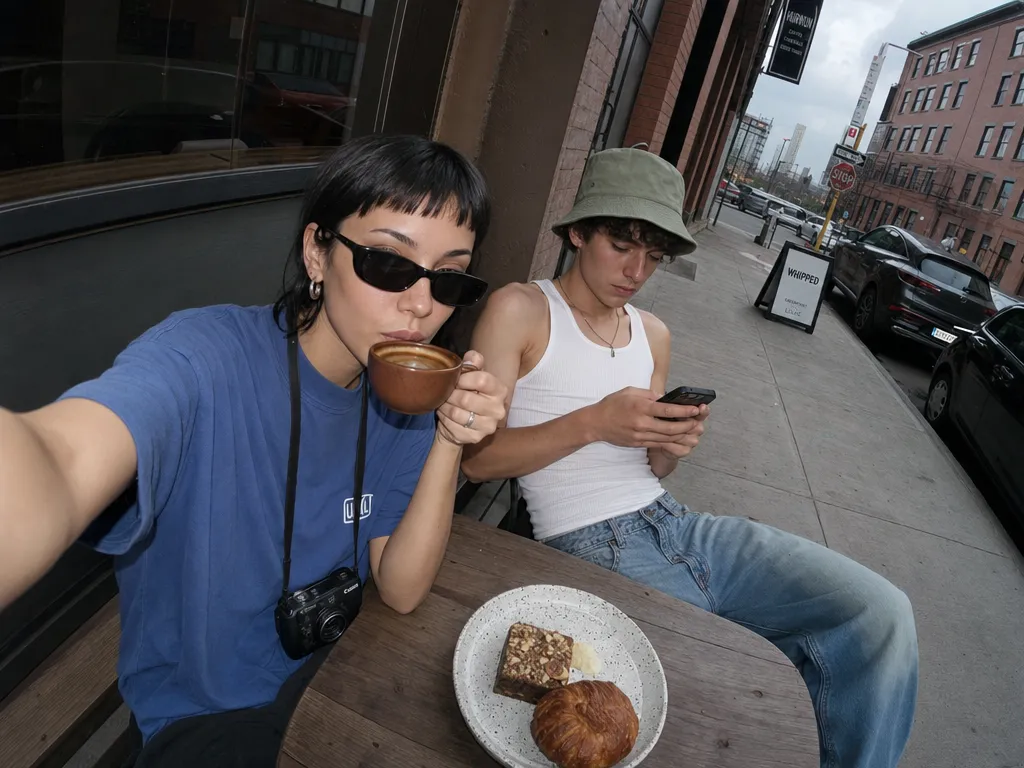
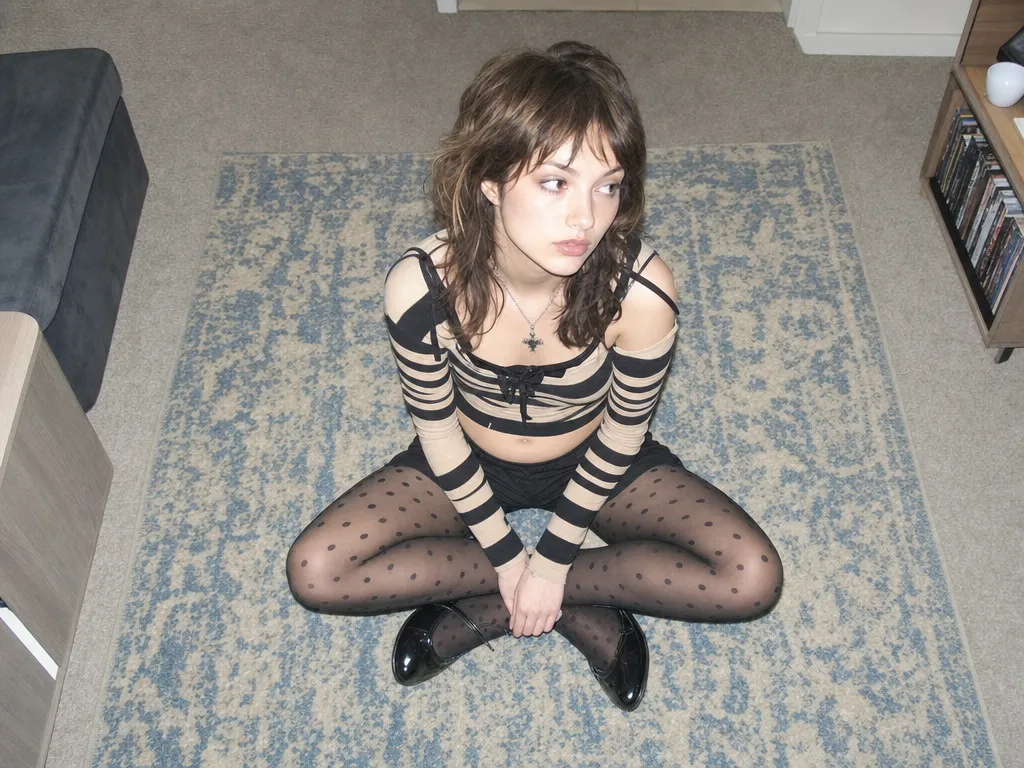
精準編輯 — 只改你想改的
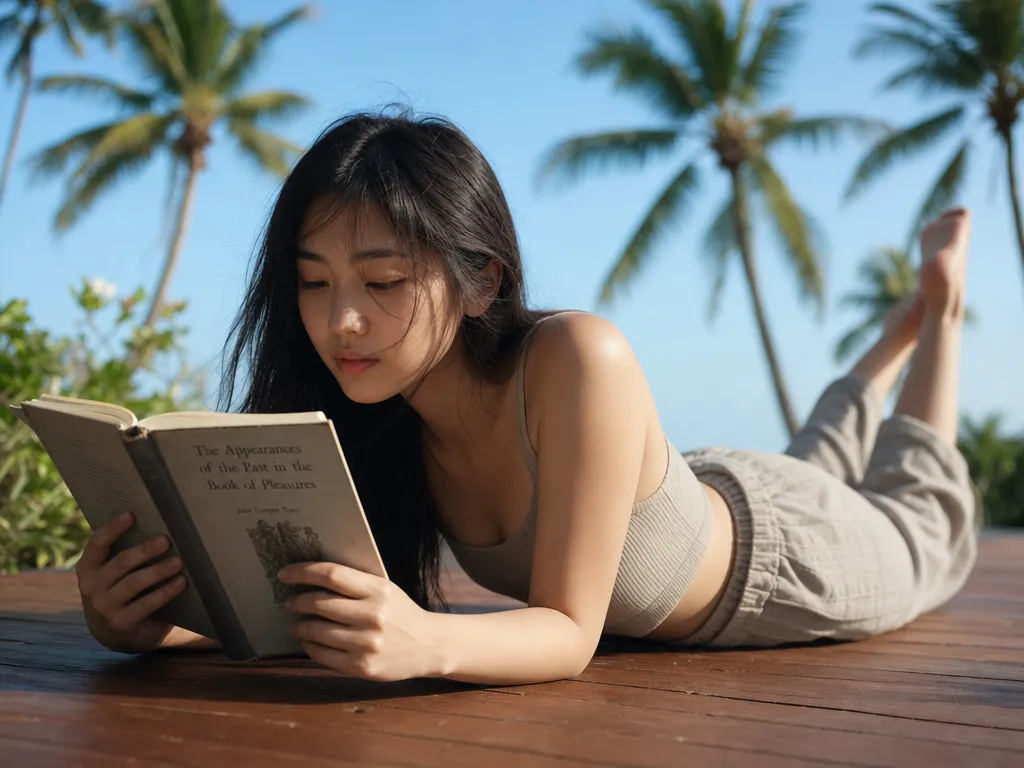
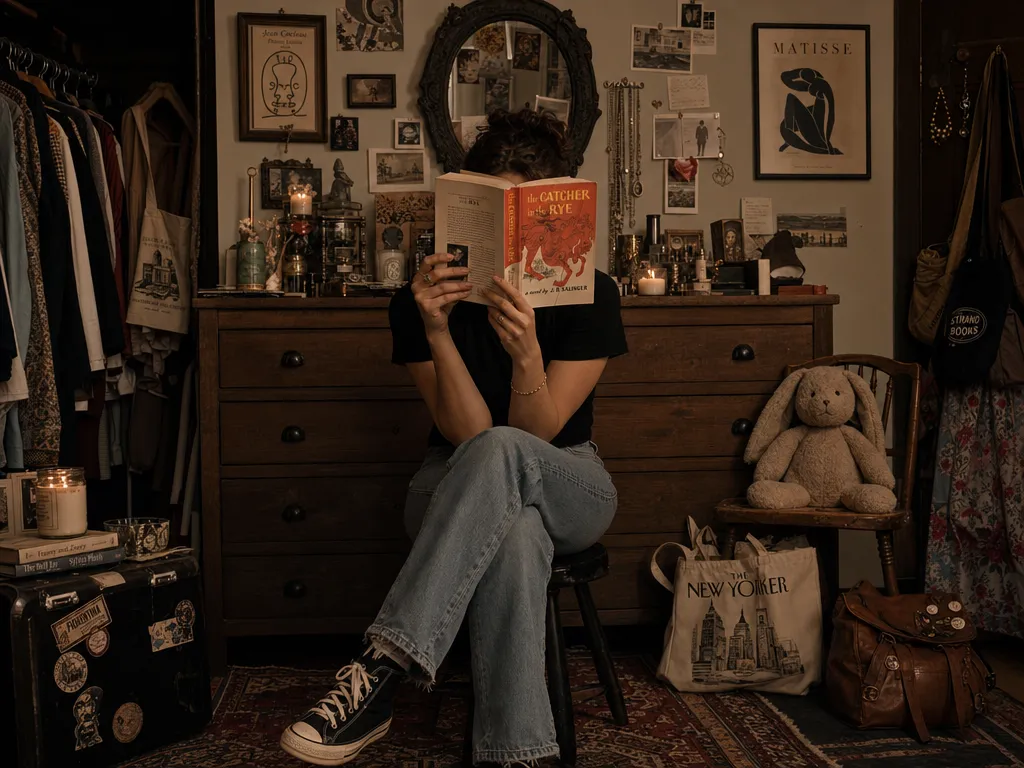
用自然語言描述編輯內容——「把紅色汽車換成藍色」、「把背景改成日落海灘」。AI 精準修改指定區域,圖片其他部分保持不變。
用自然語言描述編輯內容——「把紅色汽車換成藍色」、「把背景改成日落海灘」。AI 精準修改指定區域,圖片其他部分保持不變。
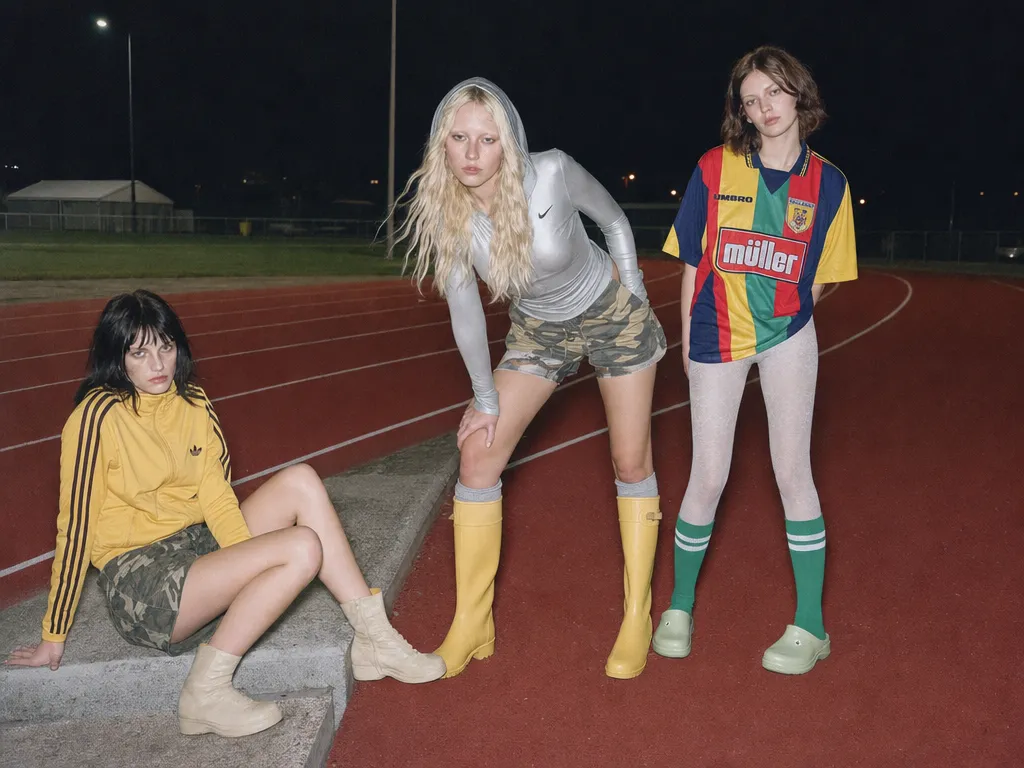
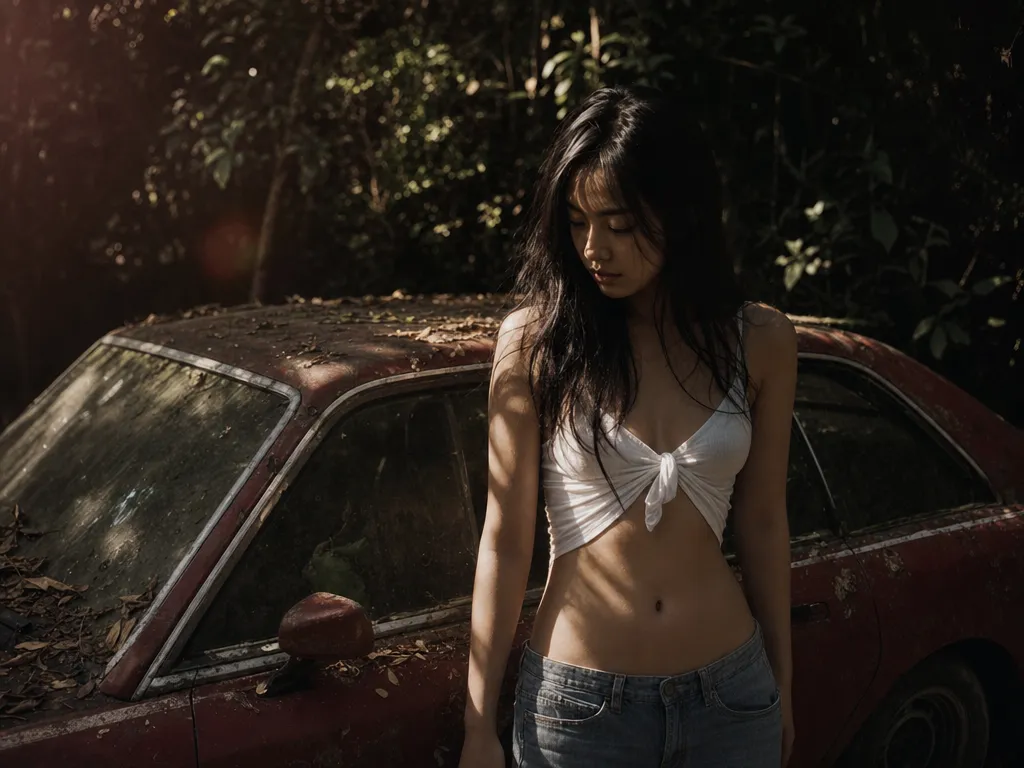
將照片轉換為水彩畫、動漫風格、復古膠片效果等。保留原始構圖和內容,只改變視覺風格。
修改髮型、服裝、場景的同時,你的面部特徵和身份完全保留。真正可用於個人內容創作和品牌素材。
根據編輯類型自動選擇最合適的 AI 模型。Nano Banana Pro 擅長精準編輯,GPT Image 2 擅長文字渲染,在 Canvas 中並排對比。
用同一張原圖產生多個變體——不同背景、不同風格、不同服裝。一張照片,無限可能。
Upload one product shot and generate dozens of background, lighting, and lifestyle variations. Replace studio backdrops, add seasonal themes, or create platform-specific crops — all from a single hero image.
Transform personal photos into stylized social content. Apply trending aesthetics, change outfits for fashion posts, or create themed variations for campaigns — without reshooting.
Take one brand visual and adapt it across channels — different color schemes for different platforms, localized backgrounds for regional campaigns, seasonal variations of the same hero image.
Upload a portrait and try different hairstyles, makeup looks, and outfits. Explore style directions without committing — great for personal styling, content planning, and e-commerce visualization.
Feed in a sketch, photo, or rough composition and iterate on visual styles. Go from pencil sketch to oil painting to anime to photorealism — all while preserving the original layout and subject.
加入數千名每天使用 PonPon 的創作者、設計團隊和品牌方。
Advanced image editing used to require years of Photoshop experience. AI tools on PonPon make these ten powerful techniques available to anyone in seconds.

How to edit, replace, add, or remove text in any image using PonPon's AI text editor — with automatic font matching, perspective correction, and lighting adaptation.
Learn how to batch generate up to 10 AI images at once on PonPon. Covers batch generation on Canvas, model comparison workflows, prompt variation strategies, and tips for efficient high-volume image production.