Upscale to 4K in one click
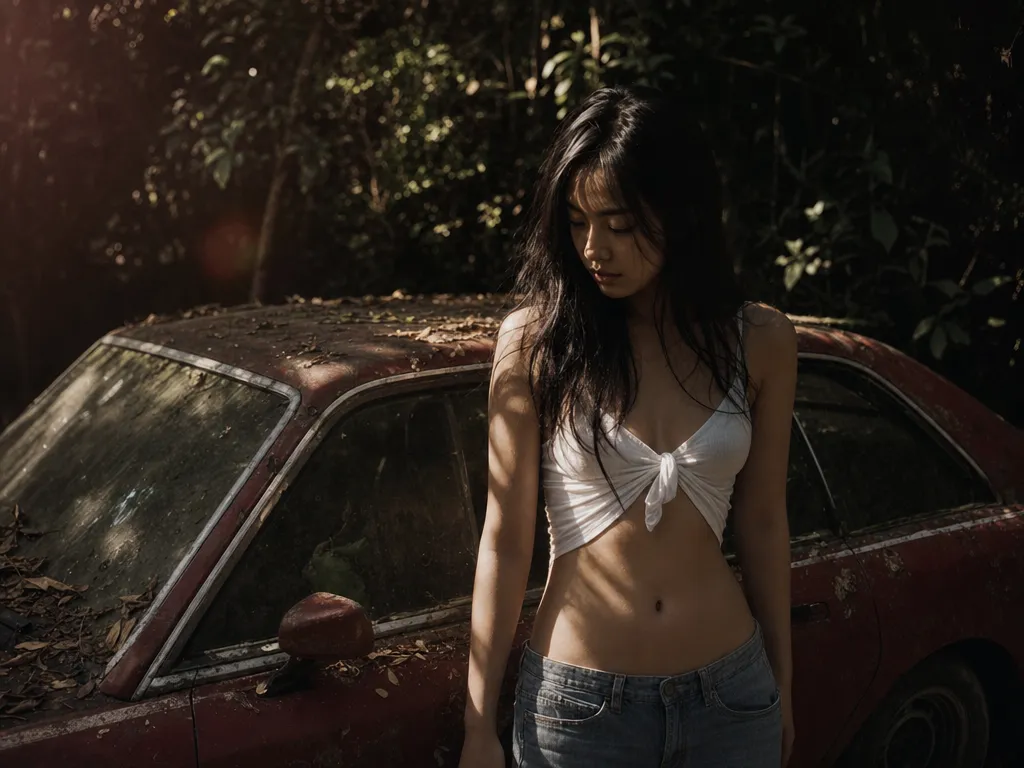
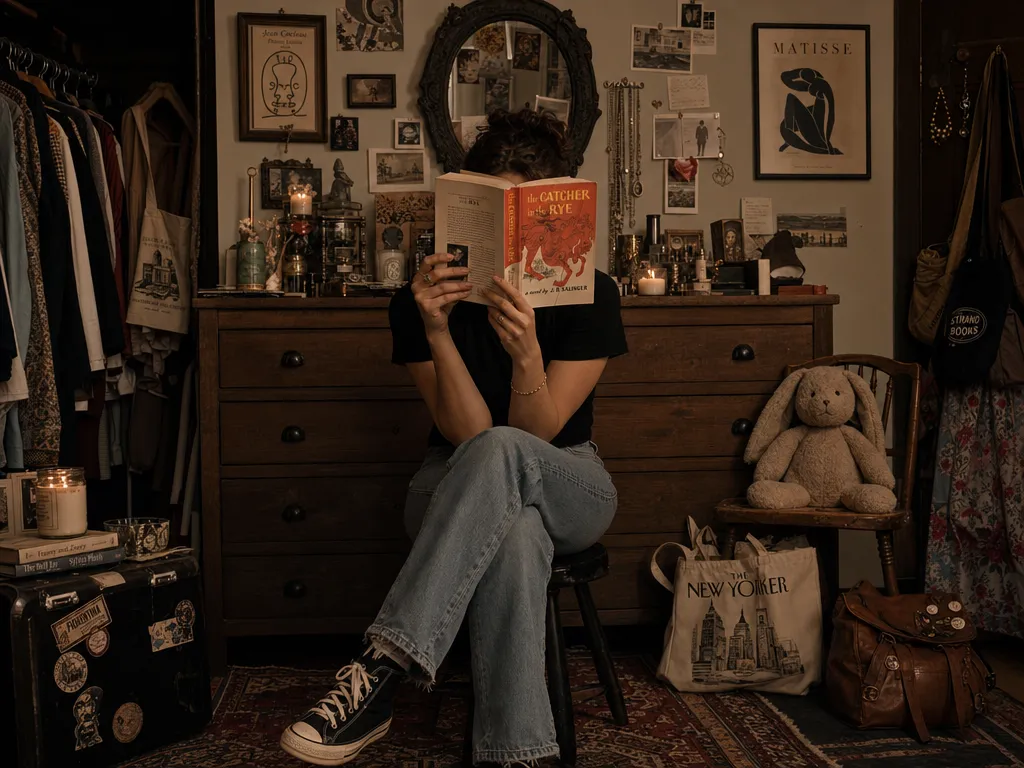
Pick 2× or 4× and the AI reconstructs missing pixels, sharpens edges, and rebuilds fine texture — turning photos from phones, screenshots, or older cameras into crisp high-resolution images. Upscale a photo now.


Pick 2× or 4× and the AI reconstructs missing pixels, sharpens edges, and rebuilds fine texture — turning photos from phones, screenshots, or older cameras into crisp high-resolution images. Upscale a photo now.

Standard V2 handles everyday photos. Low Resolution V2 rescues tiny or heavily compressed images. High Fidelity V2 preserves maximum detail. CGI is tuned for digital art and game assets. Text Refine keeps lettering sharp in screenshots and posters. Switch models to match the image.
Portraits get dedicated treatment — the AI restores eyes, skin texture, and hair without the plastic, over-smoothed look. Pair it with the denoise and sharpen controls to clean up grain from low-light or high-ISO shots.
A normal resize stretches the same pixels and softens everything. This image upscaler generates new detail instead, so enlarged photos stay sharp — no jagged edges, no mushy textures, no halos around contrast lines.
Scanned prints, early-2000s camera shots, and thumbnail-sized product images come back usable. Low Resolution V2 is built for exactly this — recovering structure from sources most tools can't enlarge cleanly.
Upload JPG, PNG, TIFF, WebP, or AVIF; download PNG or JPEG. Everything renders on cloud GPUs, so it works on any device — Mac, Windows, Chromebook, or tablet. For footage instead of stills, use the video upscaler.
Drag and drop or browse to add a JPG, PNG, TIFF, WebP, or AVIF file. Upload several at once to process a batch.
Pick one of 5 Topaz models, set 2× or 4×, and optionally toggle face enhancement, sharpen, and denoise. Subject detection focuses the AI on the foreground or background.
The AI processes in the cloud — no GPU needed on your end. Download the result as PNG or JPEG, ready for print, web, or store listings.
Supplier images and marketplace thumbnails are often too small for a clean storefront. Upscale them to crisp, zoomable product shots that meet Amazon, Shopify, and Etsy resolution requirements.
Bring family prints, archival scans, and faded snapshots up to modern resolution. Low Resolution V2 recovers detail that a simple enlargement turns to mush.
Web images at 72 DPI fall apart on posters, banners, and packaging. Upscale to the pixel dimensions you need for sharp 300-DPI print without re-shooting.
Outputs from the AI image generator sometimes render soft or at a capped resolution. Run them through the upscaler to add detail and reach print-ready size.
| PonPon AI Upscaler | Photoshop / desktop apps | |
|---|---|---|
| Setup required | None — works in your browser | Install Photoshop or a desktop app |
| AI models | 5 specialized Topaz models | One general 'Preserve Details' filter |
| Skill required | One click, nothing to learn | Manual layers, filters, and settings |
| Face enhancement | Automatic, built in | Manual retouching by hand |
| Price | Free daily credits, pay as you go | $20.99/mo or a $199+ license |
| Platform | Mac, Windows, Chromebook, tablet | Desktop only |
Join thousands of creators, agencies, and brands who use PonPon every day.
Learn how to upscale any image to 4K resolution with PonPon's AI upscaler — recovering real detail, not just stretching pixels.
AI upscaling has leap-frogged traditional methods. We ranked six upscalers — three AI-powered and three traditional — on real-world images to show exactly how much better AI has become.
Advanced image editing used to require years of Photoshop experience. AI tools on PonPon make these ten powerful techniques available to anyone in seconds.