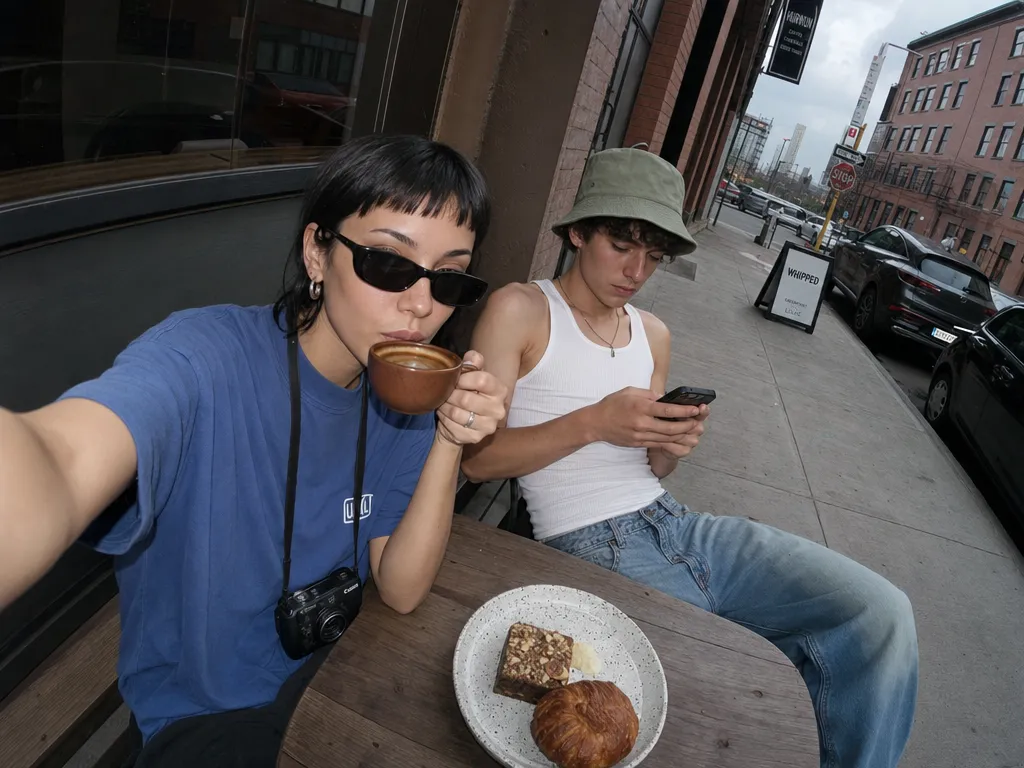
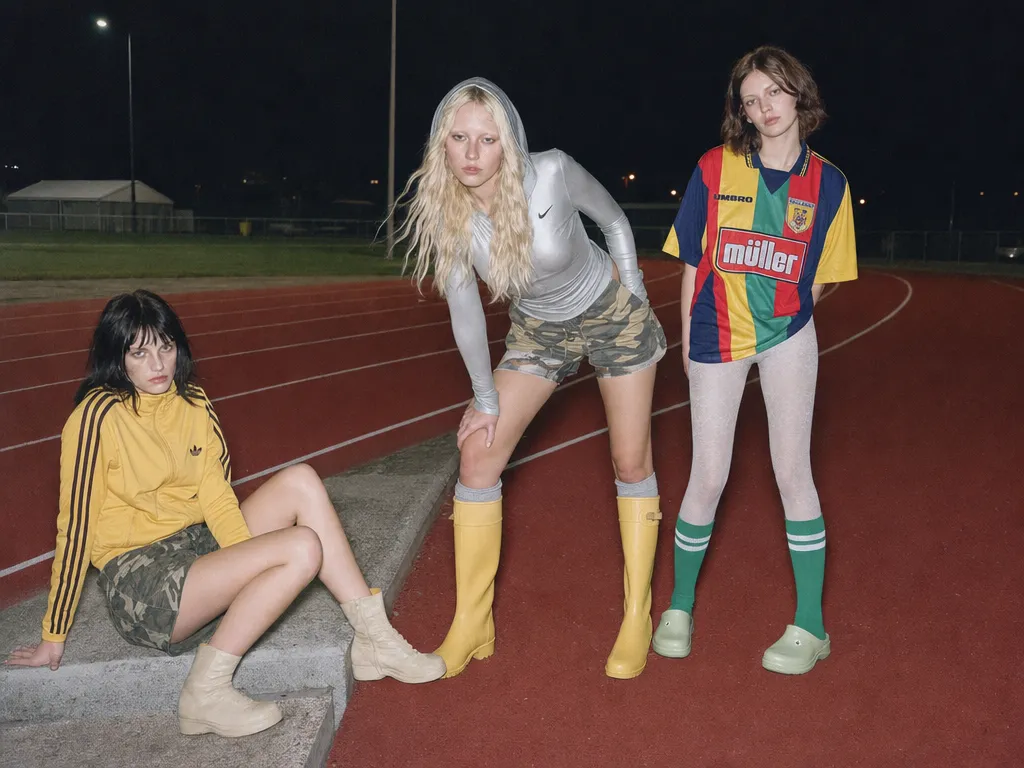
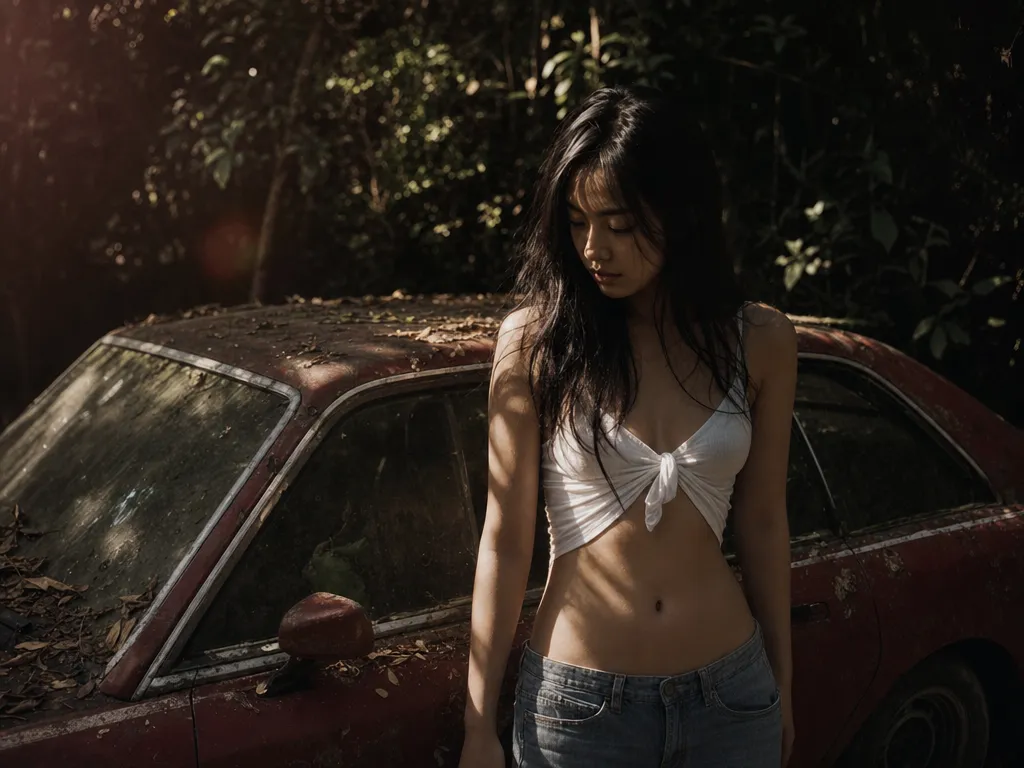
Aesthetic quality that feels art-directed
GPT Image 2 renders lighting, texture, and composition at a level that reads as deliberate rather than generated. Defaults land close enough that most briefs need one pass, not five.
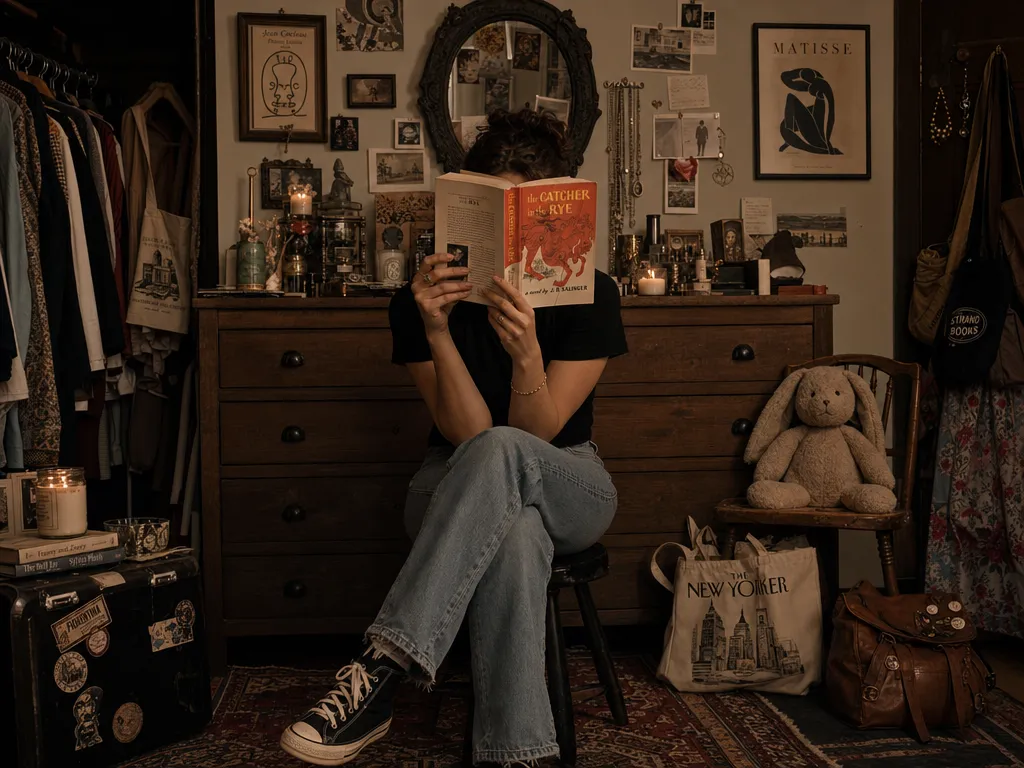
GPT Image 2 renders lighting, texture, and composition at a level that reads as deliberate rather than generated. Defaults land close enough that most briefs need one pass, not five.
Multi-subject scenes, specified poses, exact color palettes, legible in-image text — GPT Image 2 resolves the whole prompt instead of picking the easy half. Compare it against other generators with the same prompt to see the difference.
Upload a reference and iterate. GPT Image 2 keeps the face, product, or brand element stable across edits — no drift, no 'close but not the same person'.
Text-to-image and image editing run through the same model on PonPon. Drop in up to 16 reference images for compositional edits, or start from a blank prompt — same quality floor either way. Then turn your best image into a video clip without leaving the platform.
GPT Image 2 produces legible, correctly-spelled text in images — logos, signage, headlines, UI copy. Where older diffusion models garble letters, GPT Image 2 nails them. Critical for ad units, mockups, and text-in-image editing workflows.
Pass hex values in your prompt and GPT Image 2 returns the exact swatches. No color drift, no 'close enough'. Essential for packaging mockups, brand guidelines decks, and any creative where pantone-level accuracy is non-negotiable.
GPT Image 2 can output images with transparent backgrounds — no post-process removal step. Generate product cutouts, sticker assets, or UI elements ready to composite. Pair with Canvas for layered workflows.
Go to PonPon Image and select GPT Image 2 from the model dropdown. No account required to start — free daily credits are available immediately.
Type a detailed prompt describing the scene, style, and composition you want. For edits, upload up to 16 reference images and describe the changes — 'swap the background to a beach', 'add the logo in the top-left corner'. Include hex codes for exact brand colors.
Click Generate and review the result. Refine your prompt, adjust references, or try a different aspect ratio. GPT Image 2's strong prompt adherence means small tweaks produce predictable changes — no need to start over.
Download your final image in full resolution with or without transparency. Want motion? Turn it into a video clip with one click, or open it in Canvas to compare against other models side-by-side.
Generate on-brand visuals with exact hex colors, legible logos, and consistent subject identity across dozens of variants. GPT Image 2's color precision and text rendering make it the go-to for ad creatives, social cards, and pitch decks.
Create photorealistic product shots, packaging renders, and label designs from text descriptions. Upload a product photo and GPT Image 2 places it in lifestyle contexts — no studio, no photographer. Pair with AI image upscaling for print-ready output.
Produce magazine-quality portraits, food photography, and interior shots for blogs, social media, and newsletters. GPT Image 2's art-directed defaults mean most images need zero post-processing.
Generate app screenshots, web mockups, and icon sets with readable text and clean edges. Transparent background support means assets drop straight into Figma or your design tool. Then animate UI flows as video for stakeholder demos.
Join thousands of creators, agencies, and brands who use PonPon every day.