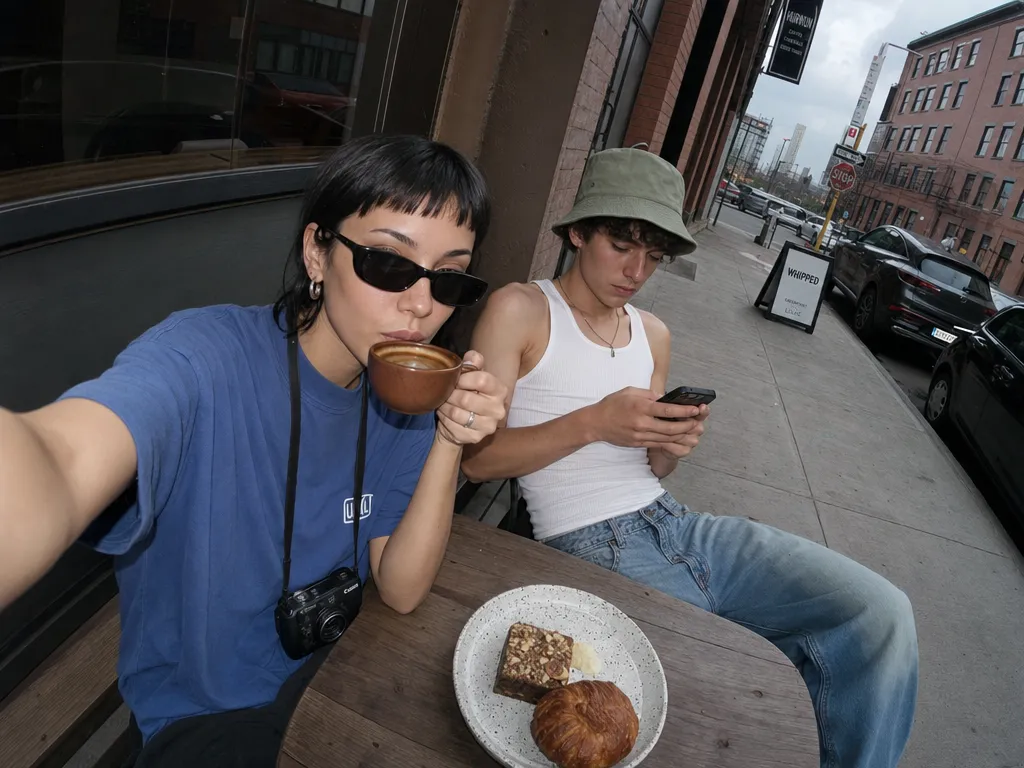
True-color precision
GPT Image 1.5 preserves brand palettes. Hex codes in the prompt come back as the exact swatches — critical for logos, packaging, and ad units.
GPT Image 1.5 preserves brand palettes. Hex codes in the prompt come back as the exact swatches — critical for logos, packaging, and ad units.
Multi-step prompts ('A holds B while C walks behind, seen from above') resolve into a coherent scene instead of a blend of partial matches.
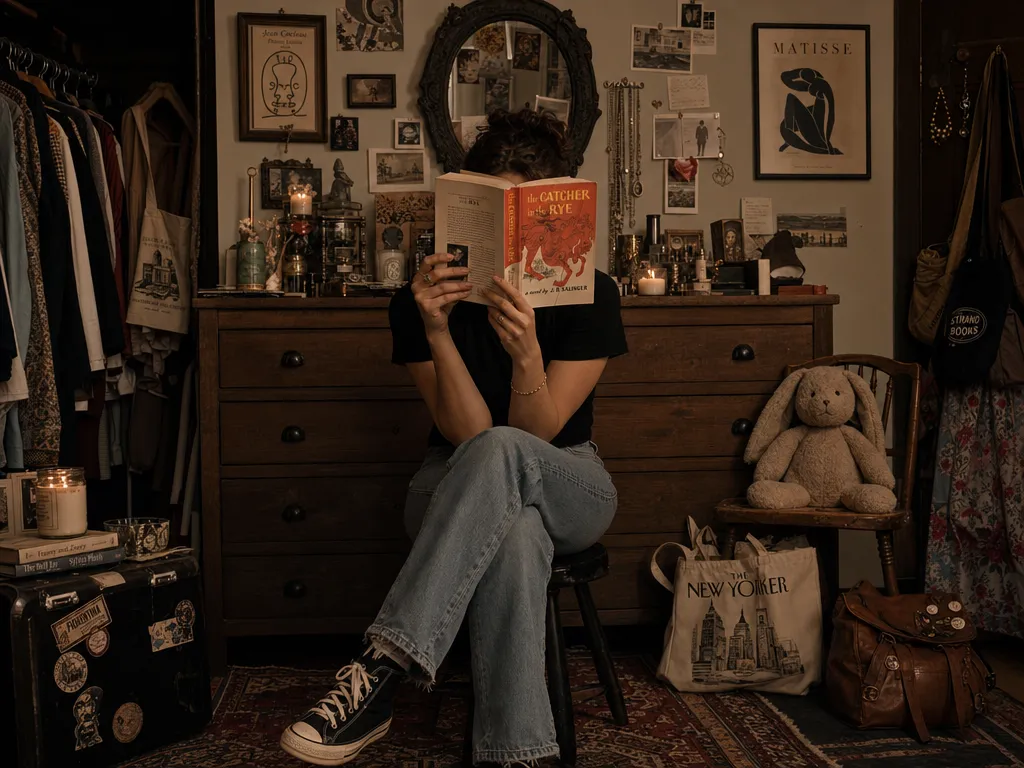
Signage, labels, handwritten notes, book covers — GPT Image 1.5 renders characters you can actually read, in the fonts you asked for. For even sharper text accuracy, see GPT Image 2 or try the text-in-image editor.
Edges stay clean and palettes stay flat when you want them to. Easier to vectorize, easier to drop into a layout without color-correction work.
Upload an existing image and describe the change. GPT Image 1.5 modifies, restyles, or recomposes while preserving the source material's intent. For surgical localized edits, pair with Nano Banana Pro.
Generate 20 variations of the same concept and every one holds the brief. GPT Image 1.5's predictability makes it ideal for A/B testing ad creatives, running side-by-side comparisons on Canvas, and building asset libraries at scale.
Go to PonPon Image and select GPT Image 1.5 from the model dropdown. No account required — free daily credits are ready immediately.
Type a detailed prompt with specific instructions — colors (hex codes work), composition, subjects, text to include. For edits, upload an existing image and describe what to change.
Click Generate and review. GPT Image 1.5's instruction-following is strong enough that small prompt tweaks yield precise, predictable changes. Iterate on color, composition, or text until it's right.
Download the final image in full resolution. Take it further by turning it into a video clip or opening it in Canvas for side-by-side comparison with other models.
GPT Image 1.5's true-color precision makes it ideal for packaging mockups, logo treatments, and brand guidelines visuals. Pass hex codes and get exact swatches back — no color-correction in post.
Clean vector-friendly edges and flat color fills mean GPT Image 1.5 output vectorizes cleanly. Generate botanical prints, editorial illustrations, or infographic elements ready for InDesign or Illustrator.
Create platform-ready cards, quote graphics, and announcement visuals with legible headlines baked into the image. No Canva step needed — GPT Image 1.5 renders the text directly. Scale output with the AI image generator.
Generate lifestyle product shots, flat-lays, and catalog images from text descriptions. Upload a product reference and GPT Image 1.5 places it in context with consistent lighting and accurate colors.
Join thousands of creators, agencies, and brands who use PonPon every day.