Text to image with a bold, aesthetic look
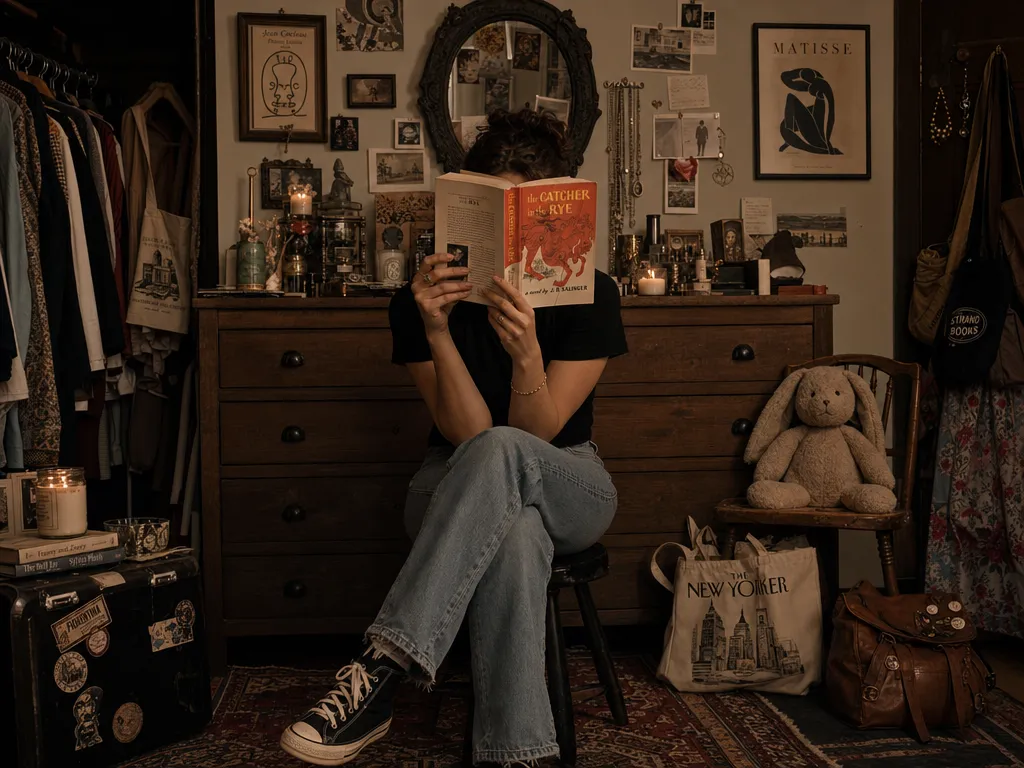
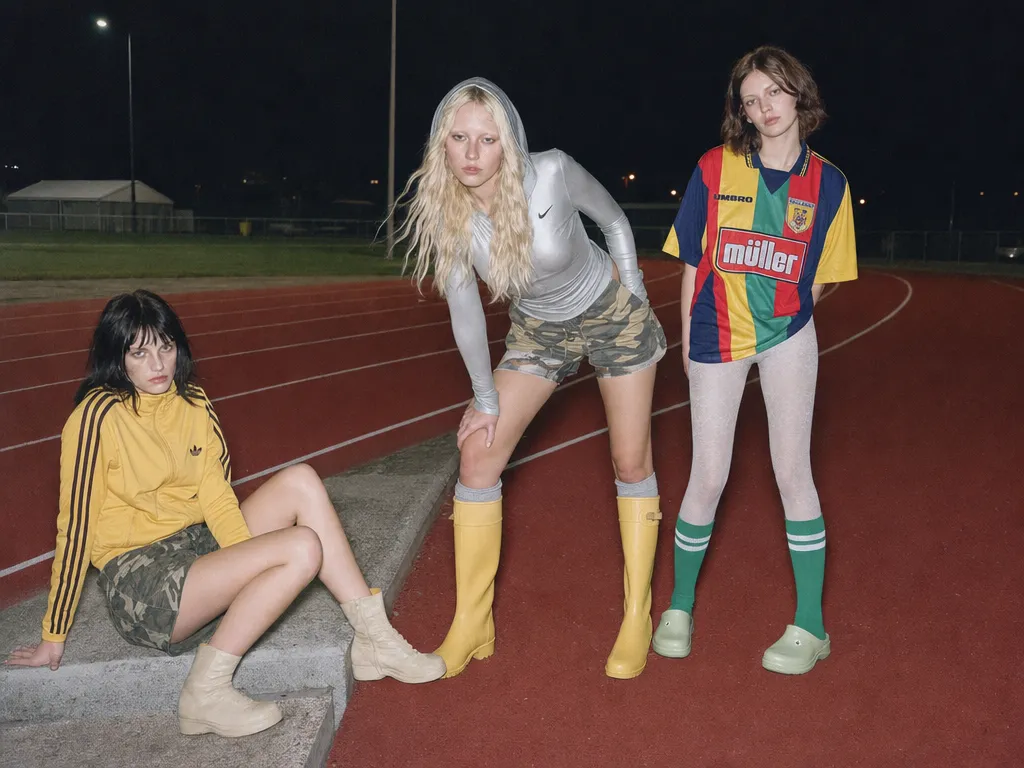
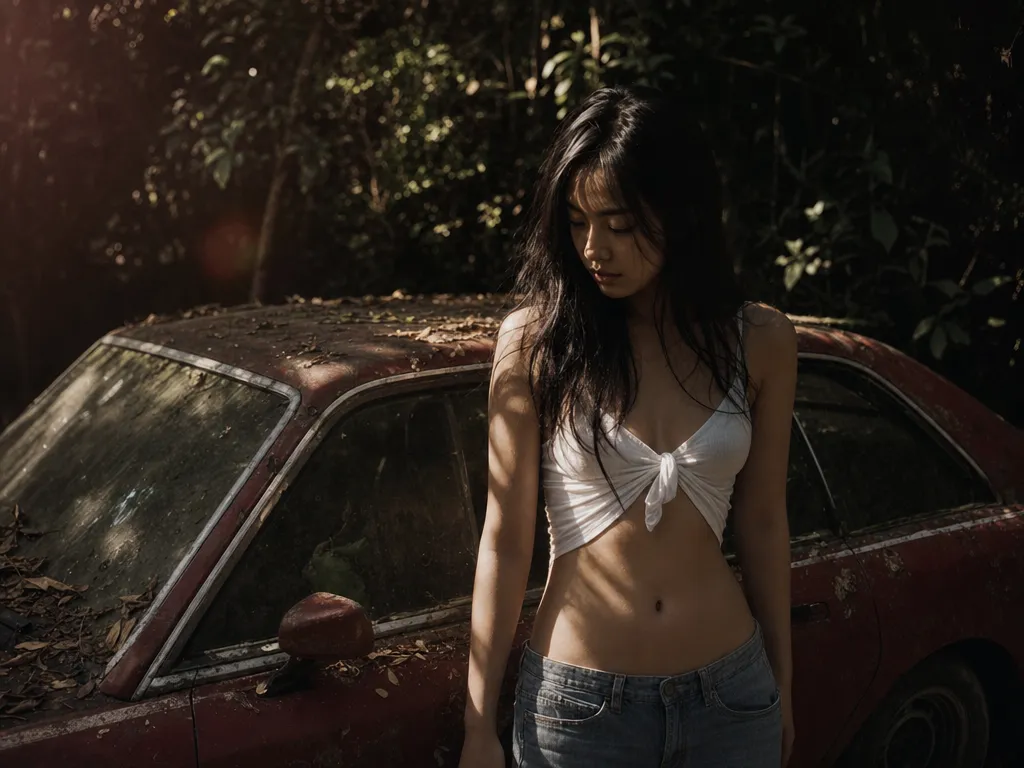
Grok Imagine renders fast and leans into striking light, color, and composition — strong results without heavy prompt engineering. Start in the AI image generator and iterate in seconds.

What is the Grok image generator? It's the image side of xAI's Grok Imagine — a text-to-image model known for fast, highly aesthetic output, with built-in image editing. On PonPon you can generate and edit Grok images through the AI image generator without an X account or Premium. To animate the result, use the Grok Imagine video generator.
Grok Imagine renders fast and leans into striking light, color, and composition — strong results without heavy prompt engineering. Start in the AI image generator and iterate in seconds.
Beyond generation, Grok supports prompt-based image editing — adjust a subject, swap a background, or restyle a shot by describing it. For pixel-precise edits, pair it with Nano Banana Pro.
Generate a batch of variations in one go and keep the best, instead of re-rolling one at a time — fast exploration of a concept.
Render at 16:9, 3:2, 4:3, 1:1, 3:4, 2:3, and 9:16 — sized for thumbnails, posters, and social from the start. Take any image further with the image upscaler.
Grok normally lives behind X (Twitter) and a paid plan. On PonPon you generate with free daily credits — no X login, no SuperGrok subscription.
Run the same prompt on Grok, Midjourney V8, GPT Image 2, Nano Banana 2, and Seedream 5 in one workspace and pick the winner.
Go to PonPon Image and select Grok Imagine from the model dropdown. No X account or Premium — free daily credits start immediately.
Write a prompt covering subject, style, lighting, and mood. To edit instead, upload an image and describe the change you want.
Click Generate to get up to four variations. Compare, keep the best, tweak the prompt, and regenerate.
Download in full resolution, refine in Canvas, or send it to the Grok Imagine video generator to turn the still into a clip.
Spin up eye-catching visuals for posts, thumbnails, and ads — Grok's bold aesthetic reads well at small sizes and in the feed.
Explore looks fast with batches of four, then carry the direction into production. Great for early ideation before committing to manual work.
Restyle, recolor, or adjust a shot by describing the change — no masking or layers required for quick edits.
Generate a still, then animate it with Grok Imagine video or image-to-video for a complete create-then-move workflow.
Join thousands of creators, agencies, and brands who use PonPon every day.
We compared 10 AI image generators on quality, pricing, text accuracy, and use-case fit. This guide helps you pick the right one for your workflow in 2026.
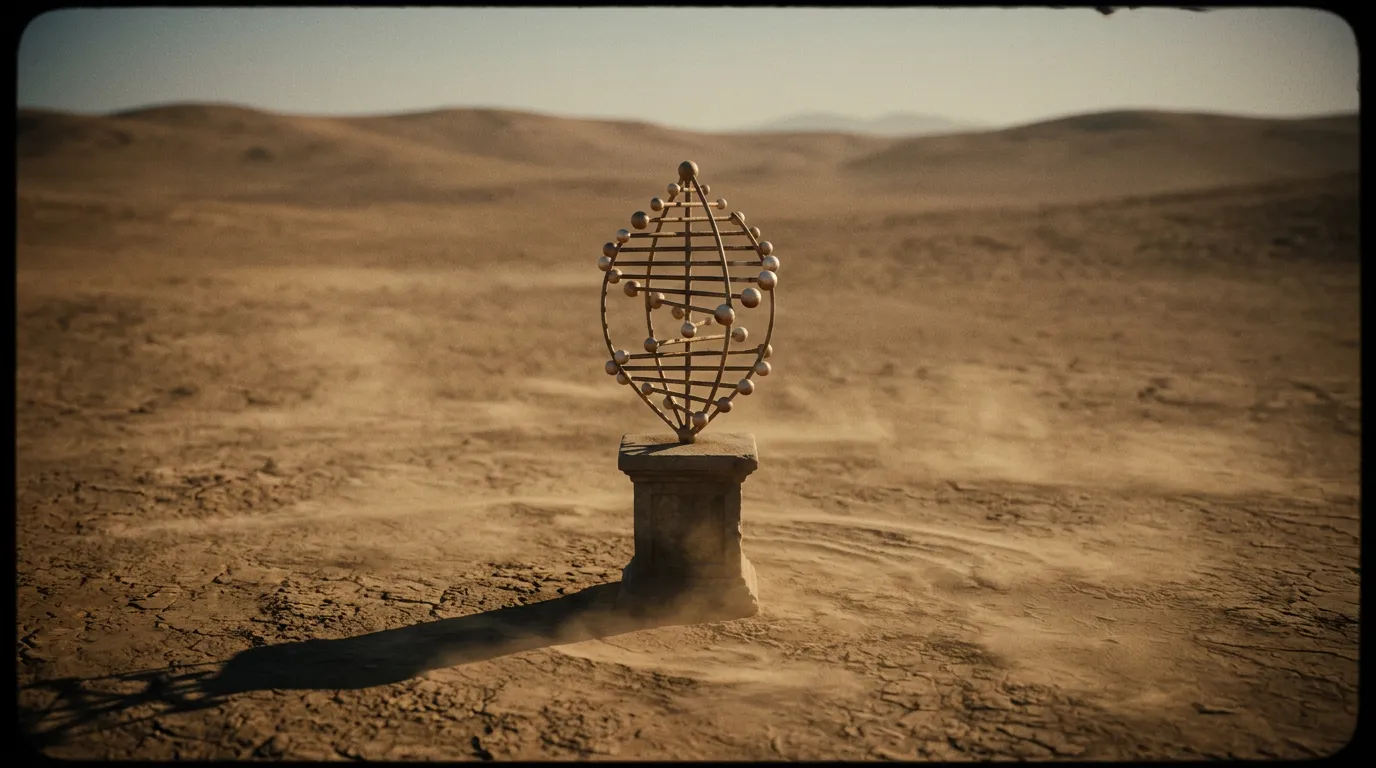
The best Nano Banana 2 prompts, grouped by use case — photo editing, character consistency, product shots, style transfer, and text rendering — ready to copy and adapt.
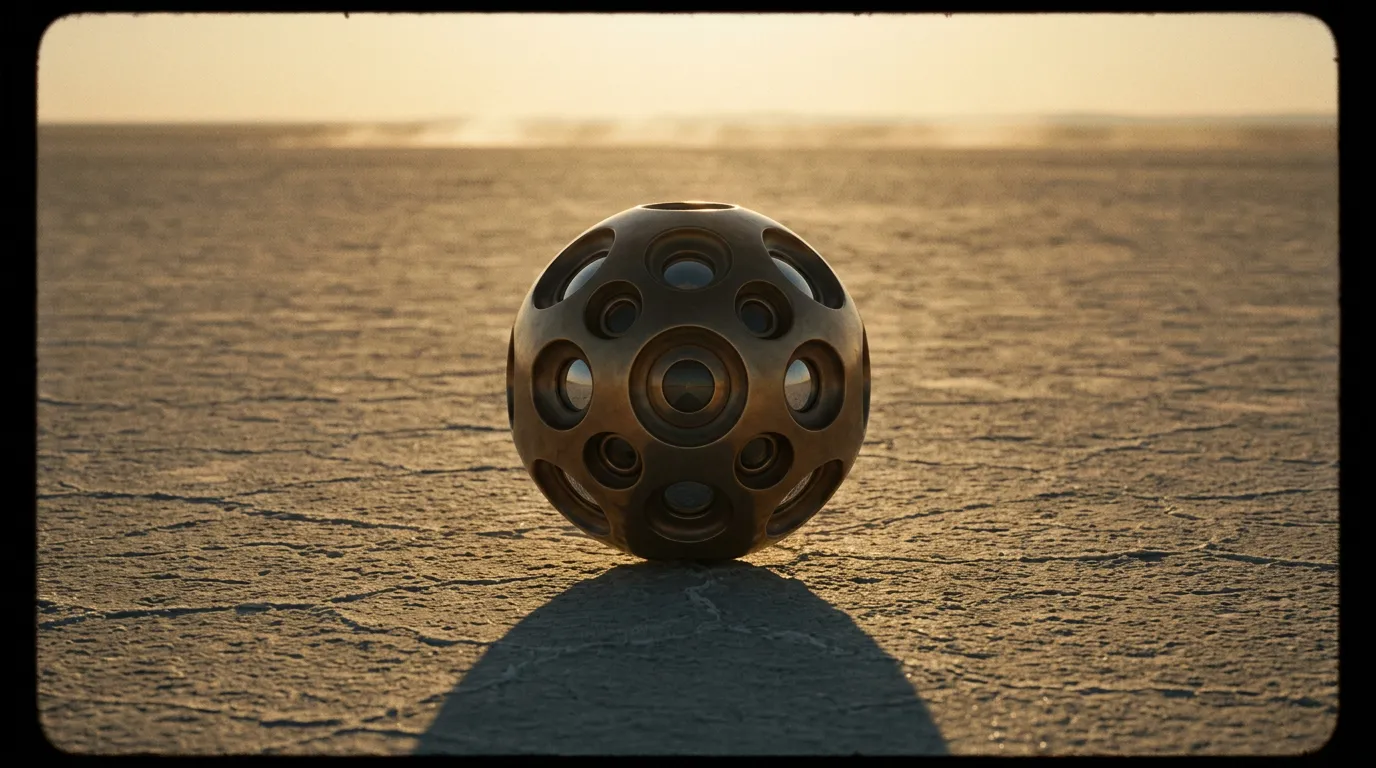
GPT Image 2's text rendering accuracy and subject fidelity make it the first AI model genuinely viable for production product photography. Here is how to use it.