AI UGC Product Photos: Create Lifestyle Images That Outsell Studio Shots
A practical guide to replacing expensive studio shoots with AI-generated lifestyle product photography that looks like real customers took it
The White Background Problem
For a decade, e-commerce product photography meant one thing: white background, center-framed, professionally lit. Amazon required it. Shopify templates defaulted to it. Every product listing looked the same.
That era is over.
Shopify's 2025 Commerce Trends report found that product listings using lifestyle photography — products shown in real-world contexts — convert 32% better than identical listings with white-background-only images. On Instagram Shopping, lifestyle images receive 2.4x more saves (the strongest purchase-intent signal on the platform). Amazon's own A/B testing tools show that A+ Content with lifestyle images drives 15-25% more sales than standard listings.
The reason is that white-background photos answer only one question: "What does this product look like?" Lifestyle images answer the question shoppers actually care about: "What would my life look like with this product?"
But professional lifestyle photography is expensive. A single-day studio shoot with a photographer, stylist, and model costs $2,000-10,000. Doing this for hundreds of SKUs is financially impossible for most sellers. And even if you can afford it, the results often look too polished — too "brand" and not enough "real person."
This is where AI-generated product imagery creates a genuine category shift. You can now produce lifestyle product photos that look like a customer took them in their apartment — at a cost of pennies per image.
What Makes UGC-Style Product Photos Different
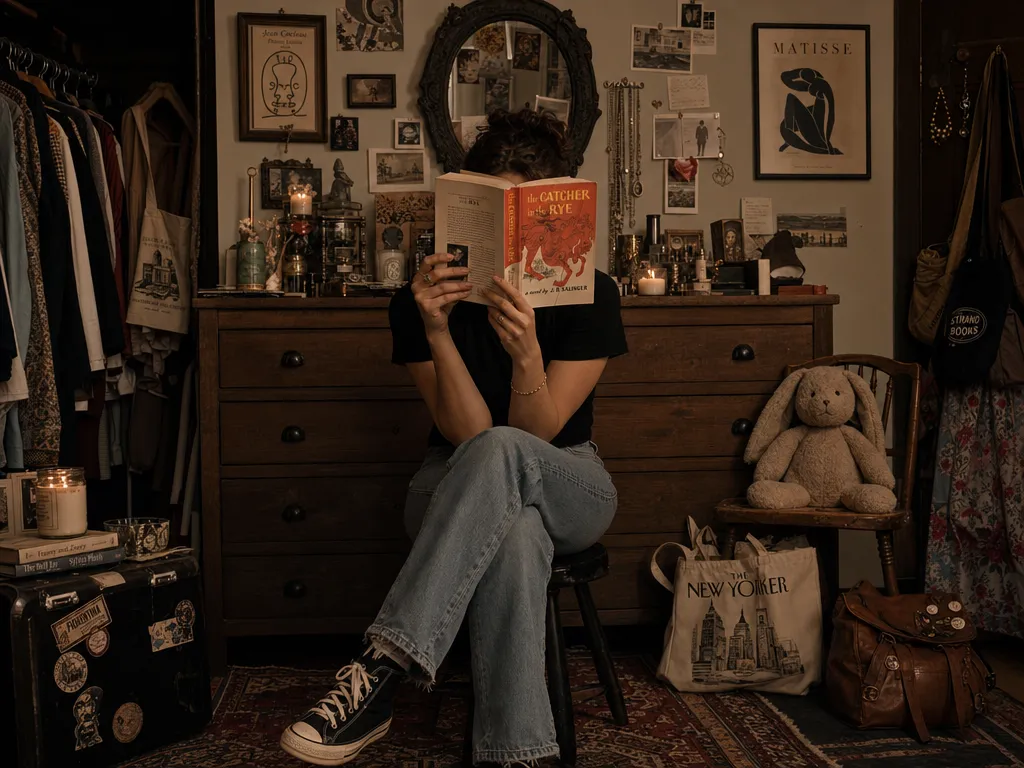
UGC-style product photography is not about lower quality. It is about a different aesthetic that signals authenticity to shoppers. The key characteristics:
Natural lighting: Soft window light, warm indoor lighting, or outdoor shade. Never studio flash with hard shadows.
Real environments: Kitchen counters, bathroom shelves, desk setups, coffee tables, nightstands. The product exists in a lived-in space, not a void.
Imperfect composition: Slightly off-center framing. Other objects partially visible in frame. A coffee mug or book in the background. These "imperfections" are actually trust signals — they say "a real person placed this product in their real home."
Context of use: The product is being used or about to be used, not posed. A face wash next to a running faucet. A phone case on a desk with a laptop and coffee. A candle lit on a nightstand with a book.
The goal is not to deceive anyone — it is to bridge the imagination gap between "product in a warehouse" and "product in my life."
Five Product Image Types Every E-Commerce Listing Needs
Based on conversion data from Shopify Plus merchants and Amazon brand analytics, the optimal product listing includes these five image types:
1. Hero Shot (White or Clean Background)
Still necessary for the primary listing image, especially on Amazon (which requires white background for the main image). Use the AI image generator to produce a clean, well-lit product shot if you lack professional photography.
2. Lifestyle In-Context
The product in its natural use environment. This is the image that drives the highest engagement in carousels and the one shoppers screenshot to send to friends. Generate multiple environment variations — a moisturizer on a marble bathroom counter, on a wooden vanity, on a bedside table — and A/B test which context resonates with your audience.
3. Scale Reference
The product held in a hand or placed next to a common object (coin, phone, coffee cup) to communicate size. This is the number one reducer of size-related returns. AI can generate realistic hand-holding shots from a flat product photo using image-to-video for a short clip, or generate a still with the image generator.
4. Multi-Angle Views
Showcasing the product from 4-6 angles. Traditional photography requires a turntable setup. AI can generate consistent multi-angle views from a single reference photo. Use PonPon's multi-angle generator to produce front, back, side, and three-quarter views from one product shot.
5. Detail Close-Ups
Texture, material quality, stitching, screen clarity — whatever the product's key quality indicators are. These build confidence in product quality and reduce "it looked different in the photos" returns. Use the upscaler to enhance close-up crops to full resolution.
Step-by-Step: Creating UGC Product Photos with AI
Here is the exact workflow for e-commerce sellers producing their first AI-generated product image set:
Step 1: Audit Your Current Listing Images
Before generating new images, categorize what you already have per product:
- White background hero? (Required for Amazon main image)
- Any lifestyle shots? (Most sellers have zero)
- Scale reference? (Reduces returns by 15-20%)
- Multiple angles? (3+ angles reduces returns)
- Close-up details? (Builds quality confidence)
Identify the gaps. Most sellers are missing lifestyle and scale reference images entirely.
Step 2: Define Your Scene Templates
Create 3-4 scene templates that match your product category:
| Product Category | Scene Templates |
|---|---|
| Skincare / Beauty | Bathroom counter, vanity mirror, travel bag, bedside table |
| Kitchen / Home | Kitchen counter, dining table, open shelf, pantry |
| Tech Accessories | Desk setup, coffee shop table, commuter bag, nightstand |
| Fashion / Apparel | Outfit flat lay, casual mirror selfie context, street style |
| Fitness | Gym bag, home workout space, kitchen prep area |
These templates ensure visual consistency across your catalog while keeping each product image unique.
Step 3: Generate with AI
Upload your product photo to the AI image generator and describe the scene you want. Practical prompting tips:
Be specific about the environment, not the product. The AI already sees your product — it needs to know where to place it. "On a white marble bathroom counter, morning light from a window on the left, a small plant and a folded towel in the background" gives much better results than "product photo in bathroom."
Specify the lighting mood: "warm afternoon sunlight," "soft overcast light through a window," "cozy evening lamp light." Lighting is the single biggest factor in making an image feel authentic vs. staged.
Include environmental objects: A few objects in the background or beside the product make the scene feel lived-in. A coffee mug, a book, a pair of glasses, a folded cloth. These details are what separate UGC-style from catalog-style.
Avoid mentioning "professional" or "studio" in your prompts. These words push AI outputs toward the polished aesthetic you are trying to avoid.
Step 4: Post-Process and Optimize
After generation, optimize for each platform:
- Amazon: Main image must be white background (use your hero shot). Secondary images can be lifestyle. Minimum 1000x1000px, prefer 2000x2000px.
- Shopify: No background restrictions. Upload 5-8 images per product. First image = hero, rest = lifestyle and detail.
- Instagram Shopping: Square (1:1) or vertical (4:5) cropping. High saturation and contrast perform better in feeds.
- TikTok Shop: Vertical (9:16) images for product cards. Lifestyle images with text overlays showing key specs or price.
If your AI-generated images are not quite high-resolution enough, use the upscaler to bring them to the platform's recommended dimensions.
Step 5: A/B Test Systematically
The economics of AI generation mean you should test aggressively. For each product, generate 5-10 lifestyle variations and measure:
- Click-through rate on listing images in search results
- Image carousel scroll depth (available in Shopify and Amazon analytics)
- Add-to-cart rate per image variant
- Return rate by listing version (the ultimate quality signal)
Most sellers find that 2-3 scene types dominate their category. Once you identify your winning templates, apply them across your entire catalog.
Platform-Specific Image Requirements
| Platform | Main Image | Lifestyle Images | Min Resolution | Max File Size |
|---|---|---|---|---|
| Amazon | White BG required | A+ Content slots | 1000x1000px | 10MB |
| Shopify | Any background | Product gallery | 2048x2048px rec. | 20MB |
| Instagram Shopping | Product-focused | Feed & Stories | 1080x1080px | 8MB |
| TikTok Shop | Product on white | Showcase cards | 800x800px | 5MB |
| Etsy | Any background | Listing gallery | 2000x2000px rec. | 10MB |
| Walmart | White BG required | Rich media slots | 1000x1000px | 5MB |
Real Cost Comparison
| Method | Cost per Product (5 images) | Time | Scalability |
|---|---|---|---|
| Professional studio shoot | $200-500 | 1-2 days per batch | Low — rebooking for new SKUs |
| Freelance photographer | $100-300 | 3-5 days turnaround | Medium |
| DIY with phone + lightbox | $0-20 (equipment amortized) | 30-60 min per product | Medium but labor-intensive |
| AI generation | $1-5 | 5-10 min per product | Unlimited |
The gap is not just cost — it is the ability to iterate. If a product's images are underperforming, AI lets you regenerate new lifestyle shots in minutes. With traditional photography, you are either re-shooting (expensive) or living with what you have.
Mistakes That Make AI Product Photos Look Fake
Avoid these common pitfalls:
Too-perfect surfaces: Real environments have small imperfections — a water ring on wood, a slight wrinkle in fabric, dust motes in light. If everything looks spotless, the image reads as CGI.
Inconsistent lighting direction: If the window light comes from the left but the product shadow falls to the left, the image looks wrong even if viewers can't articulate why. Be consistent in your scene descriptions.
Floating products: AI sometimes places products slightly above surfaces rather than resting on them. Look for natural contact shadows — if missing, regenerate or touch up.
Wrong scale: AI models don't always nail product proportions relative to environmental objects. If a lip balm appears the size of a water bottle, it breaks trust instantly. Include scale references in your prompt.
Identical scenes across SKUs: If every product in your store sits on the same marble counter with the same plant in the background, it looks like a template — which is exactly what it is. Vary your scene templates by product subcategory.