Cinematic Brand Videos on a $0 Production Budget
How to produce brand videos that look like they cost thousands using AI video generators and a thoughtful creative process.
A traditional cinematic brand video costs $5,000 to $50,000 to produce. Camera equipment, lighting, locations, crew, talent, post-production — the costs stack up before a single frame is shot. This pricing has kept cinematic video out of reach for most small businesses, startups, and solo creators.
AI video generation changes the economics completely. The visual quality of models like Sora 2 and Veo 3.1 has reached a point where AI-generated footage is indistinguishable from professional camera work in many contexts. The cost: a few dollars in generation credits and a few hours of your time.
This guide covers how to produce genuinely cinematic brand videos without spending on traditional production.
What makes video "cinematic"
Cinematic quality is not about resolution or frame rate. It is about deliberate visual choices that create a feeling of intentionality and craft. Four elements define the cinematic look.
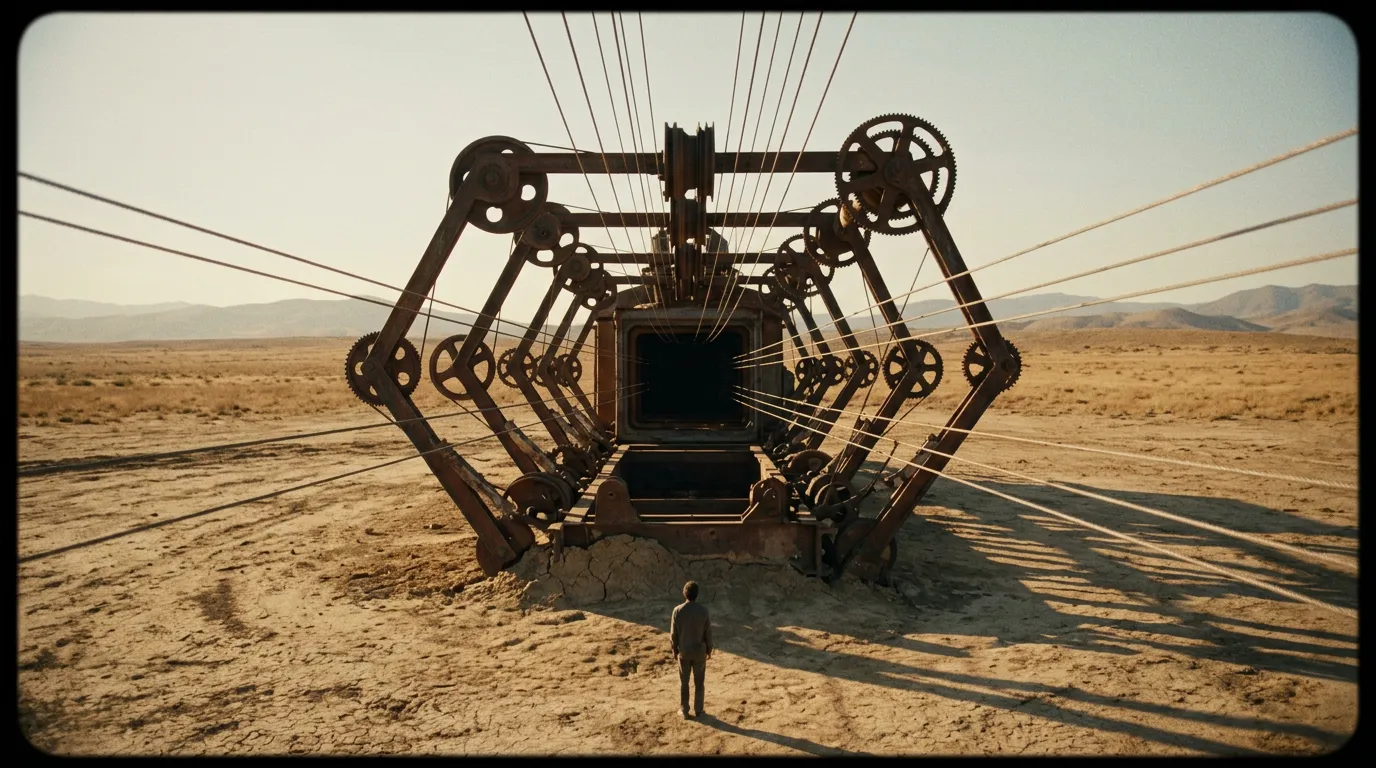
Controlled camera movement. Cinema uses precise, motivated camera movements — slow dollies, smooth crane shots, deliberate pans that follow action. Phone footage moves erratically. Professional footage moves with purpose. Veo 3.1 excels here, offering precise control over camera movements including orbits, push-ins, pull-backs, and tracking shots.
Depth of field. Cinematic footage uses shallow depth of field to separate the subject from the background. The subject is sharp, the background is softly blurred. This focusing effect directs the viewer's eye and creates visual hierarchy. Sora 2 naturally produces this depth-of-field look in its output.
Color grading. Professional video uses color grading to establish mood. Cool blues for technology, warm ambers for luxury, desaturated tones for drama. AI video prompts can specify color palette and mood, effectively building color grading into the generation process.
Intentional composition. Every frame in cinematic video is composed like a photograph. Subjects are placed on rule-of-thirds lines, leading lines guide the eye, negative space creates breathing room. Detailed prompts that specify composition produce frames that feel crafted rather than captured.
Building your brand's visual language
Before generating any footage, define the visual language that represents your brand. This is not about logos or brand colors — it is about the feeling your video creates.
Mood and tone
What emotion should your brand video evoke? Choose one primary emotion and one secondary:
- Trust + sophistication: Slow camera movements, neutral color palette, clean compositions
- Energy + innovation: Dynamic camera angles, vibrant colors, quick motion
- Warmth + accessibility: Soft lighting, warm tones, gentle movement, human-scale subjects
- Authority + expertise: Stable compositions, cool tones, precise geometric framing
Shot list framework
Professional productions use shot lists. You should too, even for AI-generated content. Plan 5 to 8 shots that tell your brand story:
- Establishing shot: Wide angle that sets the context or environment
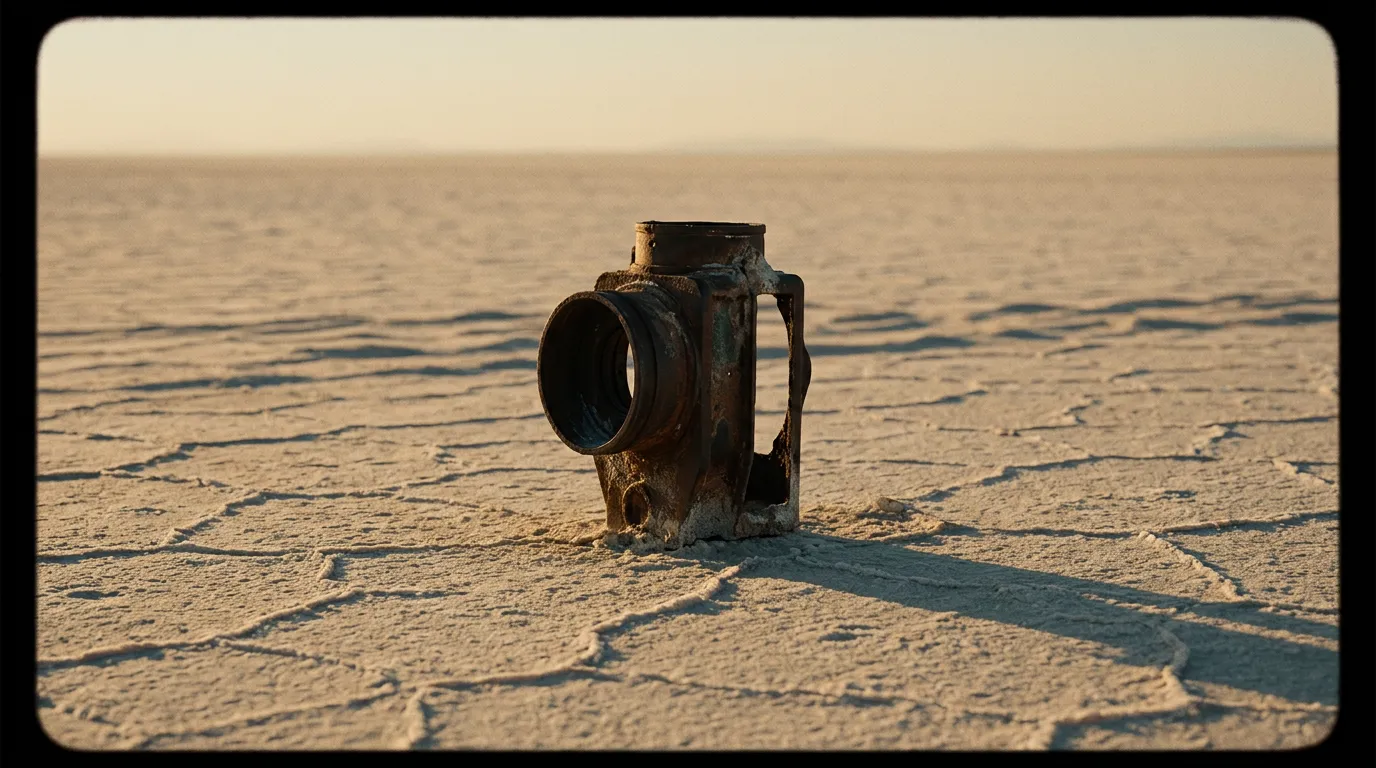
- Detail shot: Close-up of a product, texture, or meaningful detail
- Motion shot: Dynamic movement that creates energy and visual interest
- Hero shot: Your product or brand in its most compelling context
- Lifestyle shot: Your product or service in use, showing the human benefit
- Closing shot: A final frame that resolves the visual story
Step-by-step production process
Phase 1: Script and storyboard (1 hour)
Write a brief narrative arc for your video. Even a 30-second brand video needs structure: an opening that earns attention, a middle that delivers your message, and a close that leaves an impression.
Sketch rough storyboards for each shot. These don't need to be artistic — stick figures and boxes are fine. The purpose is to plan your prompts before you start generating.
Phase 2: Prompt engineering (30 minutes)
Translate each storyboard frame into an AI video prompt. Be specific about:
- Camera angle and movement
- Subject placement and composition
- Lighting direction and quality
- Color palette and mood
- Any specific action or motion
Example prompt for a hero shot: "Slow dolly push-in toward a minimalist desk setup with a laptop and coffee cup, shallow depth of field, warm morning light from a window on the left, golden hour tones, clean modern interior, 4K cinematic quality."
Phase 3: Generation and selection (2 hours)
Open PonPon and generate each shot. Use Canvas to test critical shots across multiple models:
- Veo 3.1 for shots requiring specific camera movements
- Sora 2 for shots requiring maximum photorealism and visual fidelity
- Kling 3.0 for shots involving people or characters with consistent appearance
- Seedance 2.0 for quick iterations when you need to test prompt variations rapidly
Generate 3 to 5 variations of each shot. Select the strongest version based on visual quality, composition, and how well it serves the narrative.
Phase 4: Assembly and post-production (2 hours)
Import your selected clips into any video editor — DaVinci Resolve (free), CapCut, or Adobe Premiere. Arrange clips according to your storyboard.
Add transitions. Use simple cuts and cross-dissolves. Avoid flashy transitions — they undermine the cinematic feel. Match cuts (where the composition of one shot mirrors the next) create professional-looking transitions.
Add music. Choose a single music track that matches your brand's emotional tone. The music should support the visuals, not compete with them. Royalty-free music libraries offer thousands of cinematic tracks.
Add text and logo. Minimal is better. Your logo at the end, a tagline if needed, and nothing more. Let the visuals carry the message.
Advanced techniques
Visual metaphor
The most powerful brand videos communicate through visual metaphor rather than literal representation. Instead of showing your software interface, show a visual metaphor for what it enables — freedom, speed, clarity, growth. AI video can produce metaphorical imagery that would be prohibitively expensive to film.
Consistent lighting across shots
Maintain the same lighting description across all your prompts to create visual continuity. If your establishing shot uses "warm morning light from the left," use similar lighting language in subsequent shots. This consistency is what makes a collection of clips feel like a single production rather than a montage.
Sound design
Layer ambient sound effects beneath your music track. Room tone, subtle nature sounds, mechanical sounds, or atmospheric texture. This layer of audio creates depth that distinguishes professional video from amateur work.
What this approach cannot do
Transparency matters. AI-generated brand video excels at atmospheric footage, product beauty shots, environmental establishing shots, and visual storytelling. It is less effective for:
- Footage of specific real people (founders, team members)
- Content showing your exact physical product with precise detail
- Testimonial or interview-style content
For these elements, use your phone or a basic camera setup. The AI-generated footage provides the cinematic wrapper, and the real footage provides the human authenticity. The combination is more powerful than either alone.
The new economics of brand video
A cinematic brand video that would have cost $10,000 in traditional production can now be produced for under $50 in AI generation credits and a Saturday afternoon of your time. The quality gap between AI-generated and traditionally-produced footage narrows with every model update.
The brands that win attention in 2026 will not be the ones with the biggest production budgets. They will be the ones with the best visual ideas and the willingness to produce them. AI video tools remove the production barrier. The only remaining barrier is creative ambition.
Start with PonPon's free credits. Generate your first cinematic shot. See what is possible when the budget constraint disappears.