Mastering the Image-First Video Workflow
Why professionals generate static keyframes before ever touching a video model.
The Problem with Text-to-Video
Relying exclusively on text prompts to generate video is a gamble. You might describe an intricate cyberpunk alleyway with perfect syntax, but the video model's interpretation of that lighting will change every time you hit render. When you need to generate five different shots taking place in that exact same alleyway, text-to-video fails to maintain consistent art direction.
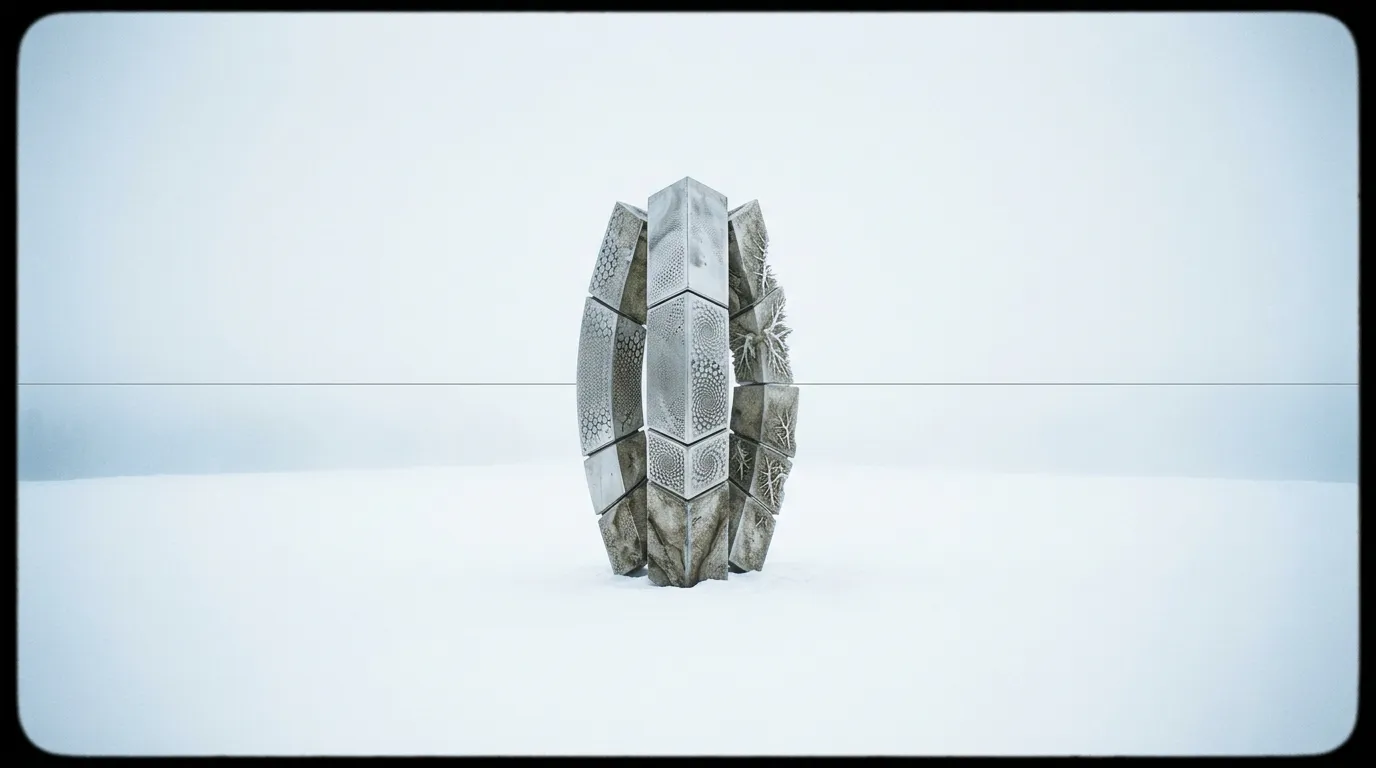
The professional workaround is the image-first workflow. Before assigning compute power to motion and physics, directors use highly specialized static image generation engines to lock the aesthetic. You generate the perfect frame first, and only animate it when it meets your standard.
Choosing the Right Base Image Model
Your choice of foundational image model dictates the ceiling of your video quality. If your project requires heavy text rendering—like neon signs, license plates, or branded clothing—using strict structural engines like GPT Image 2 ensures the lettering is flawless before it ever begins moving.
Conversely, if your goal is photorealistic portraiture or macro product photography, leveraging tools that excel at micro-details like Nano Banana Pro gives the subsequent video model a hyper-detailed texture map to work from. A video model can never add detail that the source image lacks; it can only preserve what is already there.
Pushing into the Animation Phase
Once you have a folder of approved keyframes, the process shifts to the image-to-video pipeline. Because the color grading, character design, and environment are permanently locked into the pixels of your source image, you no longer need to write exhaustive descriptive prompts.
Instead, your video prompts should shift strictly to directorial commands. You only need to describe the motion. Keep the instructions incredibly brief: "Camera pans left, subject turns head slowly." Utilizing models with strong visual preservation like Sora 2 Pro guarantees that the cinematic quality you established in step one remains untouched as the frame begins to move. This structured approach saves hours of frustration and wasted rendering credits.