Producing Music Videos with AI
How independent artists and labels replace traditional production sets with generative AI video pipelines.
The shift in independent music production
For independent musicians, the cost of a high-quality music video has always been a barrier. Renting equipment, hiring crews, and securing locations can easily exhaust an entire marketing budget. Now, artists are using AI video generation to produce visuals that compete with major label releases.
Rather than treating AI as a glitchy novelty, musicians are applying structured workflows to build cohesive visual worlds, relying on prompt consistency and smart model selection to execute their vision.
Building the aesthetic foundation
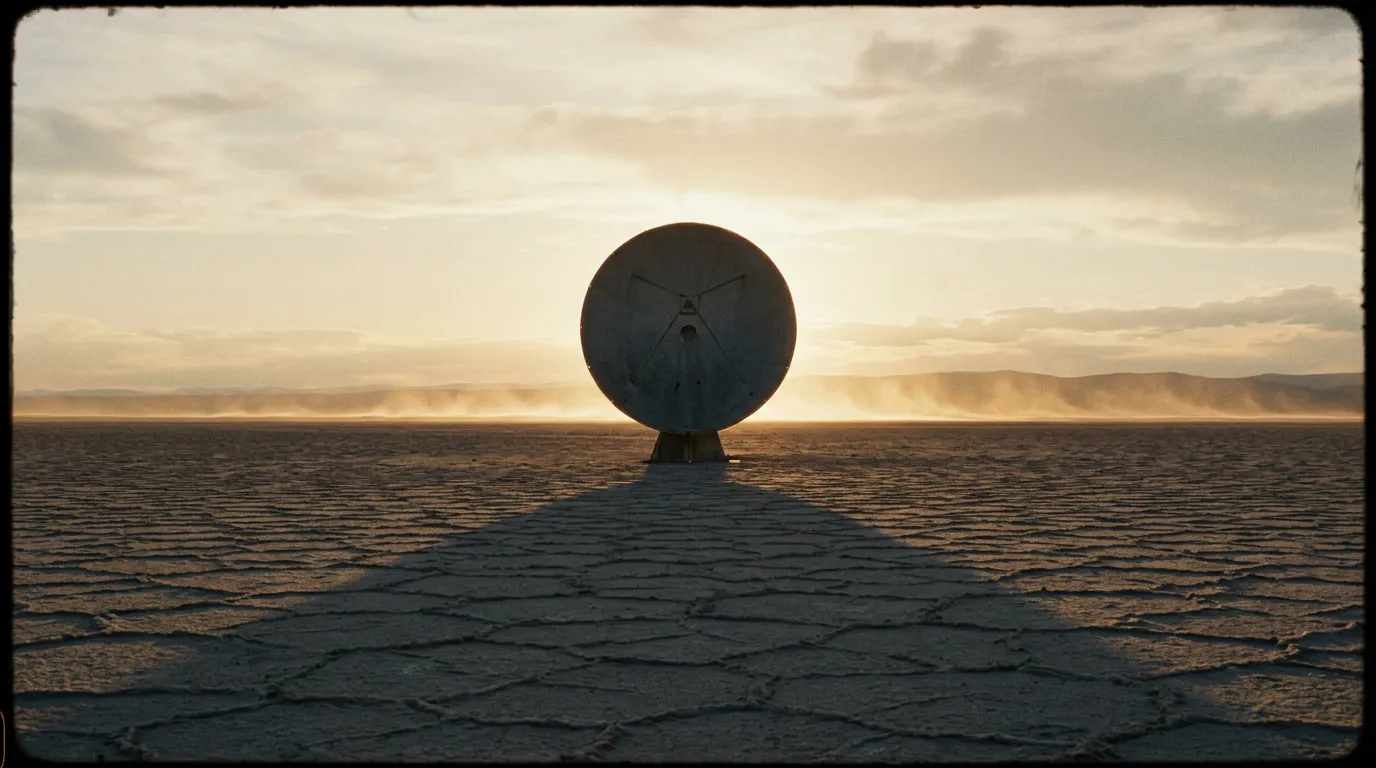
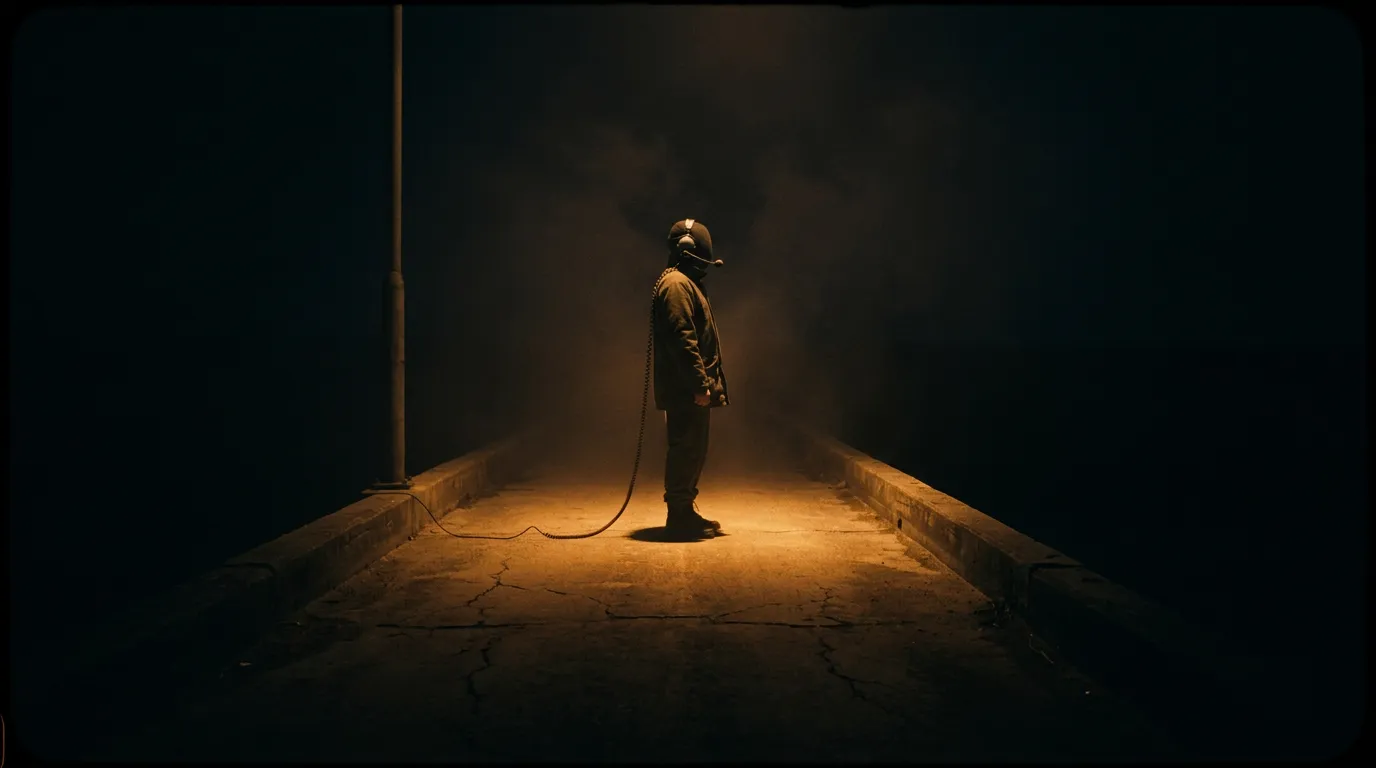
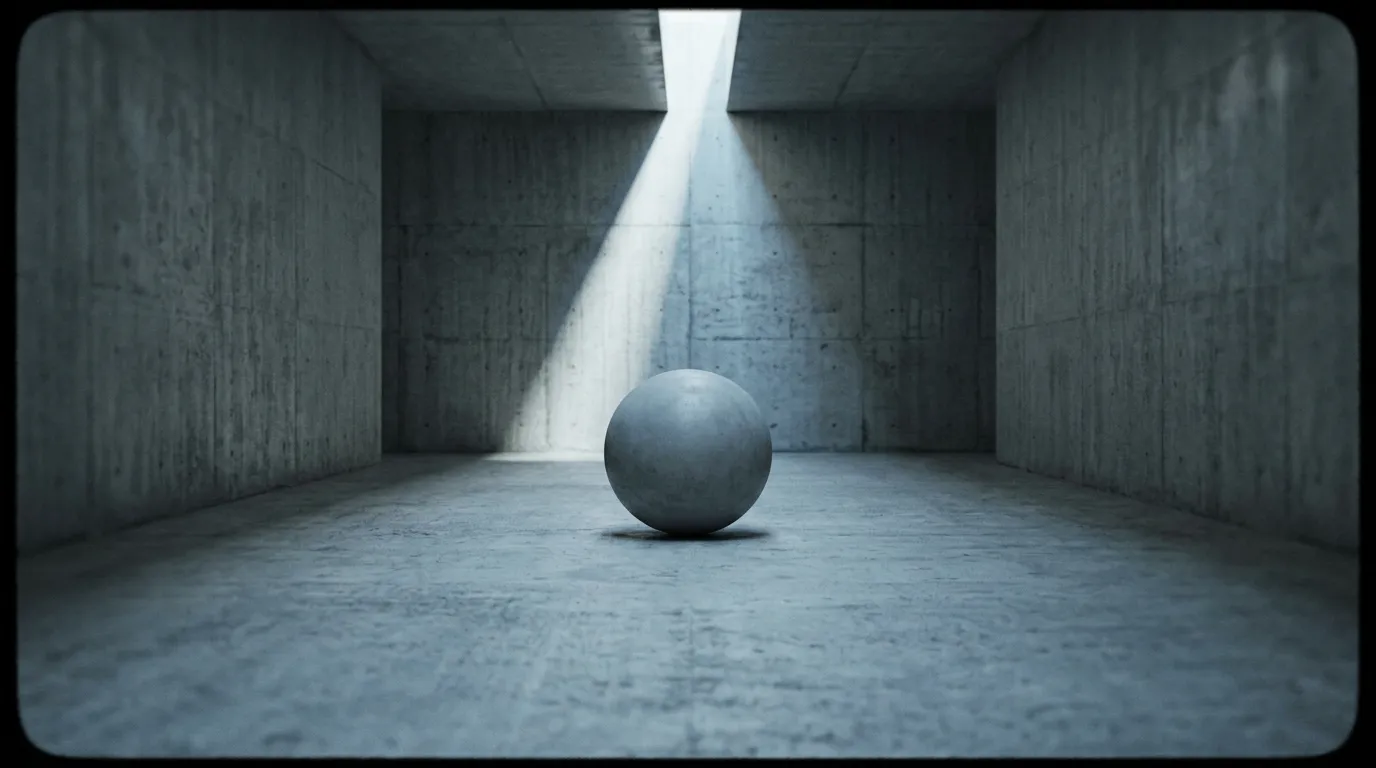
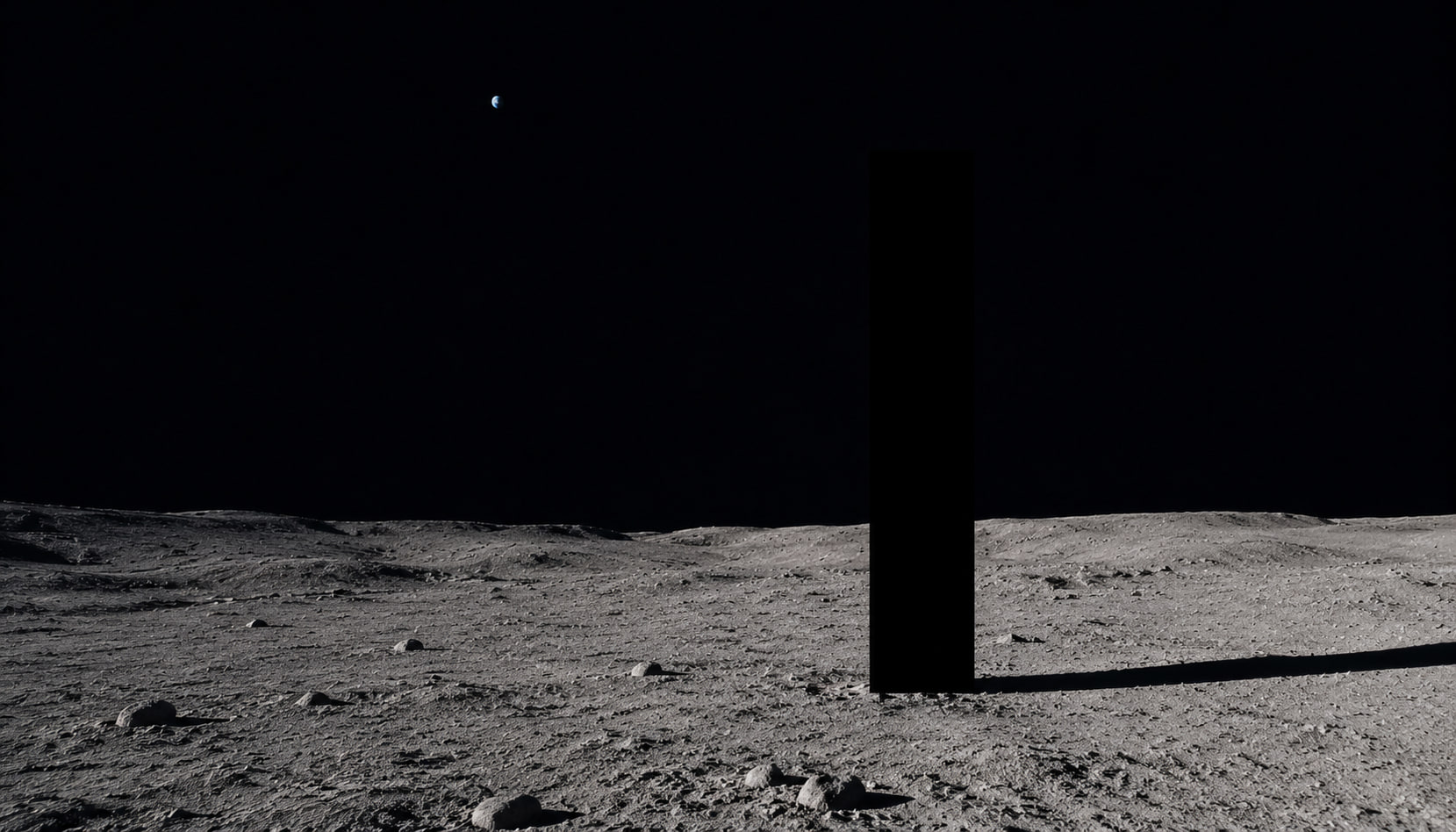
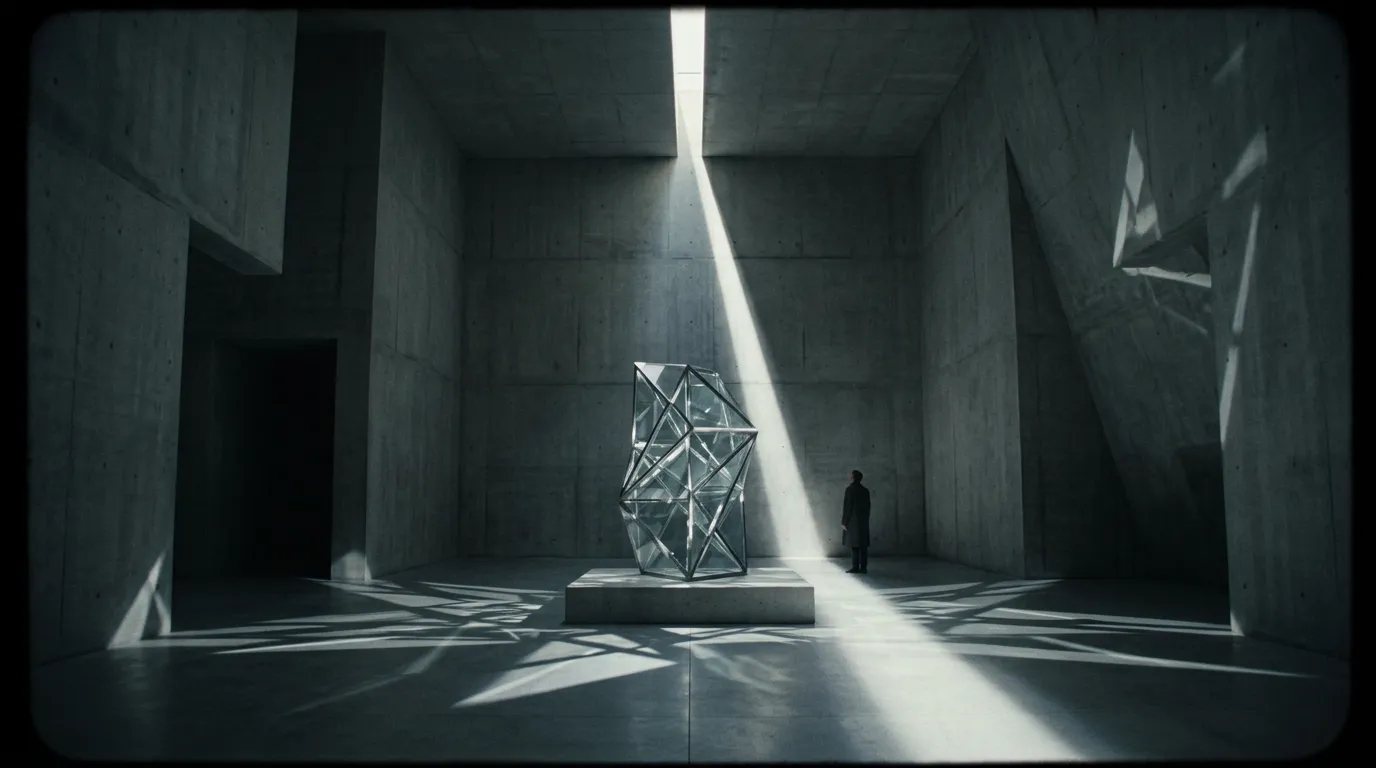
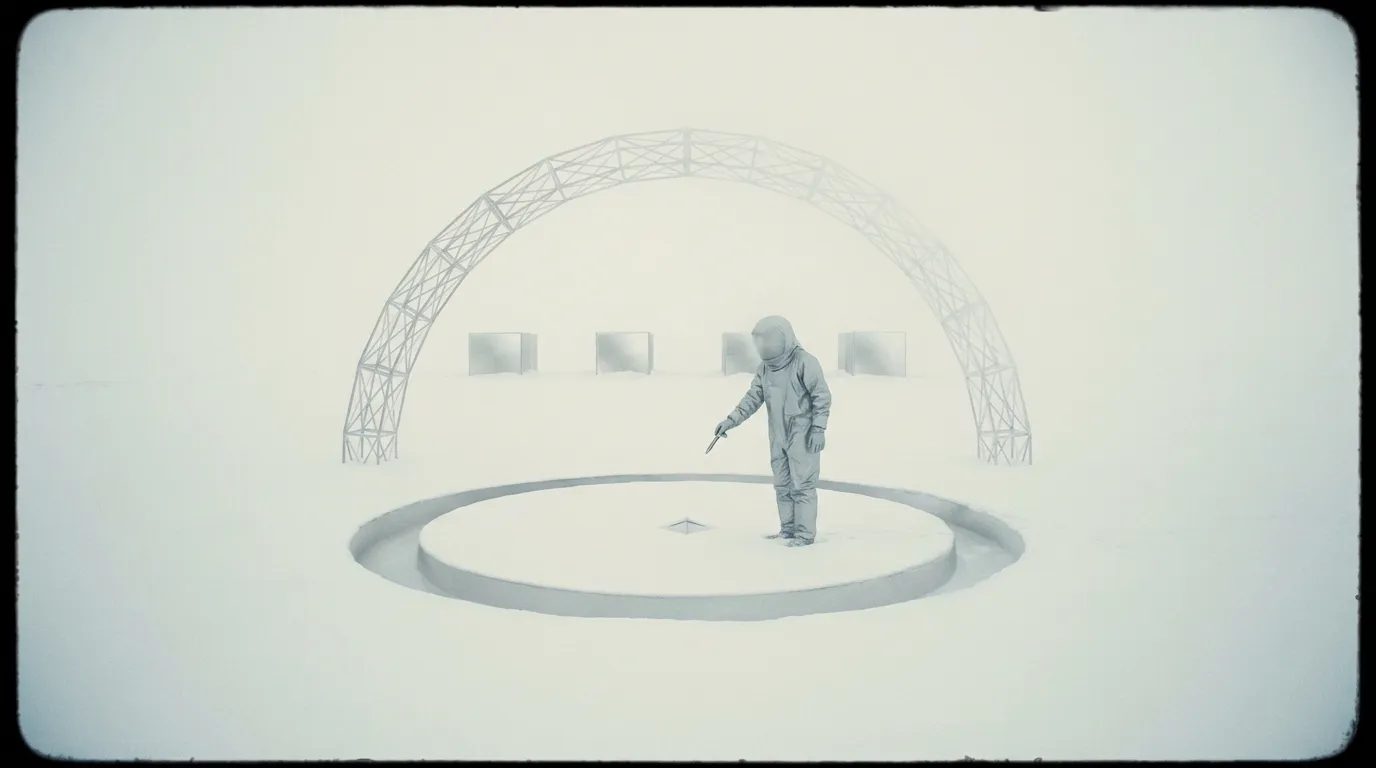
A music video needs a unified look. In a traditional workflow, the director of photography handles color grading and lighting. In an AI workflow, artists establish this baseline using images. They generate keyframes using Midjourney V7 to establish the color palette, mood, and character design.
Once a dozen storyboard images are finalized, they are brought into the video generation phase. This prevents the random aesthetic shifts that occur when prompting scenes purely from text.
Handling lip-syncing and motion
Music videos require precise synchronization to the beat and lyrics. For scenes where an artist or character needs to sing along, models with native lip-sync are the current industry standard. The ability to accurately map audio files to lip movements allows for convincing performance shots.
For dynamic b-roll such as dancing crowds or high-speed visual metaphors, artists frequently switch to speed-optimized motion models that handle overlapping limb physics smoothly. Editors then cut between the lip-synced performance shots and the dynamic b-roll, mimicking traditional editing structures.
Scaling the pipeline
Generating an entire three-minute track requires managing hundreds of short clips. Professionals handle this by using the node-based pipeline builder to automate repetitive prompting tasks and organize their generations. By separating the chorus visuals from the verse visuals into different nodes, artists can maintain thematic tracks without losing track of their files.
The final step is typically upscaling. Because music videos are viewed on large screens, utilizing models to boost the resolution ensures the final cut is clean. The entire process allows a single artist to output a cinematic music video from a laptop in a few days.