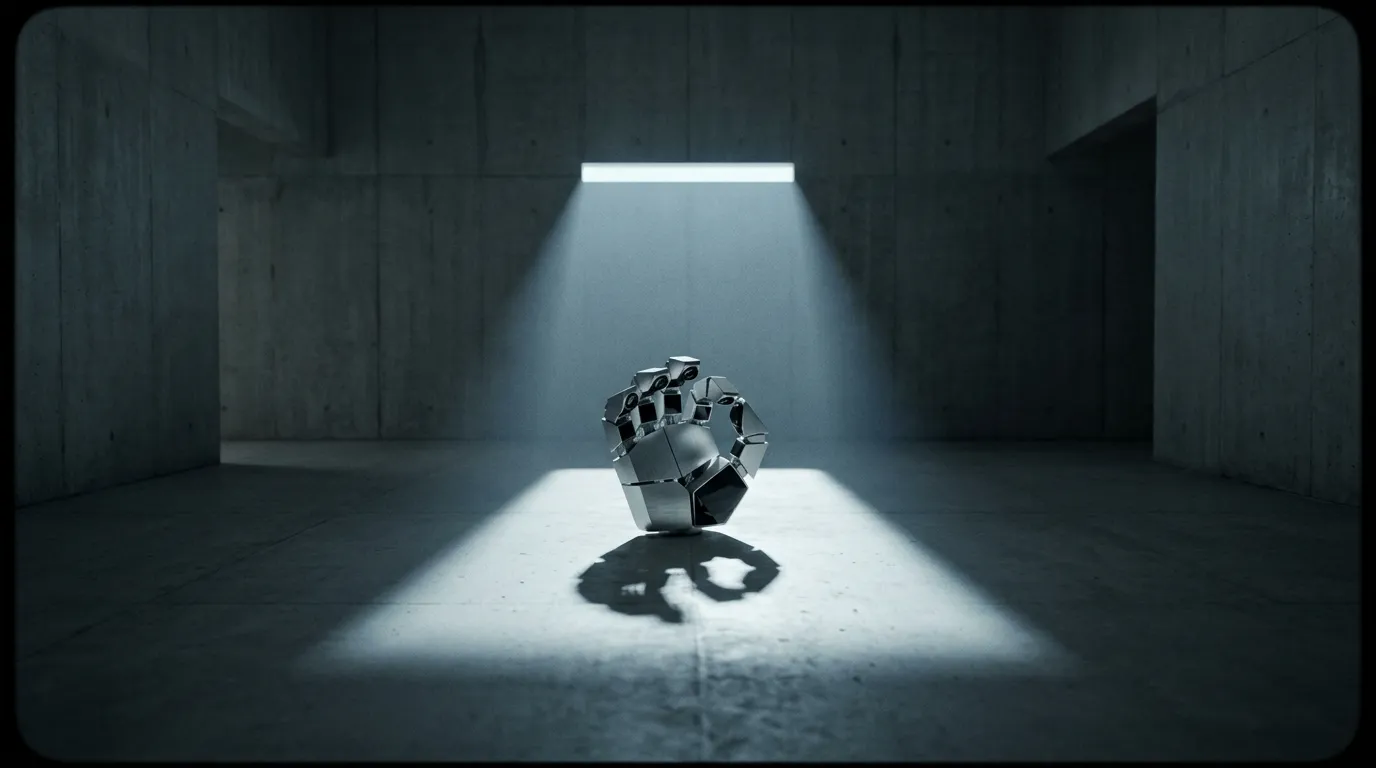
Lighting Control in AI Video
Techniques for prompting accurate, consistent lighting across multiple generative AI clips.
Controlling the environment in an AI-generated scene goes beyond describing the set and characters. Without explicit lighting instructions, generative models default to flat, evenly lit visuals that lack cinematic depth. Directing the virtual lighting setup is essential for achieving a professional final cut.
The gap between amateur and professional video output often comes down to light. Real cinematographers spend hours positioning key lights, fill lights, and backlights before rolling a single frame. AI video generation compresses that process into text, but the principle remains identical: if you do not specify the light, the model guesses, and the guess is almost always safe, flat, and uninteresting.
Establishing the base grade with images
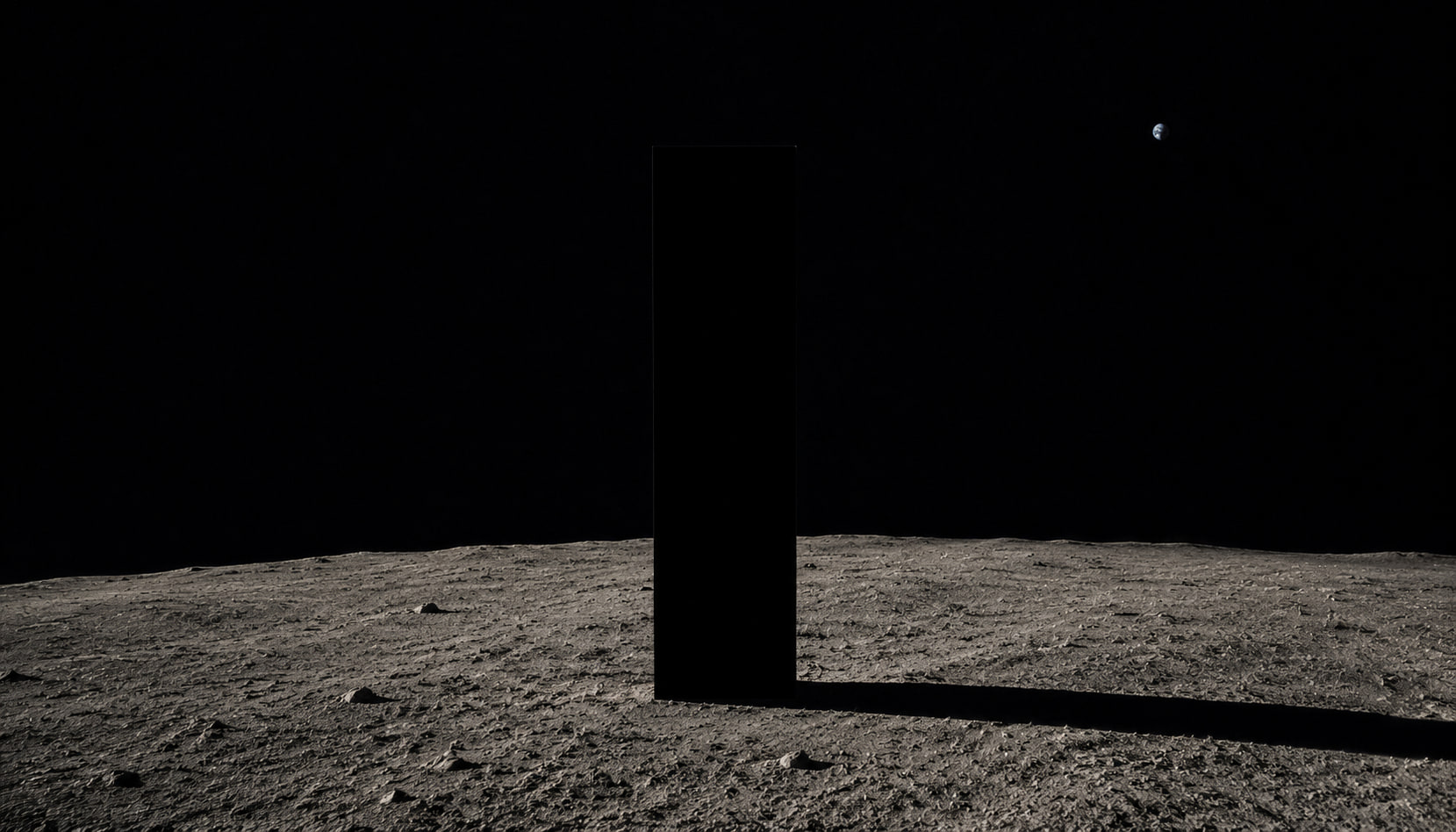
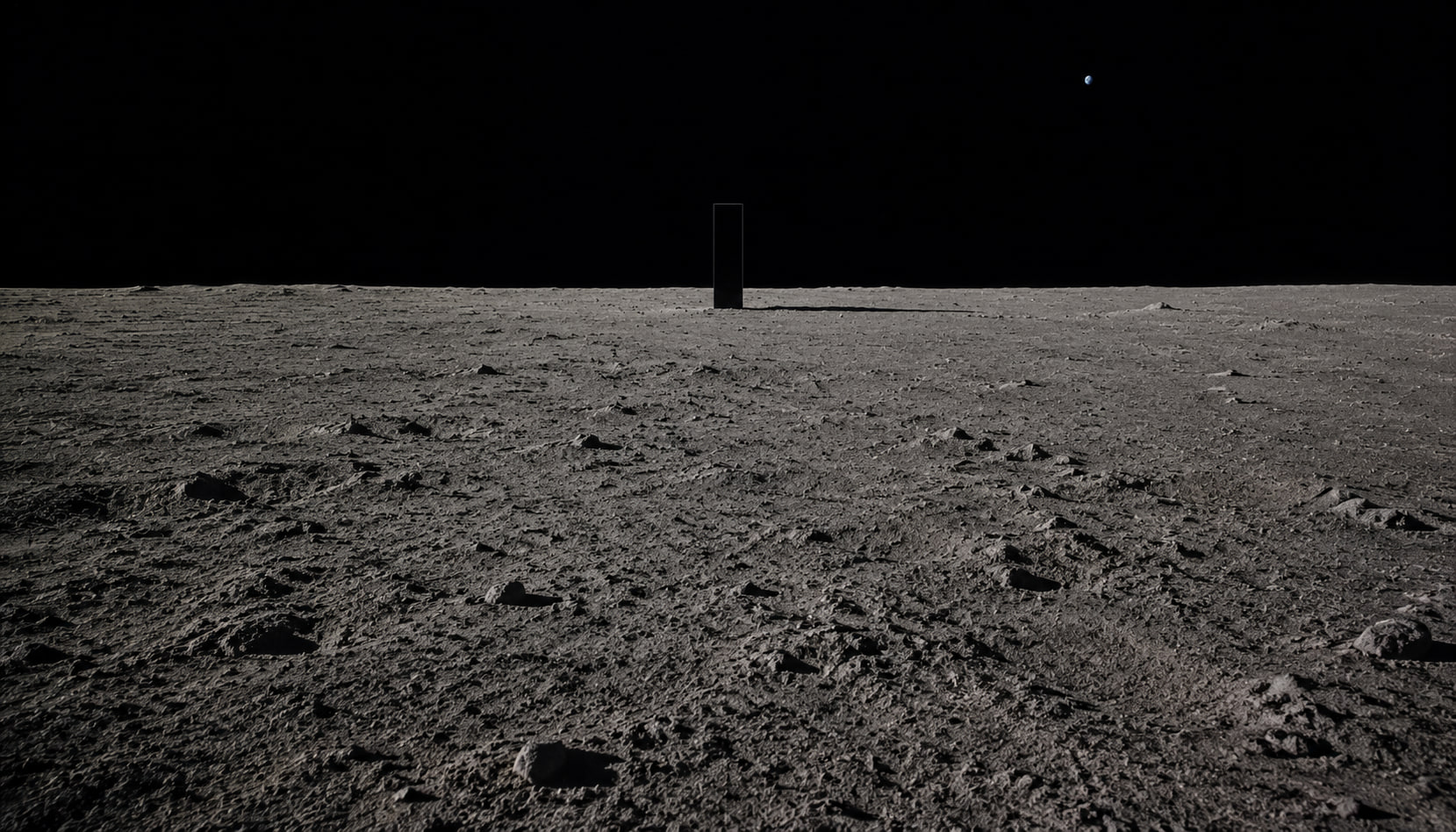
The most reliable method for maintaining a mood across a sequence is to avoid relying entirely on text. Directors typically secure the aesthetic by generating static reference keyframes first. Utilizing models with known cinematic styling, such as Midjourney V7, allows you to lock in the contrast ratios and color palette before any motion enters the process.
Pushing these static reference images into video models ensures that the subsequent motion generation inherits the exact lighting profile of the source file. The model treats the reference image as ground truth for color temperature, shadow depth, and highlight placement. This is far more consistent than describing the same lighting setup in text across multiple separate prompts.
Prompting for specific light sources
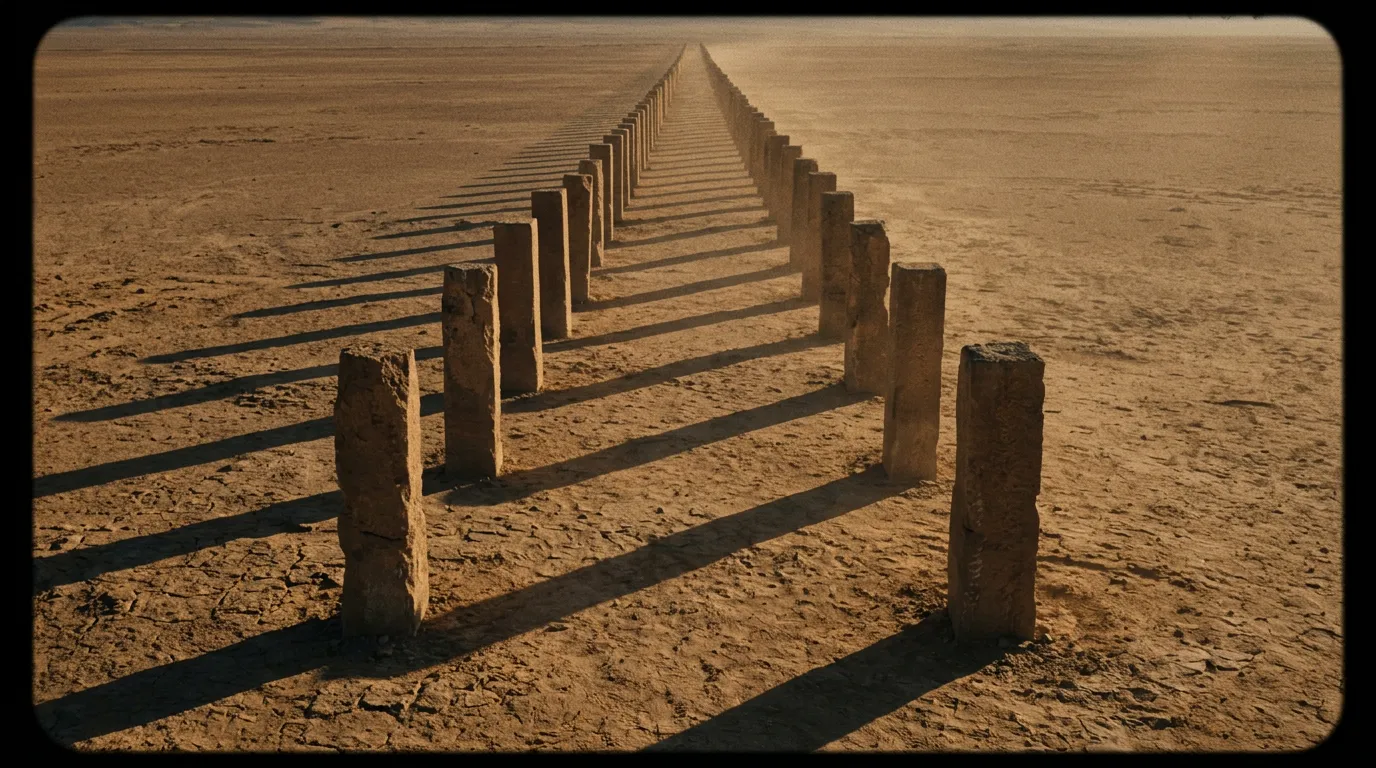
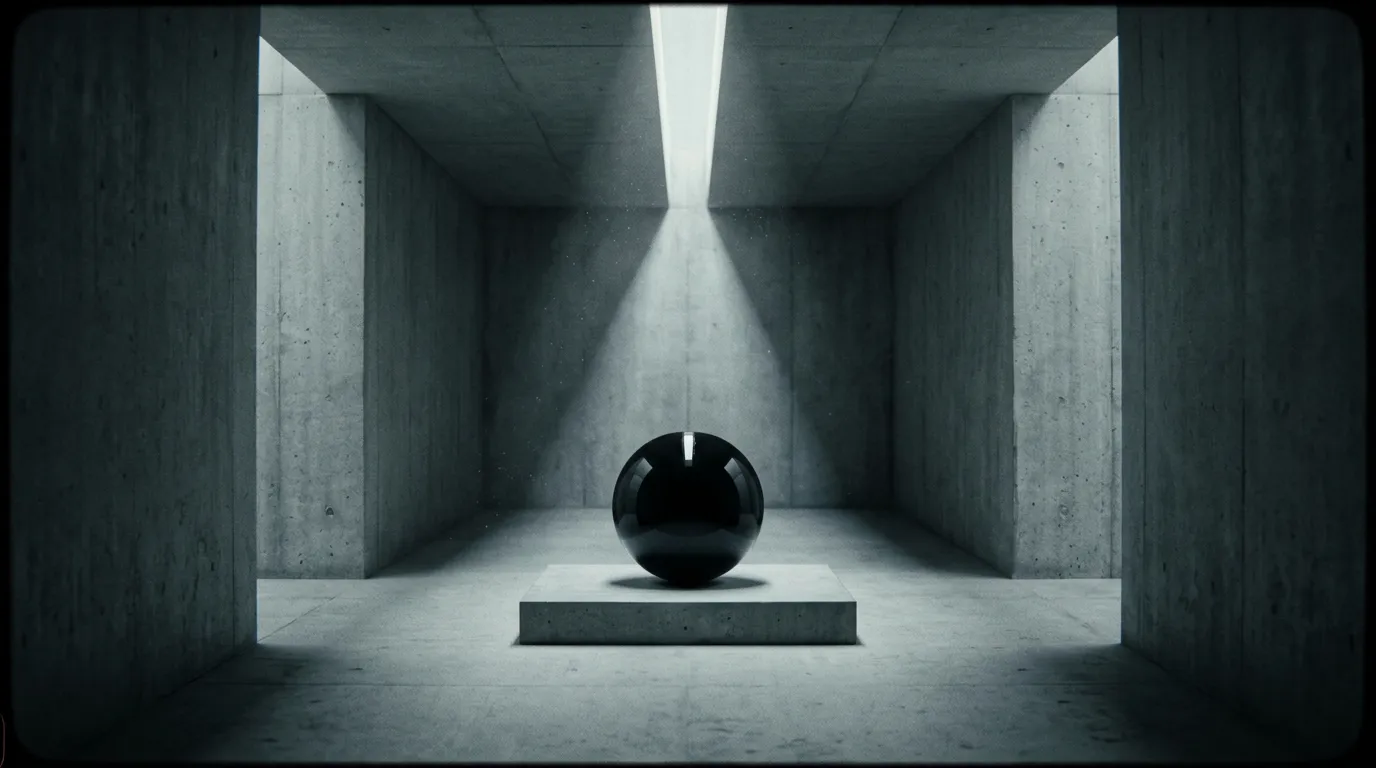
When composing your text instructions, specify the direction and quality of the light. Rather than simply typing descriptive words like moody or dark, tell the AI video generator exactly where the light originates. Phrases involving volumetric backlighting from a window behind the subject, harsh overhead fluorescent tubes in a convenience store, or soft practical desk lamps with warm tungsten temperature provide necessary spatial constraints.
The more technical your vocabulary, the more accurate the resulting render will be. Naming specific color temperatures like 3200K tungsten or 5600K daylight gives the model measurable parameters instead of subjective descriptions. Specifying the ratio between key light and fill light controls the contrast across the subject's face.
Handling dynamic shadows
Lighting becomes complicated when objects move through the frame. If a character walks past a window, the shadows must travel across their face logically. Advanced models process this geometry predictably, with capabilities like accurate world simulation mapping the physical space before calculating the light rays. This prevents shadows from detaching or flickering independently of the objects casting them.
Moving camera shots compound the challenge. A tracking shot that follows a character through a room with multiple light sources requires the model to recalculate shadow angles continuously. Breaking complex movements into shorter segments and rendering them individually gives the model fewer simultaneous lighting calculations to resolve per clip.
Color grading across a sequence
Individual clips with perfect lighting still fail if their grades do not match. A scene cut together from five separate generations will look disjointed unless every clip shares the same color temperature, contrast curve, and shadow density. This is where reference images become critical, not just for the first shot but for every subsequent generation in the sequence.
Creators working with atmospheric rain and weather effects need to account for how moisture in the air diffuses light. Rain scatters highlights, softens shadows, and adds a cool blue shift to the overall palette. Including these physical consequences in your prompt prevents the model from generating a rainy scene with the crisp shadows of a clear afternoon.
Organizing scenes by mood
Maintaining consistency across dozens of clips requires strict organizational habits. Creators managing large narrative projects often turn to a node-based pipeline builder to group their prompts by location and time of day. Separating daylight exterior renders from nighttime interior setups prevents accidental prompt blending and ensures the color grade remains stable throughout a specific scene.
Tagging each prompt with its lighting setup in a dedicated notes field helps when returning to a project after days or weeks. Recording the exact phrasing that produced the right shadow depth for a night interior means you can replicate that grade on new shots without trial and error. Consistency comes from documentation, not from memory.
Common lighting mistakes to avoid
The most frequent error is stacking resolution keywords instead of describing light. Writing 4k cinematic 8k ultra realistic tells the model nothing about where the light comes from or what color it carries. Replace these tags with physical descriptions of the light setup.
Another common mistake is specifying mood without cause. A vague phrase like dramatic lighting is subjective and produces inconsistent results across generations. Describing a single hard key light from camera left at 45 degrees with no fill and deep shadows on the camera-right cheek produces the same setup every time because the instruction is spatial and measurable.
Overexposing highlights is the third common issue. Models tend to blow out bright light sources when the prompt emphasizes intensity. Adding constraints that request visible detail retained in window highlights or blown highlights limited to the practical light source itself keeps the dynamic range under control.