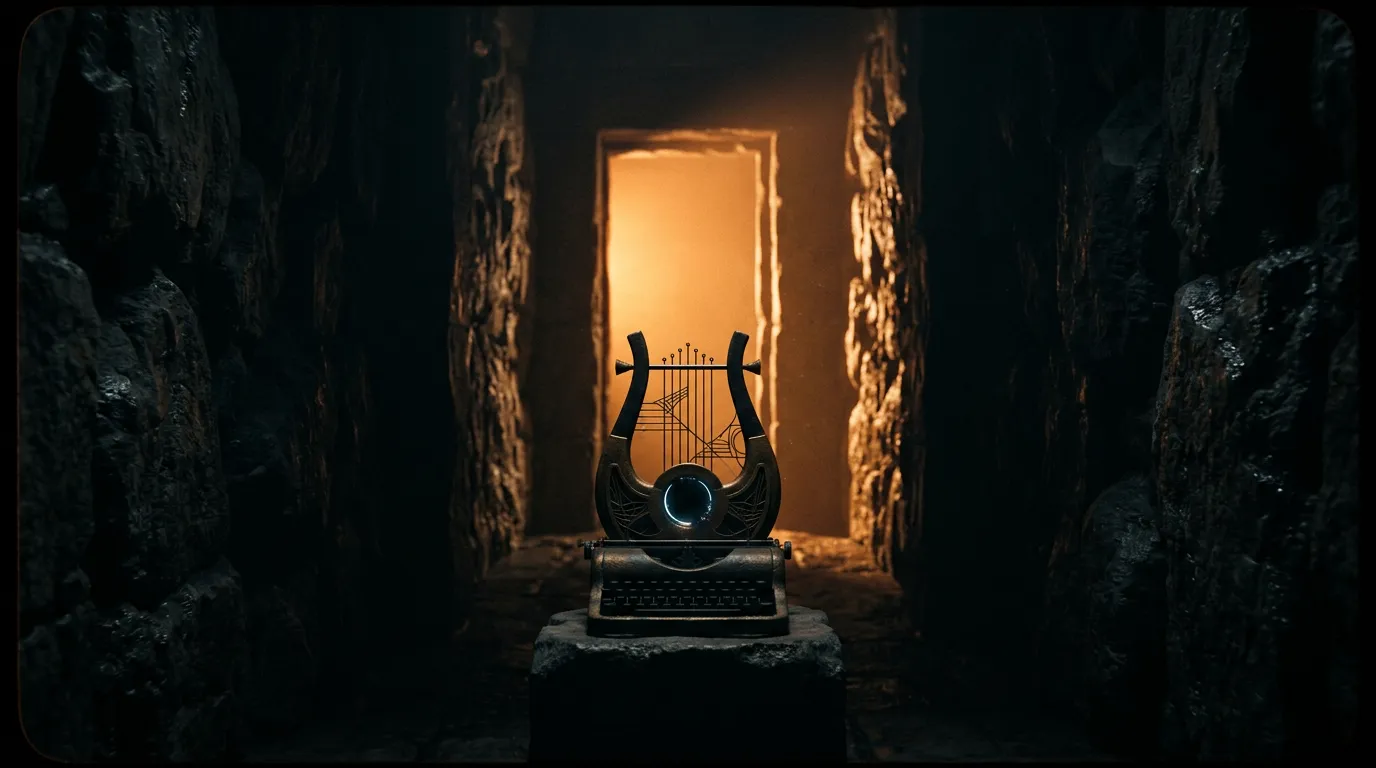
Mastering the AI Audio Workflow
How to replace expensive stock music libraries with text-to-audio generative engines.
The Missing Half of AI Video
Producing a visually stunning AI clip using a tool like Sora 2 is heavily compromised if it is presented in total silence. Modern audiences process audio cues faster than visual ones, meaning the wrong background track instantly shatters the cinematic illusion. Traditionally, creators licensed tracks from massive stock libraries, spending hours sifting through generic corporate lo-fi to find a 30-second loop that vaguely fit their mood.
The shift to generative audio allows creators to design the soundscape and the visuals simultaneously. By utilizing a dedicated audio generation studio, directors can type out the exact musical genre, tempo, and instrumentation they need, tailoring the audio track to fit the specific emotional beats of the video output.
Crafting the Perfect Musical Prompt
Prompting for audio behaves differently than prompting for video physics. Generative audio models rely heavily on musical taxonomy. Typing "a cool song" yields unpredictable chaos. Effective audio prompts combine the genre, the era, the primary instruments, and the pacing.
For example, instructing the model to generate "a slow, melancholic 1980s synth-wave track featuring heavy analog bass and a distant saxophone" provides the engine with structural guardrails. When building suspenseful trailers, professional editors often stack these atmospheric tracks directly under cinematic AI video clips, matching the tension of the visual movement perfectly to the swell of the generated music.
Precision Sound Effects
Beyond background music, a scene demands Foley sound effects. If your video generation includes a cinematic sword fight, a thundering explosion, or the subtle sound of rain hitting a windowpane, that audio must be layered in post-production.
Rather than recording Foley practically, creators lean on highly specific text-to-sound engines. The process involves pinpointing exactly where the video requires an acoustic trigger and generating a precise sound effect sequence. For atmospheric continuity, editors often utilize specific environmental tags inside the multi-model workspace, ensuring that a video scene generated with pouring rain is matched flawlessly to an audio file containing wet concrete footsteps and distant thunder.