Midjourney v7 on PonPon: Access Without Discord
Midjourney's best model, accessible through a modern web interface. No Discord channels, no slash commands.
Midjourney has produced some of the most visually striking AI images in the world. It has also required one of the most unusual workflows: generating images inside Discord chat channels using slash commands and parameter flags. For many creators, the quality was worth the awkwardness. But it should not have to be a trade-off.
That is exactly the friction PonPon removes — you can use Midjourney without Discord, straight from the browser.
PonPon offers Midjourney v7 through a clean web interface. No Discord. No slash commands. No scrolling through other people's generations to find yours. Just type a prompt, adjust settings with visual controls, and generate.
Why Midjourney on PonPon
No Discord required
The biggest friction point with Midjourney has always been Discord. It is a chat app repurposed as an image generation tool. The workflow involves typing commands in a text channel, waiting while other users' generations scroll past, and managing a growing collection of images across DMs and channels.
On PonPon, Midjourney v7 works like any other image generator: a prompt field, visual controls, and your results organized in Canvas. The experience is focused on creation, not chat.
Visual controls instead of parameter syntax
Midjourney's parameter system is powerful but requires memorization. --ar for aspect ratio, --s for stylization, --c for chaos, --q for quality, --style for style mode. Each parameter has its own value range and interaction effects.
PonPon replaces all of this with visual controls: sliders, dropdowns, and toggles. Adjust aspect ratio with a selector. Control stylization with a slider. See what each setting does without consulting documentation. The parameters still apply under the hood — you just do not need to type them.
Organized output in Canvas
On Discord, your Midjourney generations are scattered across channels and DMs. Finding an image you generated three weeks ago means scrolling through hundreds of messages. On PonPon, every generation is organized in Canvas — searchable, sortable, and arranged in collections.
Side-by-side model comparison
The killer feature: generate the same prompt on Midjourney v7 and another model (GPT Image 1.5, Seedream 5, Nano Banana Pro) and compare results side by side. This is impossible in Discord. On PonPon, it takes one click.
What Midjourney v7 does best
Aesthetic quality
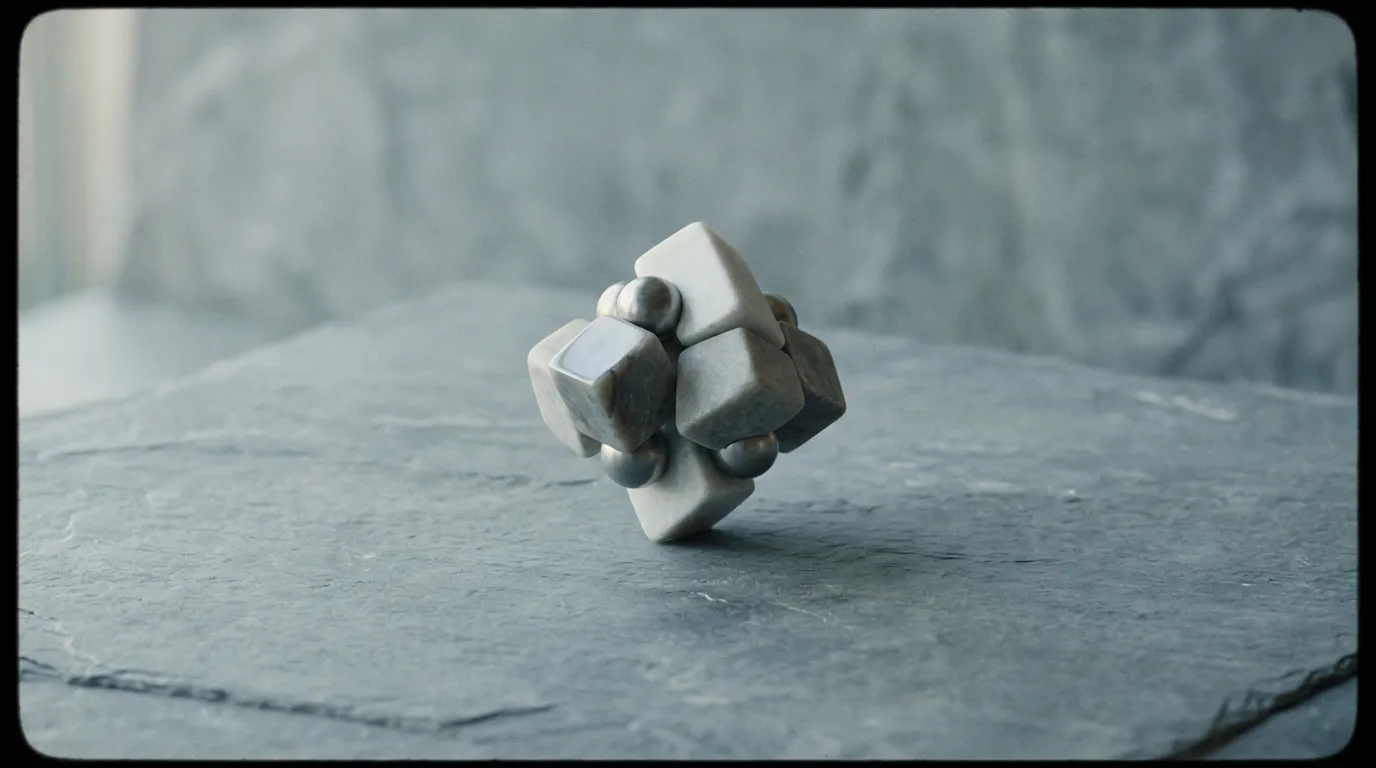
Midjourney has a signature look. Images have a richness, depth, and intentionality that immediately stand out. Colors are bold but harmonious. Compositions are dramatic but balanced. Even simple prompts produce images that look like they were art-directed by a professional.
This aesthetic quality is Midjourney's greatest strength and its most distinctive characteristic. No other model produces images that look quite like this.
Photorealism
Midjourney v7's photorealistic output is among the best available. Human portraits have natural skin texture, accurate lighting, and convincing depth of field. Environmental photos have physical plausibility — materials look like real materials, light behaves like real light.
Cinematic composition
Midjourney naturally gravitates toward cinematic framing. Wide-angle establishing shots, dramatic lighting setups, and depth-layered compositions emerge from relatively simple prompts. The model has internalized principles of visual composition that produce results resembling professionally photographed content.
Atmosphere and mood
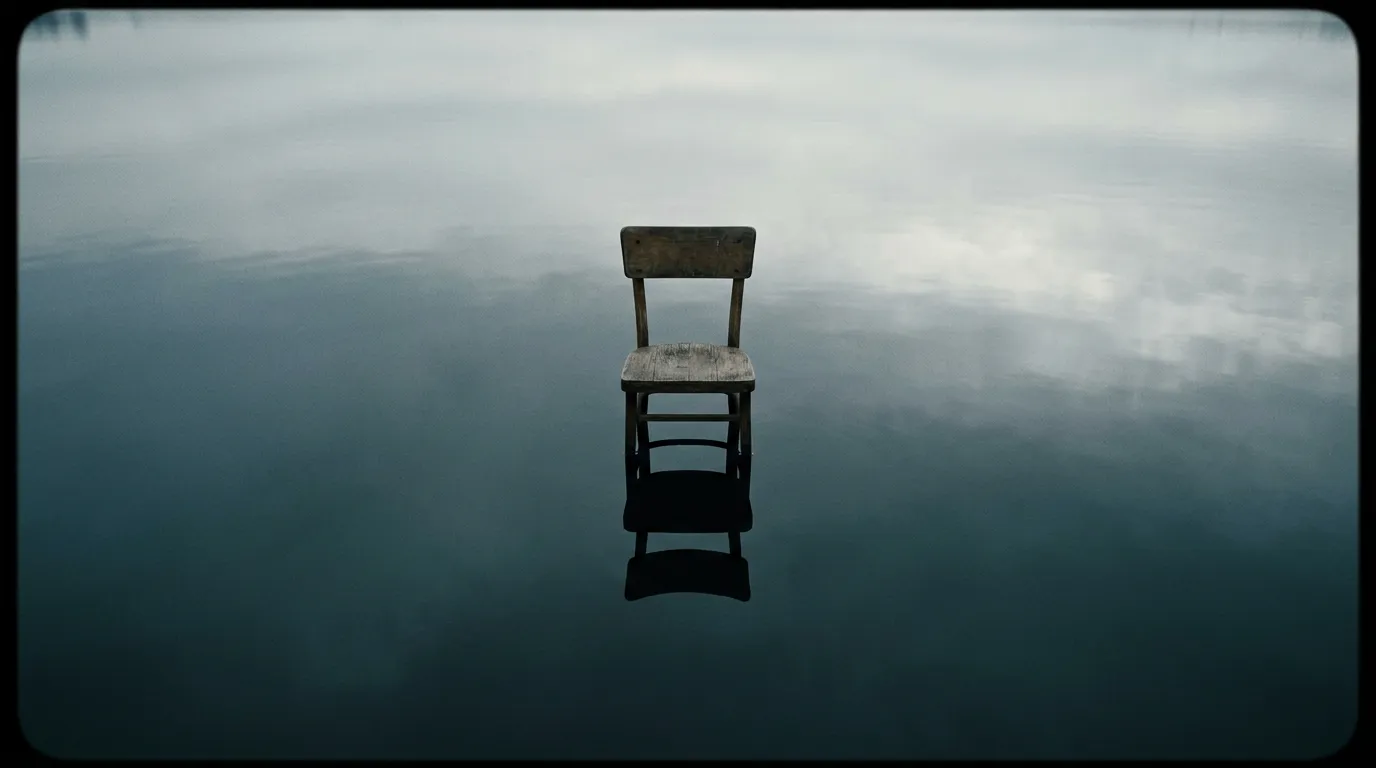
Midjourney excels at creating mood. "Mysterious," "ethereal," "gritty," "whimsical" — emotional descriptors translate into genuinely evocative images. The model adds atmospheric elements like haze, volumetric light, reflections, and depth cues that strengthen the emotional impression.
How to prompt Midjourney v7 on PonPon
Describe the subject and scene
Start with the core content: who or what is in the image, where they are, and what is happening. Midjourney responds well to vivid, descriptive language.
Example: "A lone astronaut standing on a rust-colored desert planet, looking up at a sky filled with two moons and a ring of debris"
Add style and mood keywords
After the subject, layer in style and mood. Midjourney is responsive to aesthetic direction:
- Photographic styles: "shot on 35mm film," "Hasselblad medium format," "drone photography"
- Artistic references: "in the style of Edward Hopper," "Art Deco poster design," "Japanese woodblock print"
- Mood words: "haunting," "serene," "electric," "melancholic"
- Lighting: "golden hour," "harsh midday sun," "soft overcast," "neon glow"
Use the visual controls
On PonPon, adjust the controls that replace Midjourney's parameter flags:
- Stylization: Higher values produce more opinionated, artistic results. Lower values follow your prompt more literally.
- Chaos: Higher values produce more varied and unexpected results. Lower values are more predictable.
- Aspect ratio: Choose from standard options or enter a custom ratio.
Iterate and refine
Midjourney v7 often produces strong results on the first generation, but iteration improves them. Refine your prompt, adjust settings, and regenerate. On PonPon, previous generations remain in Canvas so you can compare iterations easily.
Midjourney v7 in the PonPon pipeline
Midjourney images on PonPon are not isolated — they connect to the full creative pipeline:
Image to video: Generate a stunning Midjourney v7 image, then use it as the starting frame for a video generated by Kling 3.0, Sora 2, or Veo 3.1. The image's quality and detail carry forward into the animation.
Side-by-side comparison: Run the same prompt on Midjourney v7 and Seedream 5. Or Midjourney v7 and Nano Banana Pro. See which model's interpretation best fits your project.
Canvas organization: Collect Midjourney generations alongside output from other models in a single organized workspace. Build project collections that draw from the best of every model.
Fashion Designer: Use a Midjourney-generated character as a reference for the AI Fashion Designer to generate outfit variations.
Cinema Mode: Use Midjourney images as reference frames for Cinema Mode multi-shot sequences, maintaining the distinctive Midjourney aesthetic across generated video clips.
When to choose Midjourney v7
Choose Midjourney v7 when:
- Maximum aesthetic impact matters
- You want the model to add creative interpretation beyond your prompt
- Photorealistic quality is essential, especially for portraits and environments
- Cinematic composition and dramatic lighting are part of the brief
- The distinctive "Midjourney look" is what you want
Choose other models when:
- You need precise prompt-following without creative additions (use Nano Banana Pro)
- Text in the image must be legible (use GPT Image 1.5)
- You need the widest range of artistic styles (use Seedream 5)
- Generation speed is the priority (use Nano Banana Pro)
Getting started
Select Midjourney v7 from the model picker on PonPon's image generation page. Write a descriptive prompt, adjust the visual controls, and generate. Your results appear in Canvas alongside any other generations, ready for comparison, organization, and export.
No Discord account needed. No parameter syntax to memorize. Just Midjourney's best model in a modern interface.