GPT Image 2: The Complete Guide
OpenAI's flagship image model brings sharper detail, near-perfect text rendering, subject fidelity across edits, and stronger prompt adherence to PonPon.
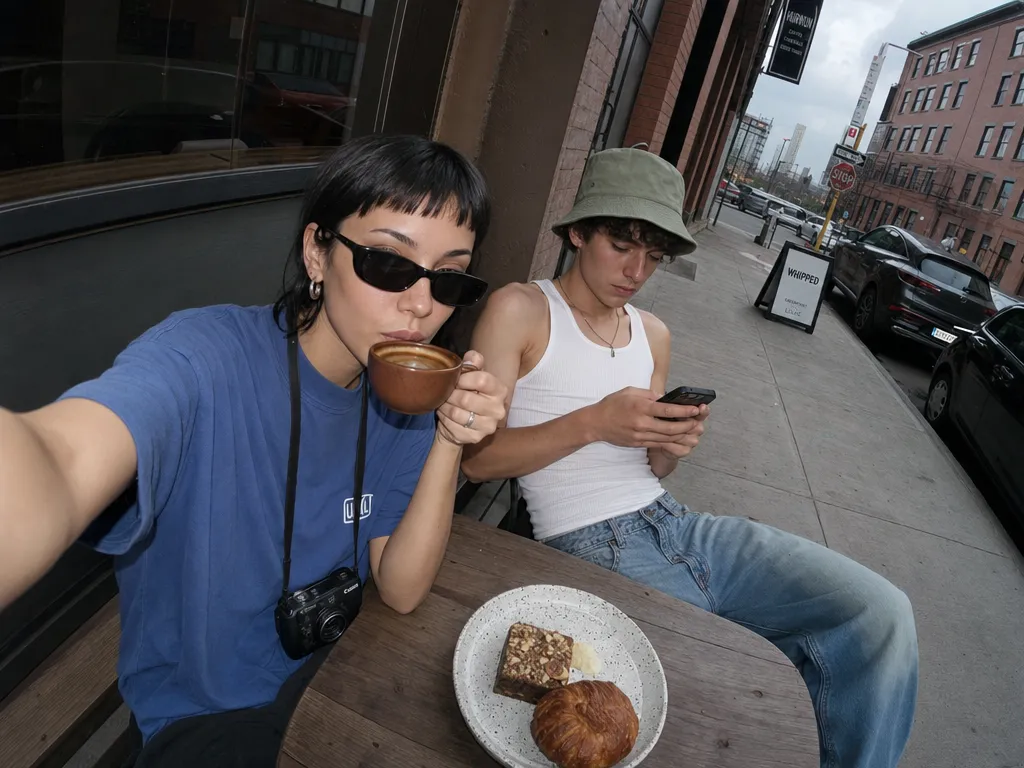
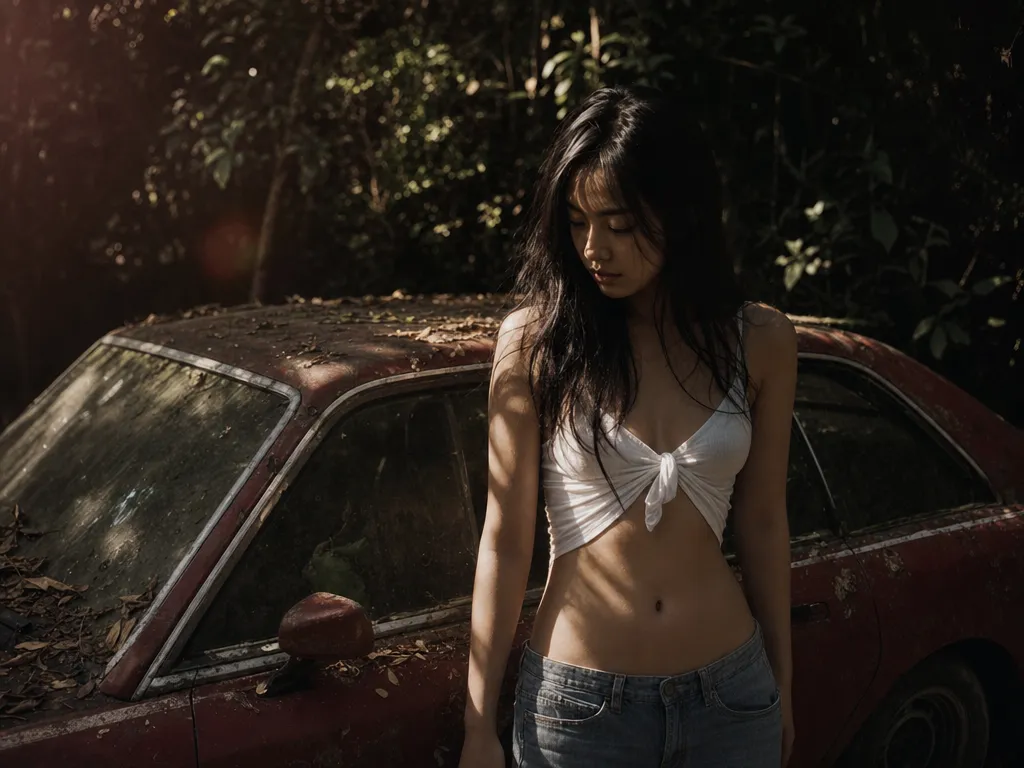
GPT Image 2 launched on April 21, 2026, and OpenAI's flagship image model is a generational leap from its predecessor. The headline improvements — sharper detail, near-perfect text rendering, stronger prompt adherence — only tell part of the story. The deeper shift is in how the model handles complex briefs: GPT Image 2 resolves the whole prompt instead of picking the easy half.
That leap is most visible in GPT Image 2's text rendering, which keeps signs, labels, and UI copy legible.
This guide covers the full picture: what GPT Image 2 does, how to get the best results, and where it fits against the other image models on PonPon.
What makes GPT Image 2 different
Previous image models — including GPT Image 1.5 and DALL-E — work as diffusion pipelines. You write a prompt, the model generates an image in one pass. GPT Image 2 is built directly into the GPT reasoning chain. It reads your prompt, thinks through the composition, verifies element placement, and then renders. OpenAI calls this "thinking mode."
In practice, this means fewer misinterpreted prompts. Describe a kitchen counter with six specific items arranged in a specific order, and GPT Image 2 places all six correctly. Ask for a magazine cover with a headline, subheading, and three bullet points, and each text element lands where it should. The model is not guessing — it is planning.
Output quality
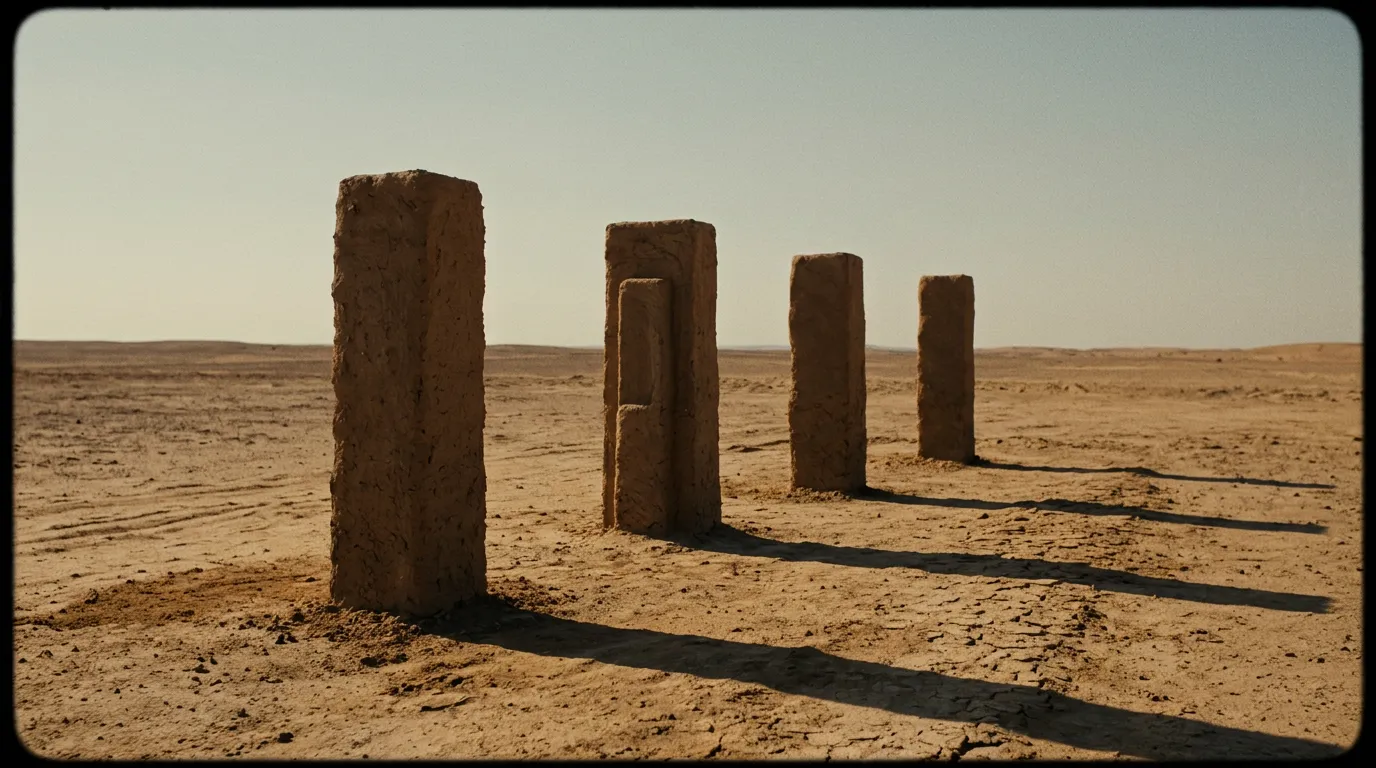
GPT Image 2 produces noticeably sharper, more detailed output than its predecessor. Lighting, texture, and composition read as deliberate rather than generated — the kind of result that typically needed multiple rounds of regeneration with older models.
On PonPon, GPT Image 2 always runs at the highest quality setting automatically. No quality dial to fiddle with — every generation gets the best the model can produce.
Text rendering: 99% accuracy
This is GPT Image 2's flagship capability. Text inside images — logos, packaging labels, signage, UI elements, book covers, social media cards — renders at 99% accuracy. That is not marketing language; it is the measured improvement over GPT Image 1.5's already-leading text rendering.
The bigger unlock is multilingual text. GPT Image 2 renders Chinese, Japanese, Korean, Hindi, Bengali, and other non-Latin scripts with the same accuracy as English. If you work on international campaigns or multilingual content, this eliminates the post-production text correction step entirely.
Practical applications:
- Product packaging with accurate ingredient lists and brand names in multiple languages
- UI mockups with realistic placeholder text that reads naturally
- Social media cards with headlines, hashtags, and CTAs that render cleanly
- Infographics with data labels, axis titles, and annotations
Subject fidelity across edits
Upload a reference image and iterate. GPT Image 2 keeps the face, product, or brand element stable across rounds of editing — no drift, no "close but not the same person." This is the biggest practical upgrade over GPT Image 1.5, where subject identity would subtly shift after a few edits.
The applications are immediate:
- Product photography — refine a product shot across multiple rounds without the product changing shape or color
- Brand assets — keep logos, mascots, and brand elements consistent through iterations
- Campaign assets — create a set of ad variations where the core subject stays locked
- Editorial series — maintain visual identity across a set of related images
Speed improvements
GPT Image 2 is noticeably faster than its predecessor. Complex prompts that previously required a long wait now return in seconds. Square images at standard resolution are the fastest.
For bulk workflows — generating 50 product shots or iterating through prompt variations — this speed improvement compounds. A session that previously took an hour finishes in 15-20 minutes.
Reference-image editing
GPT Image 2 runs text-to-image and image editing through the same model. Upload up to 16 reference images, describe the edit, and the model applies it while preserving the elements you want to keep.
This works for:
- Object replacement — swap a product in a scene without reshooting the background
- Text correction — fix a typo in generated signage without regenerating the full image
- Element addition — add a person, prop, or detail to an existing composition
- Style refinement — adjust lighting, color, or texture in a specific region
The editing preserves subject fidelity from prior generations, so iterative refinement is seamless. Make a change, evaluate, adjust, repeat — the subject stays locked throughout.
How to prompt GPT Image 2
Leverage the reasoning architecture
GPT Image 2 rewards structured, intentional prompts. Because the model reasons before rendering, it handles complex multi-part descriptions that would confuse simpler models.
Sparse prompt: "A coffee shop"
Structured prompt: "Interior of a Japanese kissaten coffee shop. Dark wood counter, brass siphon coffee maker, three ceramic cups in a row, morning light from a window on the left, a handwritten menu board on the wall reading 'Today: Ethiopian Yirgacheffe'. Photographic style, shallow depth of field, warm tones."
The structured prompt produces a more complete, intentional image because the model plans each element before rendering.
Iterative editing
Upload a reference image and describe what to change. GPT Image 2 keeps the subject stable across edits, so you can refine incrementally — adjust the background, swap a prop, tweak the lighting — without starting over.
Text-heavy prompts
For images containing text, spell out every word exactly. Specify font style ("sans-serif," "handwritten," "serif bold") and placement ("centered at the top," "bottom-right corner"). GPT Image 2 follows typographic instructions more literally than any other model.
When to use GPT Image 2 vs alternatives
GPT Image 2 is not the only image model on PonPon. Here is when to reach for each:
- GPT Image 2 — text-heavy designs, complex multi-element scenes, subject fidelity across edits, multilingual content, product photography with precise specifications
- PonPon's speed champion — surgical precision editing, fastest generation on the platform, stylized illustration, concept exploration where iteration speed matters most
- Midjourney v7 — distinctive artistic style, mood-driven imagery, when you want that particular visual voice
- Seedream 5 — widest range of artistic styles, oil painting textures, watercolor, art movement references
The professional approach is to have all of them available and choose based on the project. PonPon makes this straightforward — one credit wallet, one interface, every model.
GPT Image 2 in the PonPon pipeline
Images generated with GPT Image 2 feed directly into the rest of PonPon's creative tools:
- Generate a product shot, then animate it as a video clip with Kling 3.0 or Sora 2
- Put the same prompt through every generator and compare results in one workspace
- Use generated images as starting frames for multi-shot sequences in Cinema mode
- Build automated generation pipelines in Flow — GPT Image 2 as the first node, video generation as the second
No downloading, no re-uploading, no switching platforms. Everything connects through PonPon's unified workspace.
Getting started
On PonPon's image generation page, select GPT Image 2 from the model picker, write a detailed prompt, choose your aspect ratio, and generate. Start with a medium-complexity prompt to see how the model handles your typical use case, then push into text-heavy designs or iterative editing to see where GPT Image 2 really separates itself from the field.