Learn AI video & image creation
Tutorials, model deep dives, and creative guides from the PonPon team.
Guides & articles
Side-by-Side Model Comparison in Canvas
PonPon Canvas lets you compare AI model outputs side by side. Run the same prompt on multiple models and evaluate results objectively.

Cinematic Brand Videos on a $0 Production Budget
A practical guide to producing cinematic brand videos without a production budget. Covers visual storytelling techniques, AI model selection for cinematic quality, and a step-by-step workflow for creating professional-grade brand content.
Character References for Consistent AI Output
Learn how to use character references on PonPon to maintain consistent character identity across AI image and video generations. Covers reference preparation, model-specific techniques, and workflows for series and campaigns.
Chain Multiple AI Models in One Pipeline
Learn how to chain multiple AI models into automated pipelines on PonPon Flow. Connect image, video, and audio generation into end-to-end workflows that produce complete content from a single input.

Canvas vs Flow: Which PonPon Workspace Fits You?
A detailed comparison of PonPon's two workspaces: Canvas (infinite visual board for creative exploration) and Flow (node-based pipeline for automated workflows). Learn when to use each and how they complement each other.

Can Viewers Tell AI-Generated Video from Real?
An informal test of whether viewers can distinguish AI-generated video from traditionally shot footage. Covers what gives AI video away, what does not, and what the results mean for content creators.

Budgeting for AI Content: What to Expect in 2026
How to budget for AI content creation in 2026. Covers platform subscription costs, credit pricing models, labor time allocation, and total cost of ownership comparisons against traditional production methods.

Best Voice Generators for Video Narration
AI voice generators have become good enough for professional video narration. We compared the top options on voice quality, naturalness, speed, and how well they integrate into video workflows.

Best Video Editing Tools with AI Features in 2026
AI video editing tools have matured dramatically in 2026. We compare the best options for generation, upscaling, background removal, audio, and end-to-end workflows.

Best Tools for YouTube Creators in 2026
YouTube creators in 2026 have access to AI tools that handle everything from B-roll generation to thumbnail creation, audio, and automated workflows. Here are the best options.

Best Tools for TikTok Creators in 2026
TikTok's pace demands fast content creation. AI tools in 2026 let creators produce high-quality vertical video, trending effects, and engaging audio in minutes. Here are the best options.

Best AI Models for Cinematic Footage in 2026
Not all AI video models produce cinematic-quality footage. We tested Kling 3.0, Sora 2, Veo 3.1, and Seedance 2.0 specifically for filmmaking qualities — camera control, color, depth of field, and motion.
AI models
Kling 3.0
Turn a single prompt into broadcast-ready footage with synced dialogue, realistic motion, and multi-shot storytelling. No queue, no paywall to try.
Sora 2
Physically accurate world simulation, native audio, and photoreal detail. Sora 2 turns prompts into scenes that feel filmed, not rendered.
Veo 3.1
Native audio, accurate camera language, and prompt adherence you can direct. Veo 3.1 is the most controllable video model available today.
Seedance 2.0
ByteDance's Seedance 2.0 hits the sweet spot between speed and quality. Expressive motion and reliable character identity at a fraction of the render time.

Nano Banana Pro
The model behind the viral edit trend. Nano Banana Pro nails character consistency, precise object edits, and instruction following that every other image model gets wrong.
Sora 2 Pro
Everything that made Sora 2 the reference for photoreal AI video, now with longer clips, higher output resolution, and priority generation slots.
Veo 3.1 Fast
The full Veo 3.1 look — cinematic camera control, native audio, sharp motion — on a faster render pass. Built for iteration and daily creative output.
Kling O3
Kling O3 is Kuaishou's editing-first model. Restyle, change wardrobe, swap backgrounds, or direct motion — without re-shooting a single frame.
Kling 2.6 Pro
The generation that built Kling's reputation. If 3.0's newest features aren't required, 2.6 Pro still delivers crisp motion, strong characters, and predictable output.
Seedance 2.0 Fast
The Seedance 2.0 look — tight motion, synced audio, sharp output — on a faster pass. Ideal for TikTok, Shorts, and anywhere you ship daily.
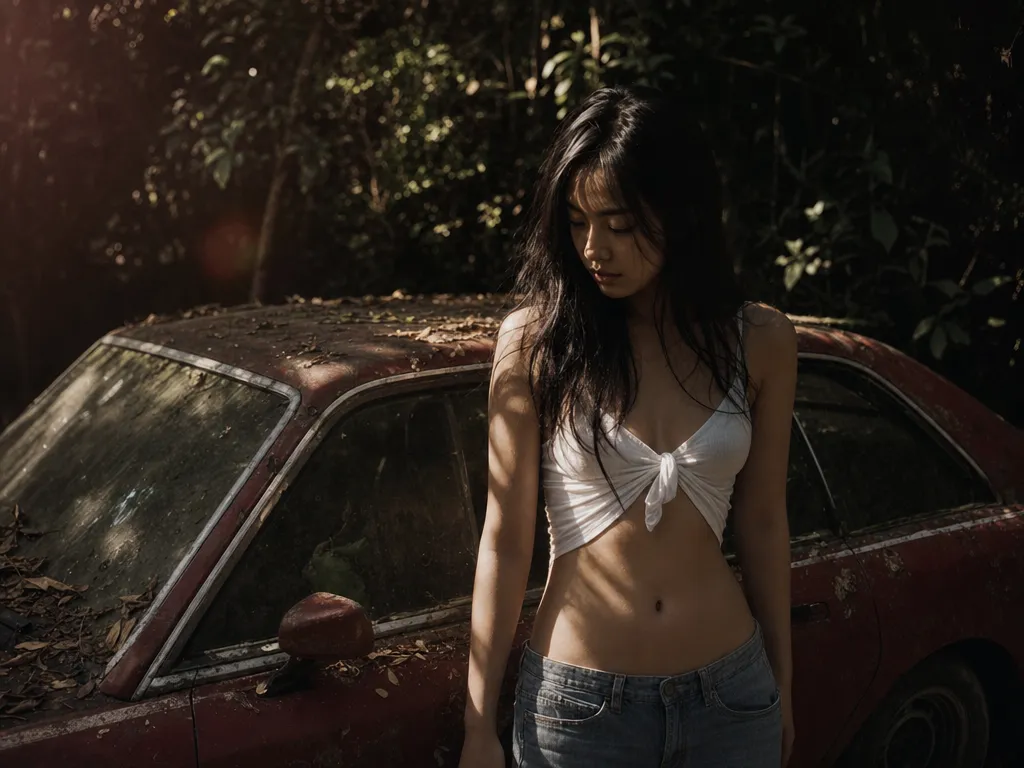
Seedream 5.0
Seedream 5.0 reads prompts the way humans do. Compositional intent, multi-subject scenes, text inside images — the fiddly stuff other models get wrong, it gets right.
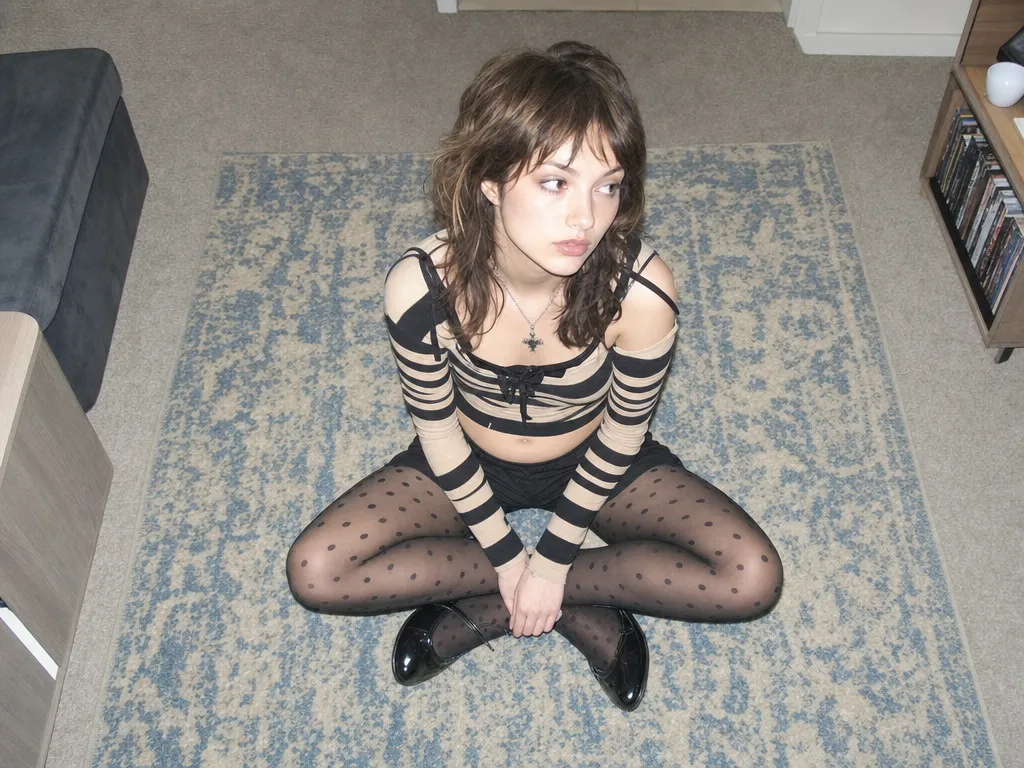
Seedream 4.5
The Seedream generation that became a production workhorse. Sharp detail, strong prompt adherence, and the fastest turnaround in ByteDance's image lineup.
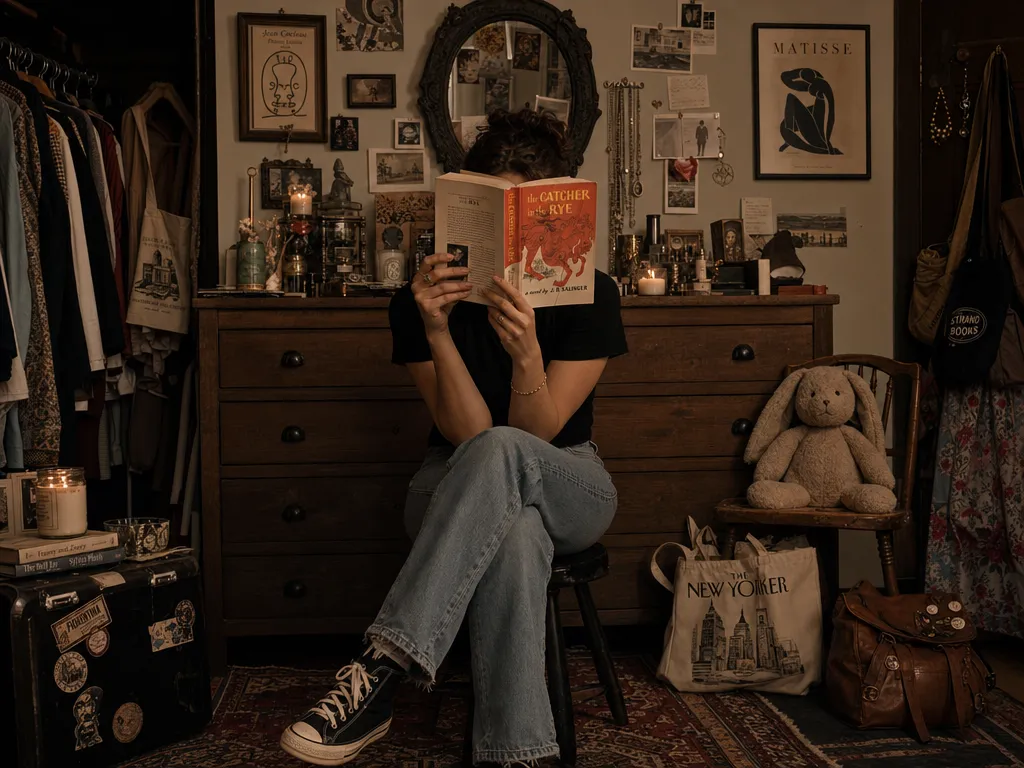
GPT Image 2
The successor to GPT Image 1.5. Sharper detail, more reliable composition, and subject fidelity that actually holds across edits. Reach for GPT Image 2 when the brief is unforgiving.
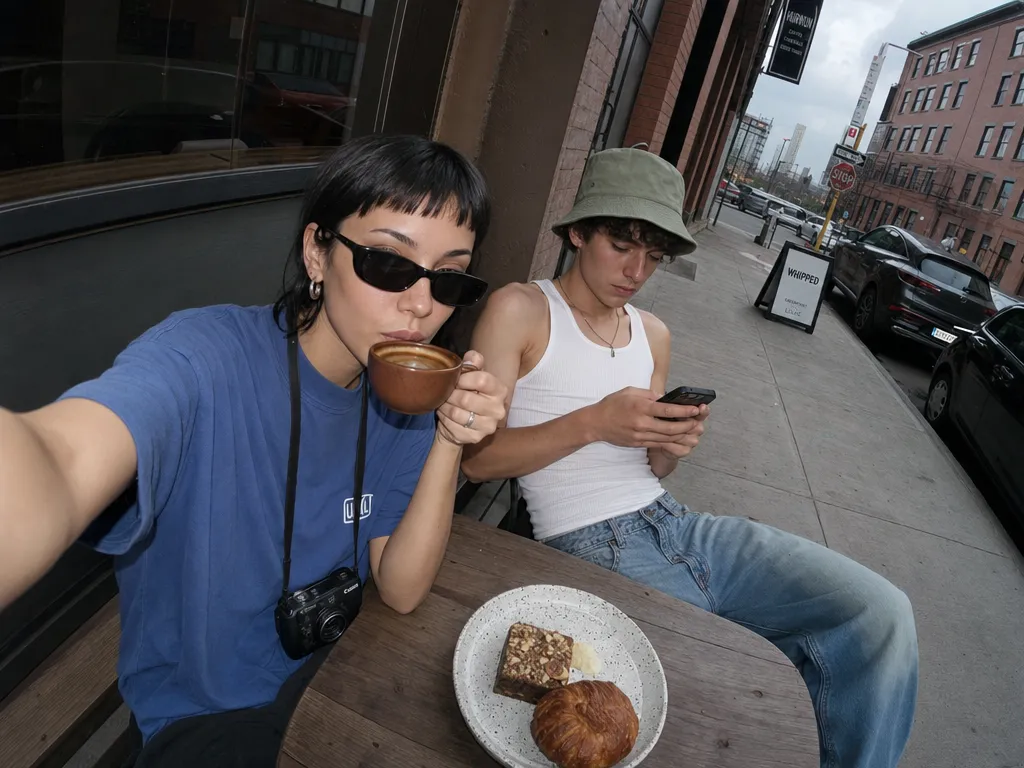
GPT Image 1.5
True-color rendering, obedient instructions, and legible text inside the image. GPT Image 1.5 is the one you reach for when the brief is detailed and the client is particular.
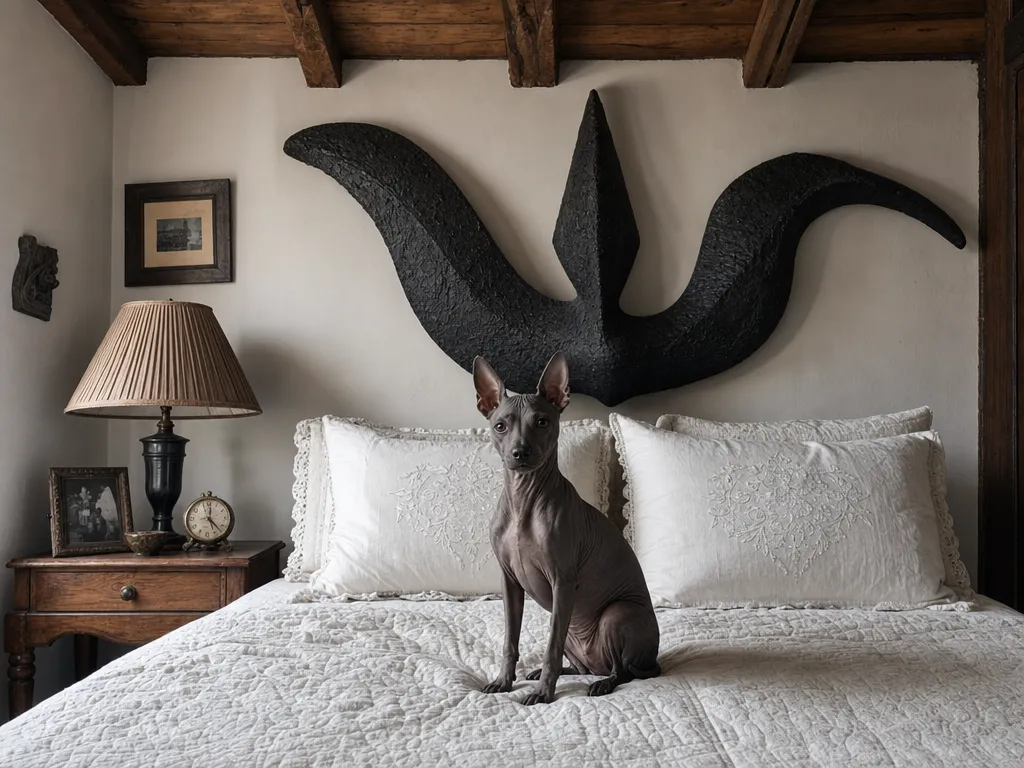
Midjourney V7
Midjourney's visual language is the reason a whole genre of AI imagery exists. V7 brings that signature look — painterly light, composed framing, editorial mood — to PonPon.
Nano Banana 2
The model behind the Nano Banana edit trend — now in a speed-tuned tier that keeps the precision and drops the wait. Quick enough to feel live.
HappyHorse
HappyHorse by Alibaba covers every video pipeline — text-to-video, image-to-video, multi-character reference, and video editing — in one model with native audio and up to 1080p output.
Kling O1
Kling O1 delivers Kuaishou's proven video quality at a lower cost per clip. Text-to-video, image-to-video, reference-to-video, and video editing — the reliable everyday model for teams that iterate fast.
AI tools
AI Video Generator
Turn text prompts or images into cinematic video with the world's best AI models — all in one place.
AI Image Generator
Create stunning images from text prompts with the most precise AI image models available. Edit, remix, and iterate — all in one place.
Image to Video AI Generator
Upload any photo and turn it into a cinematic video. AI preserves your composition while adding realistic motion, physics, and audio.
Text to Video AI
Type a prompt, get a video. Cinematic quality from the best AI models in the world — Sora 2, Kling 3.0, Veo 3.1, and Seedance 2.0.

PonPon Muse
Upload your photo, choose a style, and Muse generates stunning fashion portraits that preserve your identity. From Y2K street to cinematic couple shots — all in seconds.
AI Agent
Describe what you want in plain language. The AI Agent analyzes your intent, picks the best models, and generates images and videos together — all from a single prompt on Canvas.