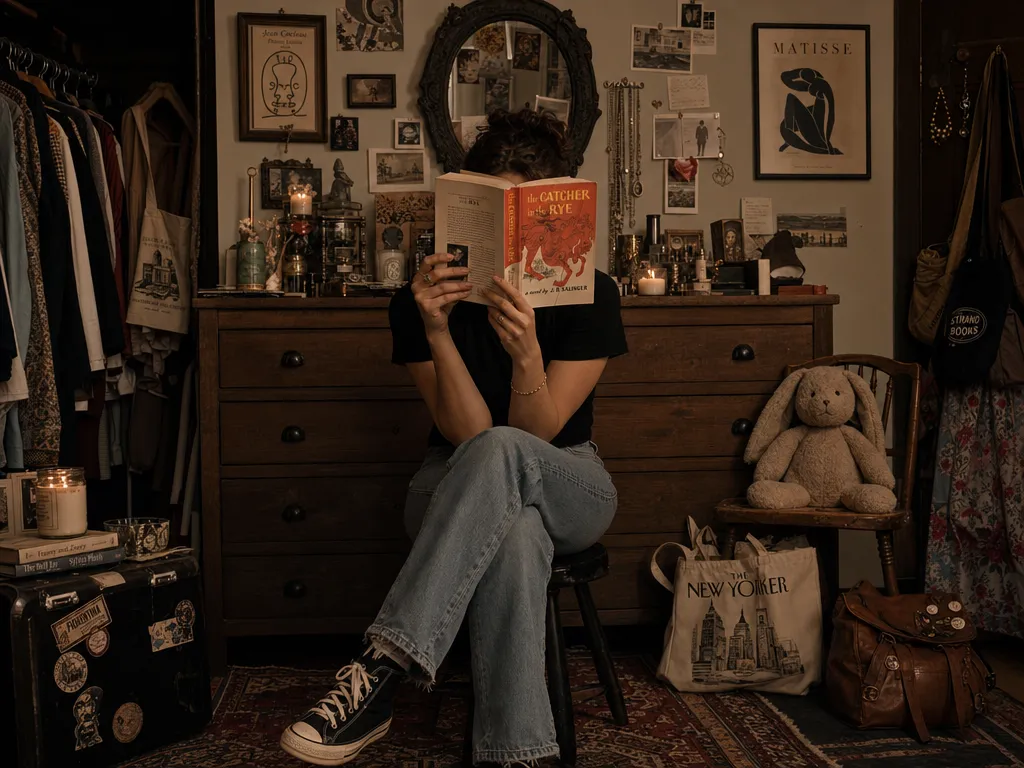
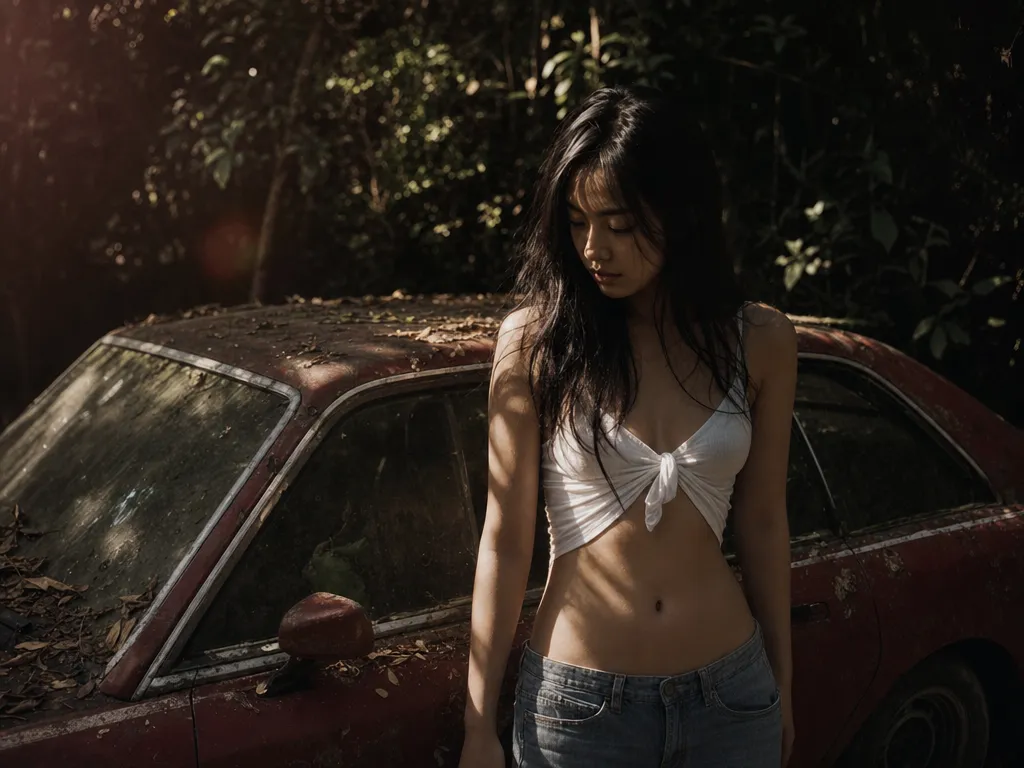
Selfie to ID photo in one click
Upload a phone selfie and the AI re-frames it front-facing, evens out the lighting, and cleans up the background into an ID-ready portrait — no studio visit. Make your ID photo.
Turn a phone selfie into a clean ID or passport-style portrait in seconds — pick a white, blue, red, or gray background, switch to formal attire, and get an evenly-lit, front-facing result. Free, no install.
Choose a background
 White background
Upload a phone selfie and the AI re-frames it front-facing, evens out the lighting, and cleans up the background into an ID-ready portrait — no studio visit. Make your ID photo.
Swap the background to a solid color that matches common ID, visa, and resume specs. The same precise cutout engine powers the background remover, so hair and shoulders stay clean.
Turn a t-shirt into a suit, blazer, or collared shirt without re-shooting. Describe the outfit and the AI redraws it while keeping your face and pose. Refine further in the image-to-image editor.
Optional soft skin and lighting cleanup in the popular 韓式 / Korean ID-photo look, tuned to keep your real features instead of replacing your face.
Neutral expression and even lighting suit resumes, job applications, and work profiles. It produces an ID-style portrait, not an official biometric capture — always check your document's exact specs before submitting.
Everything renders on cloud GPUs, so it works on Mac, Windows, Chromebook, or tablet — nothing to install, with free daily credits. For print sizes, pair it with the AI image upscaler.
A clean, neutral headshot on a solid background for your CV, job portal, or work badge.
Generate an ID-style portrait with the background color your form asks for, then verify the size against the official guidance.
A consistent, professional-looking photo for LinkedIn, company directories, and member profiles.
Quick, tidy ID portraits for school, gym, library, and club membership cards.
Join thousands of creators, agencies, and brands who use PonPon every day.
We compared 10 AI image generators on quality, pricing, text accuracy, and use-case fit. This guide helps you pick the right one for your workflow in 2026.
GPT Image 2 rewards structured, intentional prompts differently than any other image model. Here are the techniques that consistently produce better results.
Not every project demands a documentary aesthetic. We breakdown how Seedream 5 excels in producing heavy stylization, illustrations, and surreal concepts.