Make a TikTok short, start to finish
A complete worked example with real prompts: plan a vertical short, generate the visuals, add voiceover and music, assemble it, and export — using PonPon end to end.
This is a full recipe — from blank page to a postable vertical short — that ties the other guides together. We'll make a faceless product clip for TikTok / Reels, but the same steps fit any short.
Plan the clip
- Format: vertical 9:16, a few seconds per shot, 2–4 shots total.
- Hook: decide the first second. The opening shot has to stop the scroll.
- Beat per shot: one action each — don't cram a whole scene into one clip.
For our example: a 3-shot clip for a reusable water bottle — *unboxing → in use → hero shot.*
Step 1 — Generate the visuals
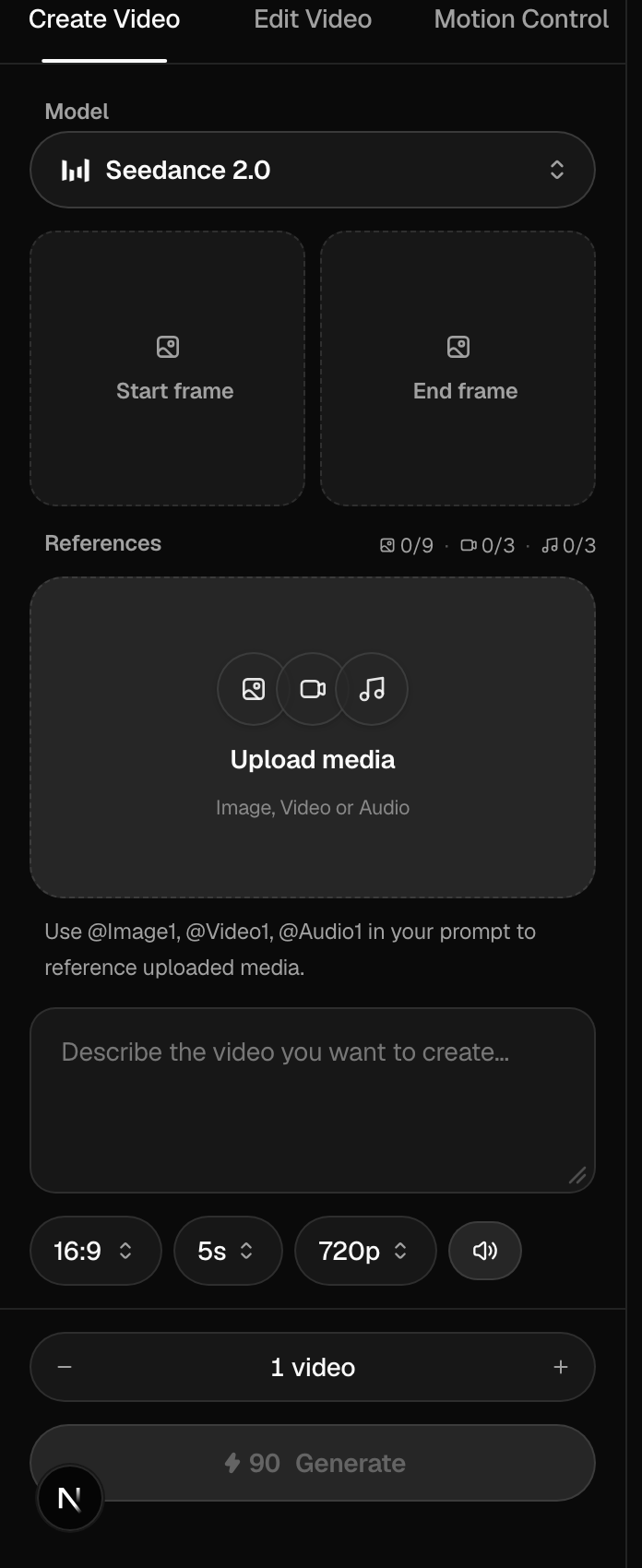
In the video generator, set 9:16 and work shot by shot. Real prompts for the example:
Shot 1 (hook): *A hand lifts a matte-green water bottle out of a kraft box on a sunlit kitchen counter, slow push-in, crisp morning light. 9:16, 3s.*
Shot 2: *The same bottle being filled at a tap, water splashing, shallow depth of field, bright and fresh. 9:16, 3s.*
Shot 3 (hero): *The bottle standing on a mossy rock outdoors, slow orbit, golden hour. 9:16, 4s.*
Seedance 2.0 is fast and vertical-first; Veo 3.1 gives the most camera control. Keep early renders short and at default resolution while you find the shots, then commit the keepers. See Choosing a model and Prompting for video. Got a real product photo? Drop it in as a Start Frame — see Image-to-video guide.
Step 2 — Add voice and music
In the audio studio:
- A tight voiceover: *"Hydration that actually looks good. Meet the one bottle you'll never lose."*
- A music bed: *"warm upbeat indie-pop, light percussion"* — instrumental, kept quiet under the voice.
- A couple of sound effects — a box open, a water pour — for texture.
See Voiceover and audio basics and Music, sound effects & dialogue.
Step 3 — Assemble
Sequence the three shots and lay the audio underneath in Flow, or build a multi-scene edit in Studio. Trim each shot to its beat and make sure the hook lands first.
Step 4 — Export and post
Export 9:16 as MP4. Add on-platform captions when you upload — most viewers watch muted, so the first line of text matters as much as the hook shot.
The shortcut
Want a finished clip in one step instead? A one-tap Effect turns a single photo into a themed vertical video with no setup — great for trend-style posts.
More recipes
For specific formats, these use-case pages walk through complete examples: UGC video, UGC ads, and lip-sync videos.
Related articles
- Text-to-video basicsHow video generation works on PonPon: text-to-video vs image-to-video, choosing models like Veo 3.1, Sora 2 and Kling 3.0, and the Edit and Motion Control tabs.
- Choosing a modelHow to pick the right AI model on PonPon: what each image and video model is best at, a quick decision table, a worked comparison, head-to-head matchups, and Fast vs Pro tiers.
- Voiceover & audioThe PonPon audio studio: text-to-speech, voice changer, dubbing into 31 languages, sound effects, music, and multi-voice dialogue — powered by ElevenLabs and MiniMax.